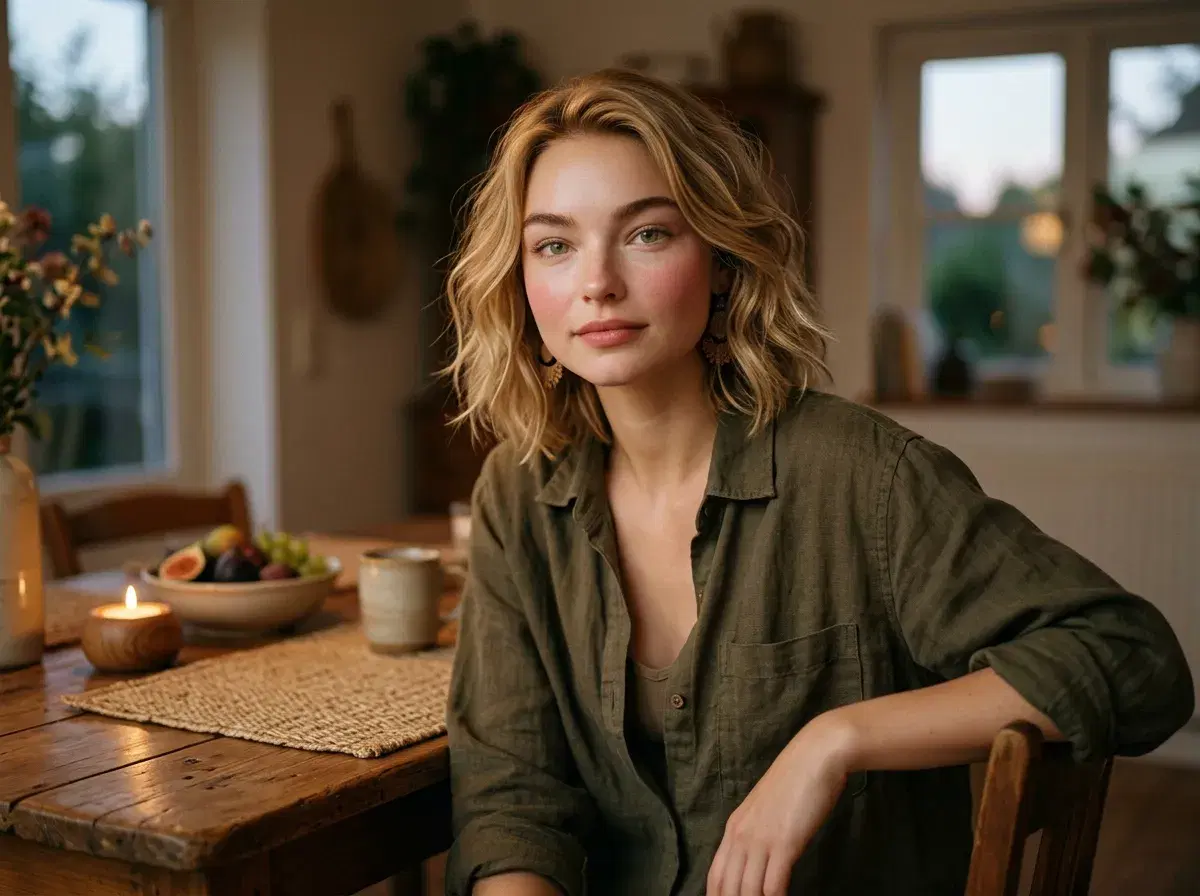
An AI Kwanzaa photoshoot uses a generator to make portraits for the season, such as cards, family messages or a profile update, without booking a studio. You stay in charge of how the celebration is shown.
Kwanzaa runs December 26 to January 1 and centres on seven principles, so details matter. This guide covers planning, prompting and checking.
For ready-made looks, see AI Kwanzaa photos.
- Plan the portrait first: who, where it will be used, and which symbols to include.
- Be specific about attire and objects; AI can misstate cultural details.
- Check each image and regenerate any that are off.
- Pose is $4.99 the first week, then $14.99 a week; not unlimited.
Plan the shoot
Decide where the photo will live. A card suits a warm table setting; a profile update suits a clean portrait with red, black and green accents. Gather the details you want shown, such as a kinara, a woven mat, corn or a unity cup.
Write a careful prompt
Name the attire, the setting and the lighting, and be exact about symbols. For example: waist-up, person in a patterned outfit beside a kinara with three red, one black and three green candles, warm evening light. Leave your face out; Pose reads it from your selfie.
Check the details
The kinara holds seven candles, usually three red, one black and three green. Models sometimes miscount or rearrange them. Review every image, regenerate misses, and keep any text for your own editor, since generated lettering is unreliable. Make images of your own tradition and avoid depicting a community you are not part of.
Browse the style: AI Kwanzaa photos.
Animate a portrait in the Video Studio.