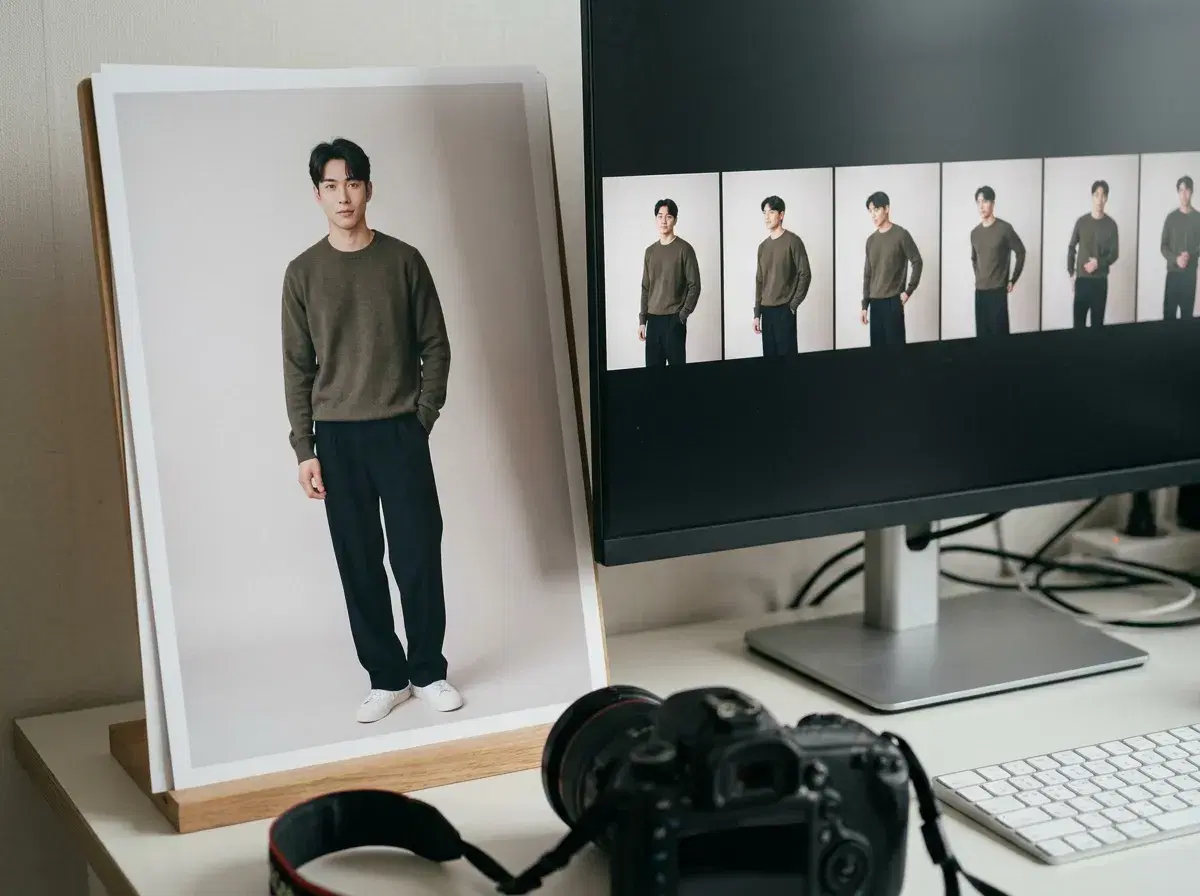
Popular AI photo dance animation apps turn a still photo into a short dancing clip. Pose AI does it with SeedDance and Kling in its Video Studio, and Clone a Video can copy the motion of an existing clip onto your photo.
Pika and Captions offer related features, so here is how they differ.
Animate a photo in the Video Studio.
- Pose AI: animates your photo with SeedDance or Kling; Clone a Video swaps you into a clip.
- Pika, Captions: related animation features; verify current options.
- Identity: Pose keeps your face recognisable from the photo.
- Rights: use dance reference clips and music you have permission to use.
What photo-to-dance AI is
Photo-to-dance AI animates a still image so the person moves in a dance. It either invents the choreography from a text description or transfers motion from a reference clip. Results vary with how clear the photo is and how full-body it shows the person.
Photo dance apps compared
| App | How it works | Your own face |
|---|---|---|
| Pose AI | Describe the dance, or copy motion from a clip (Clone a Video) | Kept from the photo |
| Pika | Animate an image with prompts | Depends on the input |
| Captions | Creator tools and AI video features | Verify |
Pick by whether you want to describe a dance or copy one.
Tips for a clean result
Use a full-body, evenly lit photo with clear limbs, describe the style of dance in a sentence, and keep clips short. Check the first seconds before using the whole clip.
Open the Video Studio.
See aesthetic photo dump ideas.