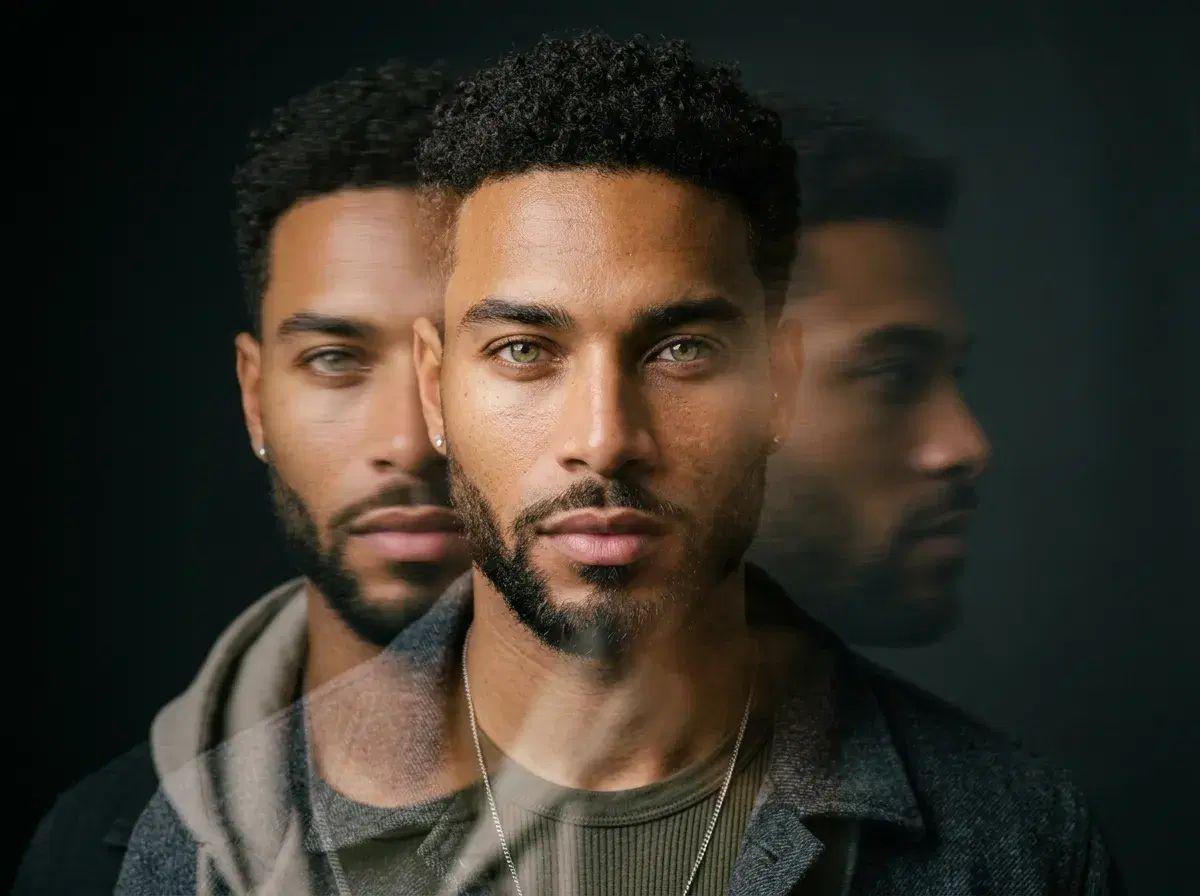
AI video poses take the idea of an AI-generated pose and set it in motion — the same identity-locked face, now moving through a pose or a short sequence instead of holding a single frozen one. Where a still AI pose captures you mid-turn, an AI video pose shows the turn happening.
This explains what AI video poses are, how they differ from static image poses, and how Pose AI generates the motion natively — through its own six video engines, not by handing your photos off to an external tool.
For the motion studio itself, see the Pose AI Video Studio.
- AI video poses are AI-generated clips of you moving through a pose or motion, generated from your identity rather than filmed.
- Pose generates them natively through six video engines: Kling for camera movement, SeedDance for body motion and motion transfer, Wan for fast iteration, Veo and Sora 2 for photorealistic scenes, and HeyGen for talking-head delivery.
- The identity from your still poses carries straight into the clip via Nano Banana 2, so a photo and a video read as the same person.
- Nothing is exported to an external video tool — image and video run on one platform and the same 400 credits.
- $4.99 the first week, then $14.99/week, with 400 credits covering both photos and video, no watermarks.
Static AI poses vs. AI video motion
A static AI pose is a single generated image: you, in a chosen pose, framing, and setting, held in one frozen moment. An AI video pose is the moving version of that — a short clip where the same face moves through the pose rather than holding it. The distinction matters because they answer different needs. A still pose is a photograph; a video pose is a few seconds of you in motion, for a reel, an intro clip, a social post, or a talking-head.
The connective tissue between them is identity lock. Pose generates from a single selfie with Nano Banana 2, and that same anchored identity is what carries into the video engines. So the person in your still poses and the person in your video poses are recognisably the same — you don't get a photorealistic photo and then a subtly different face in the clip.
How Pose generates AI video poses
The motion comes from Pose's native video engines, each suited to a different kind of pose in motion. Kling handles camera movement — a slow push-in, an orbit around you. SeedDance handles body motion and motion transfer, which is what turns a still into a moving pose or a short dance. Wan is the fast-iteration option for testing a motion quickly. Veo and Sora 2 render photorealistic scenes with natural movement. HeyGen drives talking-head delivery, so a pose can speak a script in your own cloned voice.
You guide the motion the way you guide a still pose: by choosing a style or describing the movement you want, and where an engine supports it, by supplying a reference for the motion. All six run natively on the same 400 weekly credits — there's no separate video subscription and nothing gets sent to an outside app. That native setup is the reason the identity stays consistent from photo to clip: it's the same platform generating both.
One honest note on control: this is generation, not a keyframe animation tool. You're directing the model toward a motion rather than posing each frame by hand, and if you supply a reference clip for motion transfer, you need the rights to that material. Generating a few variations and keeping the one that moves best is the normal workflow.
For a video-ready pose style to start from, see AI influencer story photos.
Where AI video poses fit
The strongest fit is short-form content where a still isn't enough: an intro clip on a profile, a reel that opens on you moving, a talking-head where you deliver a line to camera, a lifestyle clip for a brand or personal page. Anywhere a moving pose reads as more alive than a photograph, and where you'd otherwise need to film yourself.
It pairs naturally with the still side. The usual workflow is to generate a set of still poses, pick the look that works, and then generate a short clip that moves in the same style — a consistent identity across both, from one selfie and one plan. That's the practical advantage of image and video living in the same studio rather than being stitched together across tools.
For the still-pose side, see AI headshots.