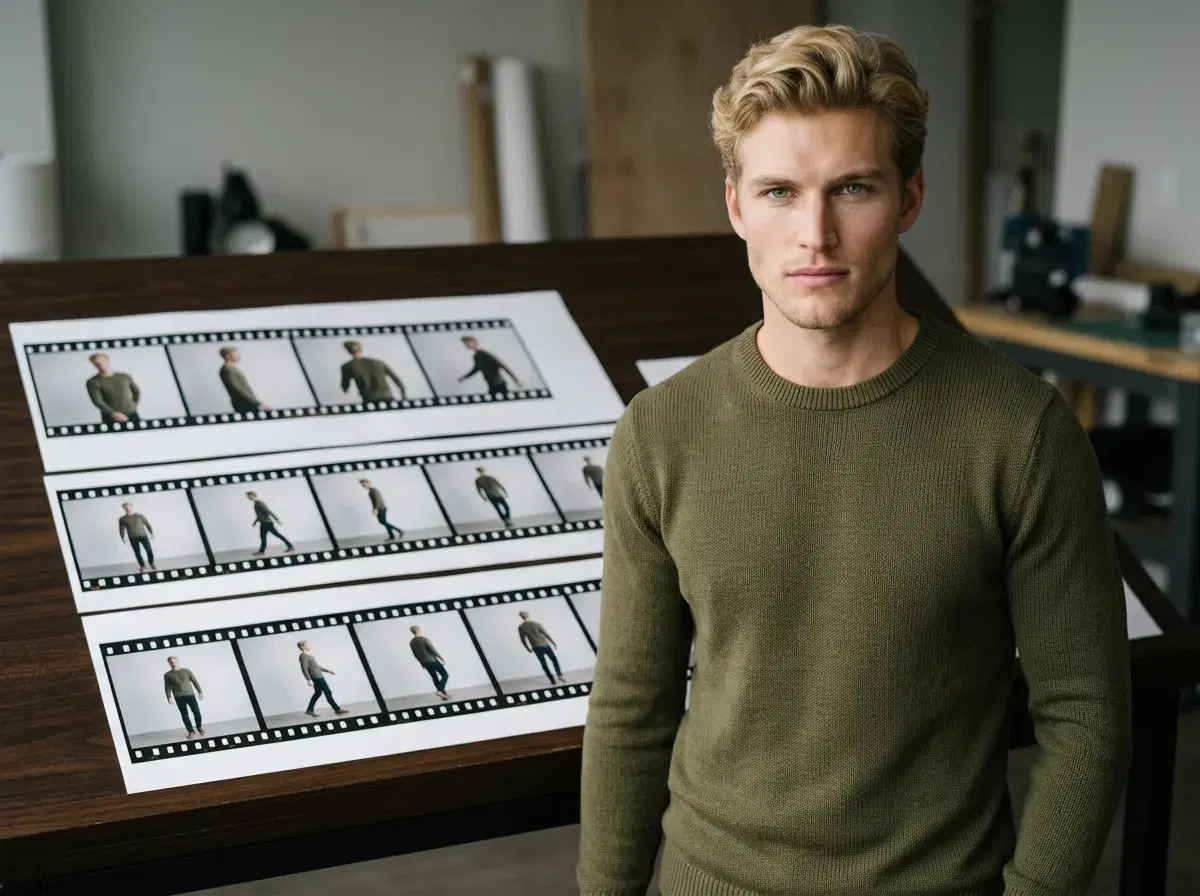
A video prompt is a still prompt plus one more thing: an instruction about motion. That instruction is where most video prompts go wrong — describing a scene beautifully but leaving the model to guess whether the camera moves, the subject moves, or neither.
Pose runs six video engines natively, and they read that motion instruction differently. This guide covers eight examples and which engine to reach for.
- Pose generates video natively across six engines — Kling, SeedDance, Wan, Veo, Sora 2, and HeyGen — with nothing exported to an outside tool.
- Always state the motion: camera movement ("camera pushes slowly forward") or subject movement ("person turns toward camera"), or the model guesses.
- Match the engine to the job: Kling for camera moves, SeedDance for body motion, Veo and Sora 2 for photorealistic scenes, HeyGen for talking heads, Wan for fast iteration.
- As with photos, never describe the face — identity comes from your uploaded selfie.
Camera motion vs subject motion
These are two different instructions and models treat them separately. Camera motion moves the frame: a push-in, a slow orbit, a pull-back. Subject motion moves the person: turning, walking, gesturing, dancing. A prompt that specifies neither tends to produce a nearly static clip with slight drift.
Kling is the strongest on camera movement, so state the move explicitly when using it. SeedDance is built for subject motion and motion transfer, so describe the movement itself and let the camera stay put. Trying to get elaborate camera work out of a subject-motion engine, or vice versa, is the most common reason a clip comes back looking flat.
Music Video Prompts for iOS/Android
| Prompt | Best Pose engine | Mobile tip |
|---|---|---|
| Slow-motion concert crowd, hands raised, colored stage lights | SeedDance | Export vertical (9:16) directly for TikTok or Reels |
| Neon cyberpunk dancer, synthwave color grade | Kling | Works from the phone browser — no separate app needed |
| Close-up performer delivering lyrics to camera | HeyGen | Pair with ElevenLabs voice cloning for consistent audio |
| Wide cinematic shot of an empty stage before a show | Veo | Good as an opening B-roll shot before cutting to performance |
| Handheld-style push-in on a performer mid-song | Kling | A shorter, simpler camera move renders faster on any device |
Pose runs the same six engines in your phone's browser as on desktop — no separate mobile app or reduced feature set.
8 AI video prompt examples
1. 1. Kling — slow push-in
Kling handles camera movement most reliably — state the move explicitly. Prompt: "Three-quarter shot, person standing on a quiet city street at dusk, camera pushes slowly forward, warm streetlight glow, shallow depth of field, cinematic, ultra-realistic, 8k"
2. 2. Kling — orbit
An orbit reads as high production value and needs no subject motion. Prompt: "Medium shot, person standing still in an open studio space, camera orbits slowly around the subject, even soft lighting, cinematic, ultra-realistic, 8k"
3. 3. SeedDance — body motion
SeedDance is the engine for subject motion and motion transfer. Prompt: "Full-length shot, person dancing in a bright studio, natural fluid body movement, soft even lighting, camera static, ultra-realistic, 8k"
4. 4. SeedDance — motion transfer
Supply a reference clip; make sure you have the rights to the material. Prompt: "Full-length shot, person performing the movement from the supplied reference clip, plain studio background, even lighting, ultra-realistic, 8k"
5. 5. Veo — photorealistic scene
Veo handles complex natural scenes and environmental motion well. Prompt: "Medium shot, person walking along a coastal path at golden hour, wind moving hair and clothing, waves breaking behind, photorealistic, cinematic, 8k"
6. 6. Sora 2 — longer take
Reach for Sora 2 when the shot needs to sustain a little longer. Prompt: "Three-quarter shot, person browsing shelves in a bookshop, gentle continuous movement through the aisle, warm interior light, photorealistic, cinematic, 8k"
7. 7. HeyGen — talking head
HeyGen renders the talking delivery; pair it with a cloned voice. Prompt: "Waist-up shot, person in casual clothing in a bright home interior speaking directly to camera, natural window light, phone-video framing, ultra-realistic, 8k"
8. 8. Wan — fast iteration
Wan is the one to use while you're still deciding what the shot should be. Prompt: "Waist-up shot, person turning toward camera and smiling, plain neutral background, soft even light, ultra-realistic, 8k"
Generate any of these in Pose's Video Studio.
For ad-format video specifically, see AI video ads for TikTok.
For the underlying prompt structure shared with photos, see how to write Pose AI prompts.