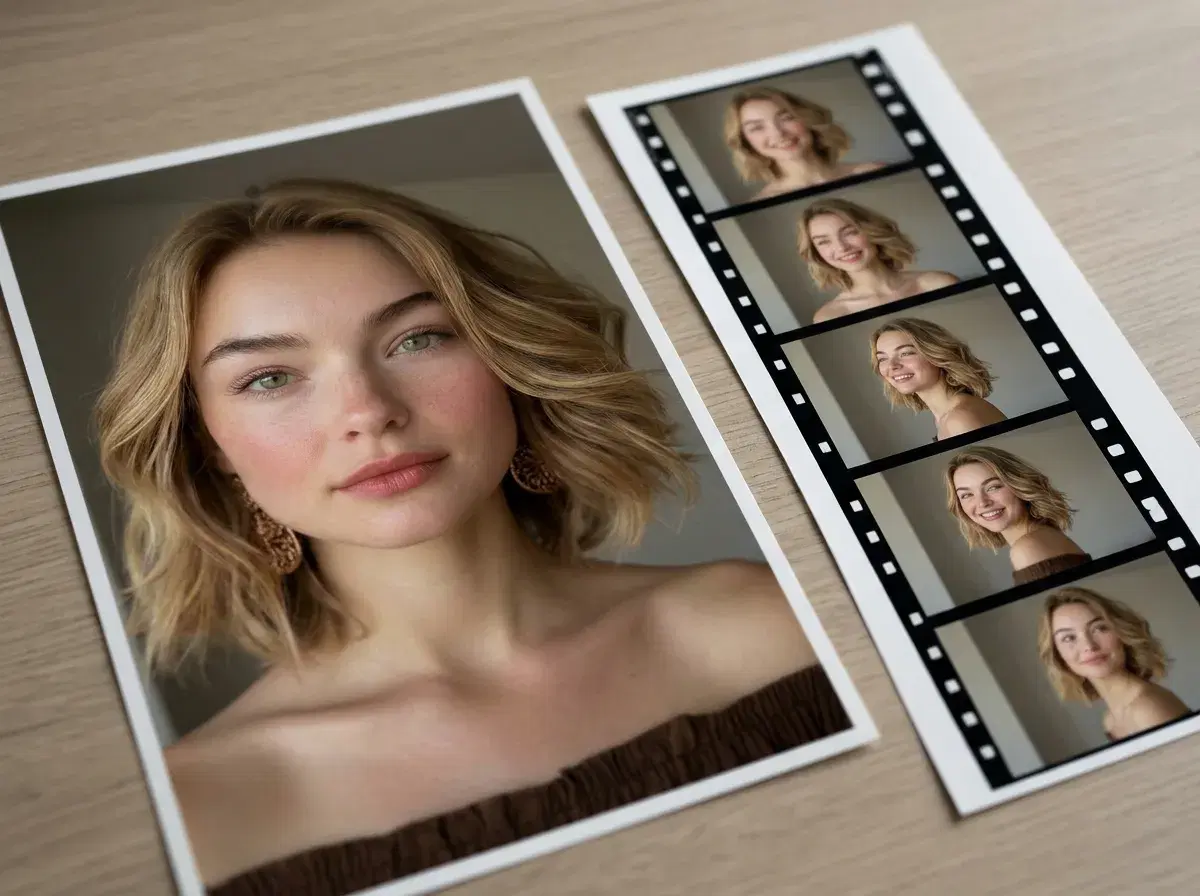
A video pose is a still identity carried into motion — the same face, generated fresh, moving through a scene rather than sitting frozen in a photo. Pose AI generates video poses natively from one selfie, using six built-in engines rather than exporting to a separate video tool.
This guide defines what a video pose actually is, how identity-locked video generation differs from a generic AI video clip, and where to use it.
- Direct answer: a video pose AI generator turns one selfie into a moving clip while keeping your real identity locked across every frame — Pose does this natively with Kling, SeedDance, Wan, Veo, Sora 2, and HeyGen.
- No external tools: generation, motion, and voice all run inside one studio on one weekly credit plan.
- Six engines, six jobs: camera moves (Kling), body motion and motion transfer (SeedDance), fast iteration (Wan), photorealistic scenes (Veo, Sora 2), talking-head delivery (HeyGen).
- Identity carries through: the face generated in a still photo is the same face that moves in the video, with no separate training step.
What is a video pose?
A video pose is the video equivalent of a still pose: instead of describing how you're positioned in one frame, you describe or select how you move across a clip. The distinguishing feature is that the identity stays locked — the person in the video is recognizably you, generated fresh rather than filmed.
What is identity-locked video generation?
Identity-locked video generation means a model reads your face from one uploaded selfie and preserves that same face across every generated frame, without a separate training run or a batch of reference photos. It's what makes a video pose read as "you" rather than a generic AI-generated person — the same mechanism Pose uses for still photos, extended into motion.
Generate your first video pose in Pose's Video Studio.
For talking-head UGC content specifically, see AI UGC video generation.
For ad-format video poses, see AI video ads for TikTok.