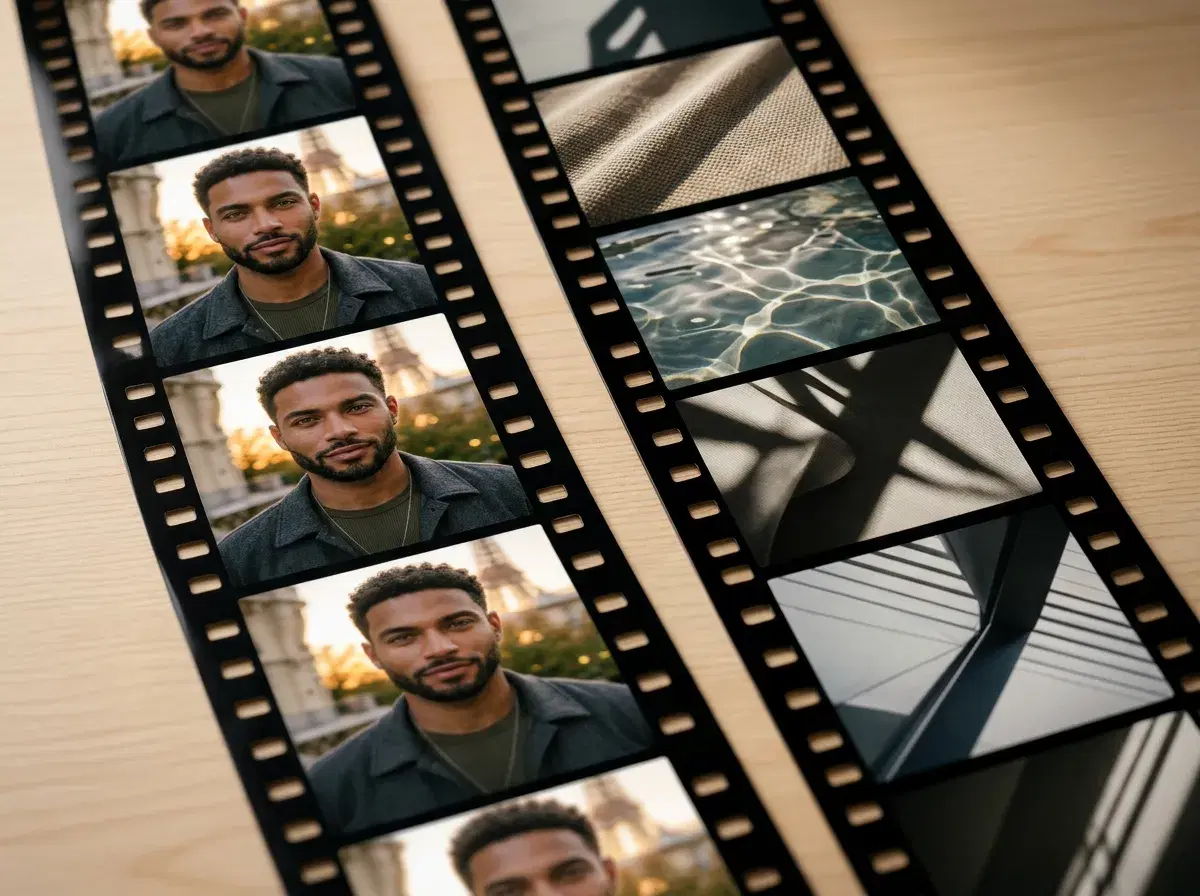
Pose AI and Pika.art both turn prompts and images into AI video, but they're built around different questions. Pose asks who is in the video and keeps that identity locked; Pika asks what the video should look like and gives you creative motion control over it.
This comparison covers where each one fits, and why the choice usually comes down to whether the subject needs to be a specific real person.
- Direct answer: Pose AI is the better fit when the person in the video must be you across every clip; Pika is the better fit for stylised, creative motion where the subject doesn't need a fixed identity.
- Engines: Pose runs six natively — Kling, SeedDance, Wan, Veo, Sora 2, and HeyGen. Pika is built around its own model.
- Identity: Pose locks your face from one selfie and holds it across generations; Pika generates a new subject per clip.
- Workflow: Pose covers photos, video, and voice in one studio and one credit pool; Pika sits in a video-focused workflow alongside whatever else you use.
What a video pose is
A video pose is identity-consistent AI video generation: the same face, generated fresh, carried through motion across a clip. It's the moving equivalent of a still photo pose, and the defining feature is that the person is recognisably you rather than an invented figure.
What Pika.art is
Pika is an AI video generation platform built around its own model, focused on stylised and creative motion from text prompts or reference images. It's genuinely strong at expressive, art-directed short clips, and it gives users direct control over motion effects — but like most prompt-driven generators, it doesn't anchor output to a specific real person's identity.
Pose AI vs Pika.art
| Pose AI | Pika.art | |
|---|---|---|
| Video engines | Six native: Kling, SeedDance, Wan, Veo, Sora 2, HeyGen | Its own model |
| Identity lock | Yes — from one selfie, held across clips | No — subject regenerates per clip |
| Best for | Video of a specific person, consistently | Stylised, art-directed creative motion |
| Beyond video | Photos, headshots, UGC, voice — one studio | Video-focused |
| Pricing | $4.99 first week, then $14.99/week for 400 credits | From ~$10/month (approximate) |
These aren't really competing for the same job. If you're making creative, stylised motion where the subject is whoever the model invents, Pika is a strong and enjoyable tool. If the video needs to show you — the same you, clip after clip — that's the specific thing identity lock exists for, and it's what separates Pose here.
Try identity-locked video generation in Pose's Video Studio.
For the full definition and workflow, see the Video Pose AI Generator guide.