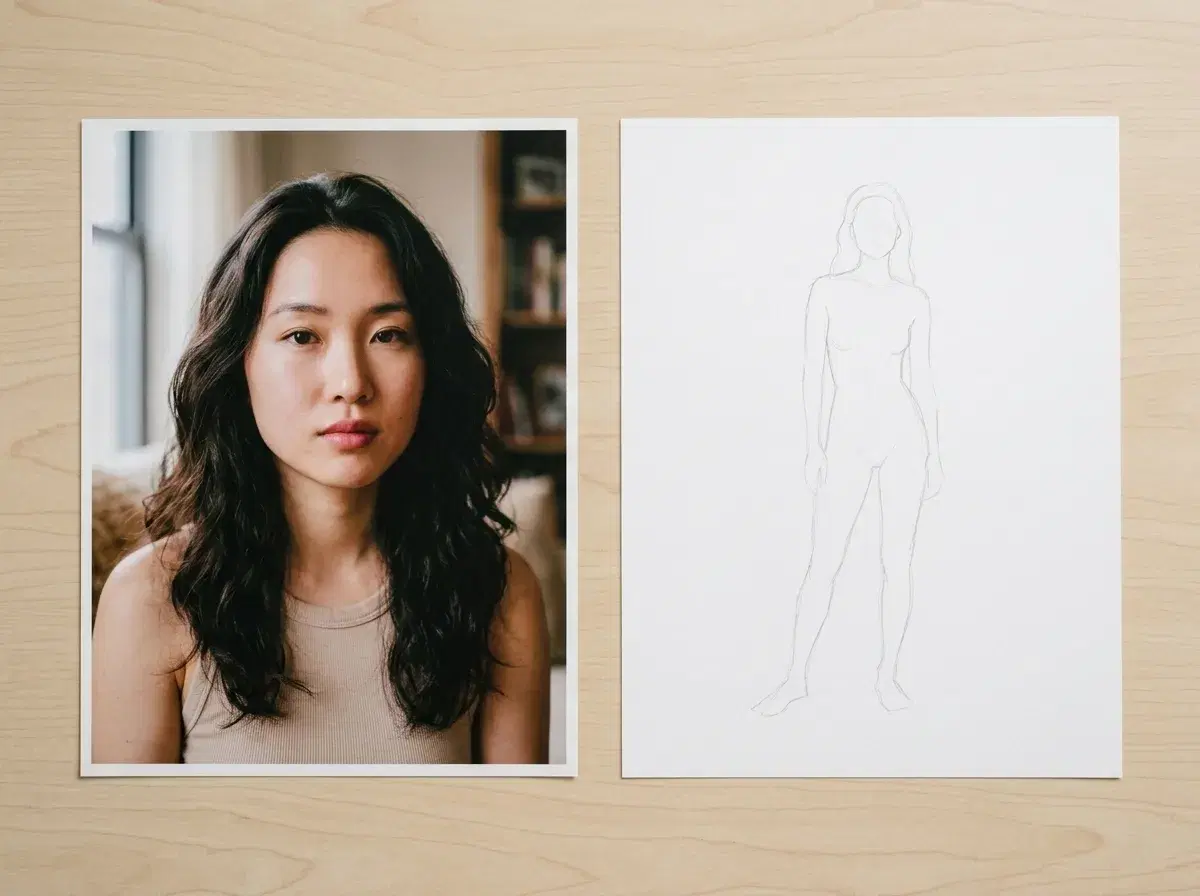
"Pose changer AI" is usually one of two different things. It can mean editing the pose within a photo you already have — Adobe Firefly's Generative Fill does that. Or it can mean generating a brand-new photo of yourself in a pose you describe, which is what Pose AI's Image Studio does, from a single selfie.
This guide covers the second kind: how Pose AI "changes" a pose by generating a fresh, identity-locked image rather than editing an existing one, for headshots, video, and UGC content.
- An AI pose changer either edits an existing photo's pose (Adobe Firefly's Generative Fill) or generates a new photo of you in a described pose (Pose AI's Image Studio, via Nano Banana 2). Pose AI does the second — it does not modify a photo you already have.
- Headshots: describe a seated, standing, or three-quarter pose and Pose generates a new identity-locked headshot in it, from one selfie.
- Video: Motion Control directs movement as a clip is generated — Kling for camera moves, SeedDance for subject motion and pose transfer from a reference.
- UGC: the same identity-locked generation produces talking-head and product clips in a described pose or delivery style, without filming anything.
Pose transfer vs. motion control
Pose transfer is a technique that maps a pose or movement from a reference — an image or clip of someone else moving — onto a different subject, so the subject adopts that posture or motion while keeping their own appearance. It's the mechanism behind photo-to-dance and motion-transfer features in tools like SeedDance: you supply a reference clip, and the subject in your photo takes on that movement.
Motion Control is Pose AI's own feature for directing movement during video generation, rather than editing a finished clip afterward. Kling handles camera moves — push in, orbit, pan — and SeedDance handles subject motion, including pose transfer from a reference clip when you supply one. Both run as the video is generated, not as a post-hoc edit.
Generate a new pose from one selfie on the AI headshots page.
Changing a pose in a headshot
For a still headshot, "changing the pose" means describing the pose you want — seated, standing, arms crossed, a three-quarter turn — and letting Nano Banana 2 generate a fresh headshot from your selfie in that pose. Nothing about your existing photo is modified; it's a new image built from your identity and the pose you asked for, and because generation takes seconds, you can try several poses and keep the one that works.
See Motion Control and pose transfer for video on the Pose AI Video Studio.
Changing pose and motion in video
In video, changing pose means directing the movement as the clip is generated, not editing a finished one. Motion Control gives you two ways in: Kling handles camera moves, and SeedDance handles subject motion, including pose transfer — describe the movement, or supply a reference clip and SeedDance maps it onto your identity-locked subject. Either way, the result is a new clip generated with that motion, not an existing clip with the pose adjusted afterward.
Browse every pose and setting across Pose AI's style library to see what's possible from one selfie.