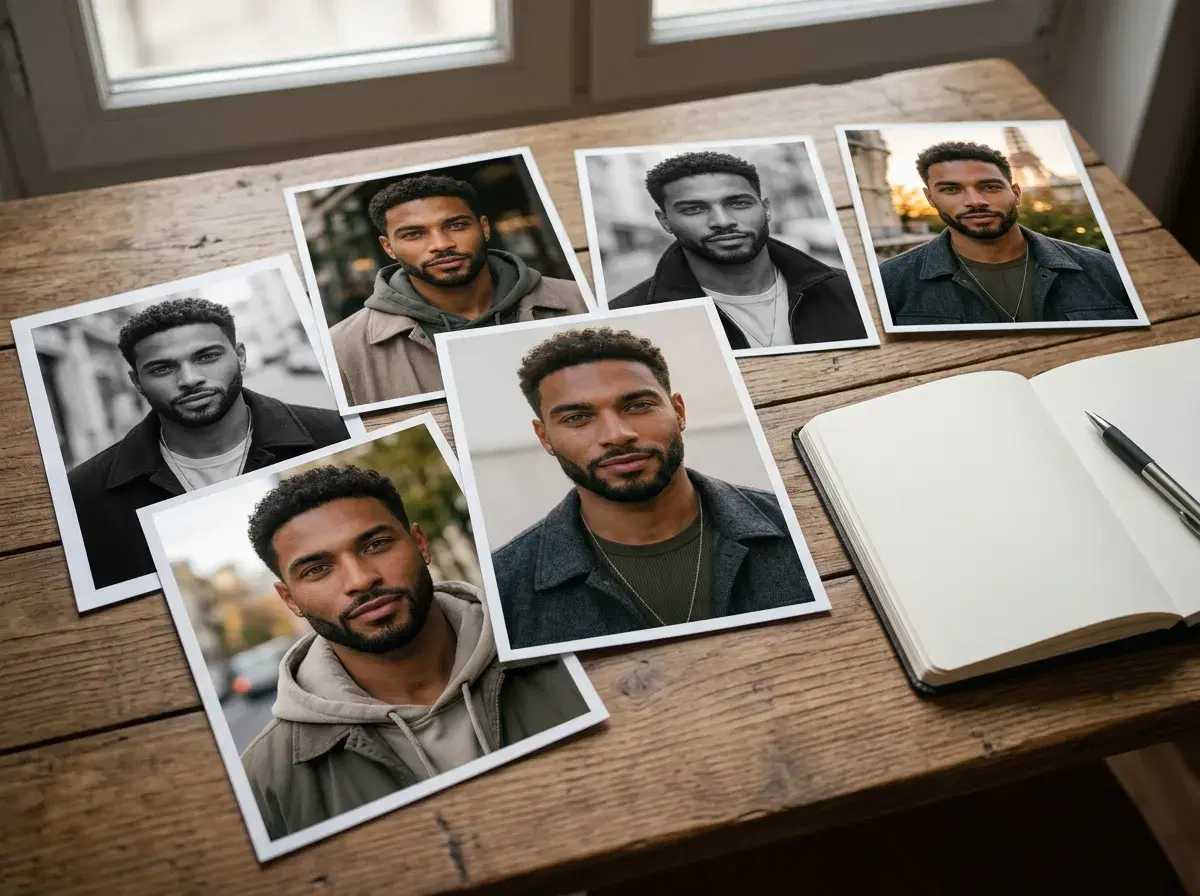
Pose doesn't require prompt engineering — most people pick a style from the library and never write one. But writing your own opens up anything the presets don't cover, and there's a simple structure that works consistently.
This guide covers the formula, ten copy-paste examples across photos, video, and UGC, and the one thing you should never include.
- The formula: framing, then subject and wardrobe, then setting, then lighting, then quality tags — in that order.
- Example: "Waist-up shot, person in a navy blazer in a modern office, soft window light, editorial photography, ultra-realistic, 8k".
- Never describe the face. Your identity comes from the uploaded selfie — describing hair, age, or features fights the identity lock rather than helping it.
- Video prompts add one more element: the motion or camera instruction.
What identity lock means for your prompts
Pose AI uses identity-locking technology — Nano Banana 2 for images, with that same locked identity carried into video through engines like Kling and SeedDance — so your face stays consistent from one selfie. Prompts only shape the scene, lighting, and style. That's why the formula below never describes the person.
Go deeper in identity lock prompts for AI photos and videos.
The prompt formula
Lead with framing, because it does the most work: chest-up, waist-up, three-quarter, full-length, or close-up. Then the subject and wardrobe — always the word "person" plus what they're wearing, kept general rather than gendered. Then the setting, then the lighting, then a couple of quality tags like "editorial photography, ultra-realistic, 8k".
The critical rule is what you leave out: never describe facial features, hair, skin tone, or age. Pose reads all of that from your uploaded selfie and locks it, so describing a face in the prompt pulls against the identity lock and makes results less like you, not more.
10 Pose AI prompt examples
1. 1. Corporate headshot
A clean LinkedIn-ready portrait with controlled studio lighting. Prompt: "Chest-up shot, person in a navy blazer against a soft grey studio backdrop, single key light from the left, natural expression, editorial photography, ultra-realistic, 8k"
2. 2. Casual outdoor portrait
Approachable and warm — good for a personal site or a dating profile. Prompt: "Waist-up shot, person in a light knit sweater on a tree-lined street at golden hour, warm backlight, relaxed expression, shallow depth of field, editorial photography, ultra-realistic, 8k"
3. 3. Editorial full-body
A fashion-leaning full-body frame with environmental context. Prompt: "Full-length shot, person in a tailored coat on a city pavement at blue hour, ambient streetlight, slight motion in the background, editorial photography, ultra-realistic, 8k"
4. 4. Lifestyle café scene
Activity-adjacent context — useful for social profiles and dating apps. Prompt: "Medium shot, person seated at a café table by a window, natural daylight, coffee cup in frame, candid relaxed posture, editorial photography, ultra-realistic, 8k"
5. 5. Dramatic low-key portrait
A moodier creative portrait for personal branding or album art. Prompt: "Close-up portrait, person against a dark background, single hard side light, deep shadow falloff, high contrast, black and white, editorial photography, ultra-realistic, 8k"
6. 6. UGC talking-head setup
A first frame for a UGC ad — pair it with HeyGen for the talking version. Prompt: "Waist-up shot, person in casual clothing in a bright home interior holding a small unbranded product, natural window light, looking directly at camera, phone-video framing, ultra-realistic, 8k"
7. 7. Product-in-hand
Product-focused content where the person is secondary. Prompt: "Close-up shot, hands holding a plain unbranded product against a soft neutral background, even diffused light, shallow depth of field, commercial product photography, ultra-realistic, 8k"
8. 8. Cinematic video still
Written as a video prompt — note the camera instruction for Kling. Prompt: "Three-quarter shot, person walking through a quiet city street at dusk, camera pushing slowly forward, warm streetlight glow, shallow depth of field, cinematic, ultra-realistic, 8k"
9. 9. Seasonal outdoor
Season-specific styling for holiday or seasonal content. Prompt: "Waist-up shot, person in a wool coat and scarf on a snowy street, soft overcast daylight, breath visible in cold air, muted palette, editorial photography, ultra-realistic, 8k"
10. 10. Poster-style portrait
A graphic frame you can add your own headline to afterwards. Prompt: "Chest-up shot, person centred against a bold single-colour background, even frontal light, strong graphic composition, high contrast, editorial photography, ultra-realistic, 8k"
Skip prompts entirely and pick from the full style library if you'd rather start from a preset.
For professional portraits specifically, see AI headshots.
For motion prompts, see Pose's native video generation.
Prompts for Maximum Realism
"Natural light" — steers Nano Banana 2 toward soft, directional lighting rather than an even, flat studio look, which reads as more like an ordinary photo.
"DSLR portrait" — nudges toward the shallow depth of field and lens character of a real camera rather than the flatter look of a phone-camera-style generation.
"Film grain" — adds a subtle texture that breaks up the occasional too-smooth look of a generated image, especially on skin.
"Golden hour" — produces warm, low-angle light that's harder for a model to render inconsistently than flat midday light.
"Candid, unposed" — pushes toward a more natural expression and body language than the default confident-and-centered look many generations default to.