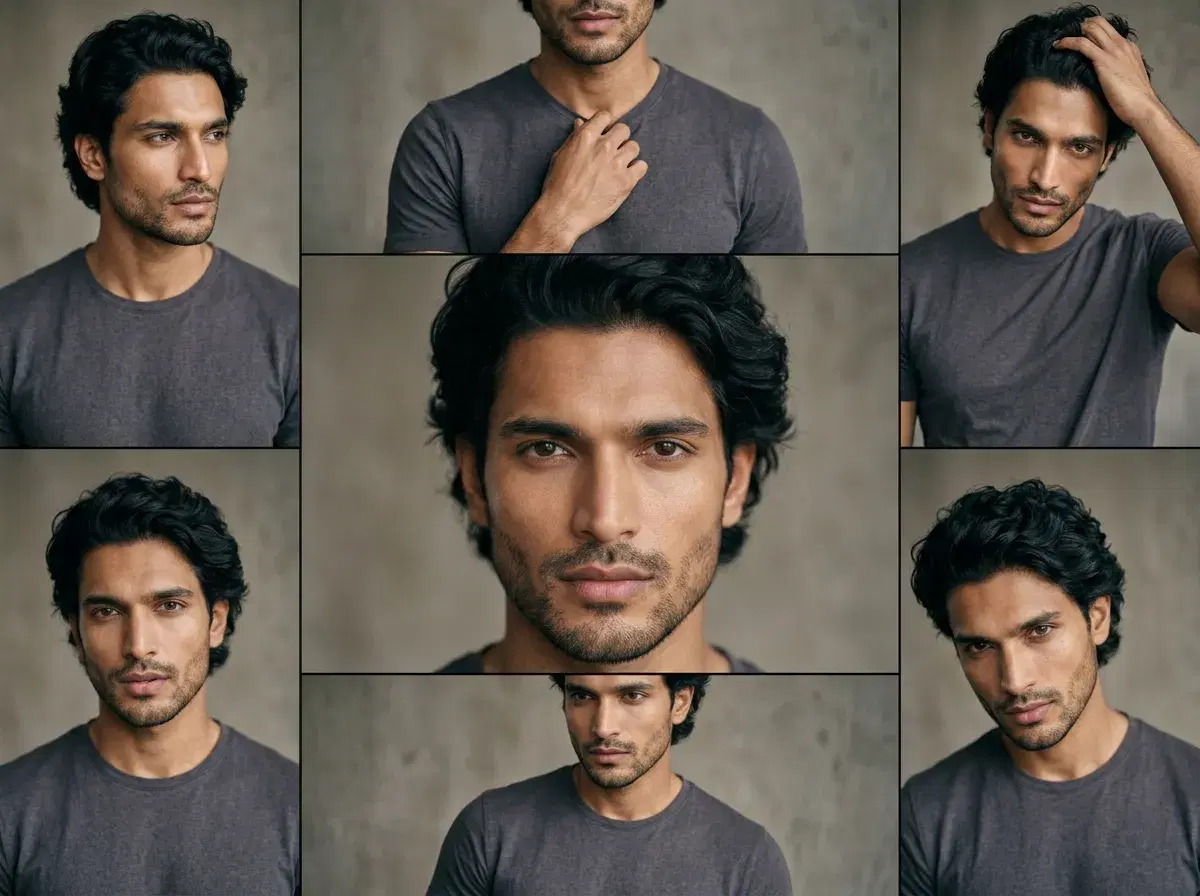
"Native video generation" means the video model runs inside the product itself — no exporting a photo to a separate app, no stitching results back together by hand. Pose AI has six native video models, all on the same weekly credit plan as its photo generation.
Photo realism carries into the video too — Pose's native models start from Nano Banana 2's identity-locked photo, which preserves natural skin texture and consistent shadow direction, rather than the smoothed, avatar-style look some competing platforms produce from a stock or template face.
See native video generation in Pose's Video Studio.
- Pose AI has six native video models — Kling, SeedDance, Wan, Veo, Sora 2, and HeyGen — for the most realistic AI photos and native video, all inside one studio, on one 400-credit weekly plan.
- Kling handles camera moves and cinematic scenes; SeedDance handles subject motion and motion transfer; Wan is built for fast iteration; Veo and Sora 2 generate photorealistic scenes and longer takes; HeyGen animates a talking-head presenter from one photo.
- Identity carries from a still photo straight into video — no re-uploading, no separate identity step for the video model.
- Nothing is exported to an external tool. Generation, motion, and voice (via native ElevenLabs) all run inside Pose.
Native vs external video workflows
The alternative to native video generation is a stitched-together workflow: generate a photo in one tool, export it, upload it to a separate video generator, wait, download the result, then sync voice or captions in a third tool. Each hop adds cost, waiting, and a place for identity to drift between steps.
Native (Pose) vs a stitched-together workflow
| Pose (native) | Stitched-together workflow | |
|---|---|---|
| Tools needed | One | Separate image, video, and voice tools |
| Identity consistency | Carries automatically from photo to video | Depends on re-uploading the same reference at each step |
| Export/import steps | None | At least one per tool |
| Billing | One 400-credit weekly plan | A separate subscription per tool |
Six native models on one plan means no export step and no identity drift between the photo and the video.
Pose vs. AI Video Ad Platforms 2026
Native generation also changes how Pose fits against dedicated AI video ad platforms. Tools like Creatify, Captions.ai, and Arcads each solve one part of the ad workflow — a product-URL-to-video pipeline, an editing suite with generative features layered in, or a stock-actor library for volume testing — while Pose covers UGC, product, and cinematic ad formats from the same six native engines and one identity-locked photo.
Pose AI vs Creatify vs Captions.ai vs Arcads for video ads
| Platform | UGC ads | Product ads | Cinematic ads | Pricing |
|---|---|---|---|---|
| Pose AI | Yes — native HeyGen, identity-locked from one selfie | Yes — native Kling and SeedDance product motion | Yes — native Kling, Veo, Sora 2 | $4.99 first week, then $14.99/week, 400 credits every week |
| Creatify | Limited — stock avatars, not your own identity | Yes — its core product-URL-to-ad workflow | No — not built for cinematic motion | From ~$39/mo (approximate) |
| Captions.ai | Editing-first, generative UGC gated to higher tiers | No — not built for product-motion generation | No — editing-focused, not a cinematic generator | ~$9.99–$69.99+/mo tiered (approximate) |
| Arcads | Yes — stock-actor UGC variants at volume | No — not built for product motion | No — not built for cinematic motion | ~$110–$550/mo, no public pricing page — verify before subscribing |
Generate ad-ready video natively at Pose AI's Video Studio.
Mobile Workflow
Pose runs in the browser on iPhone and Android — no separate app to install. The workflow is the same three steps on mobile as on desktop: upload a photo, describe the video (including music or audio cues if relevant), and generate.