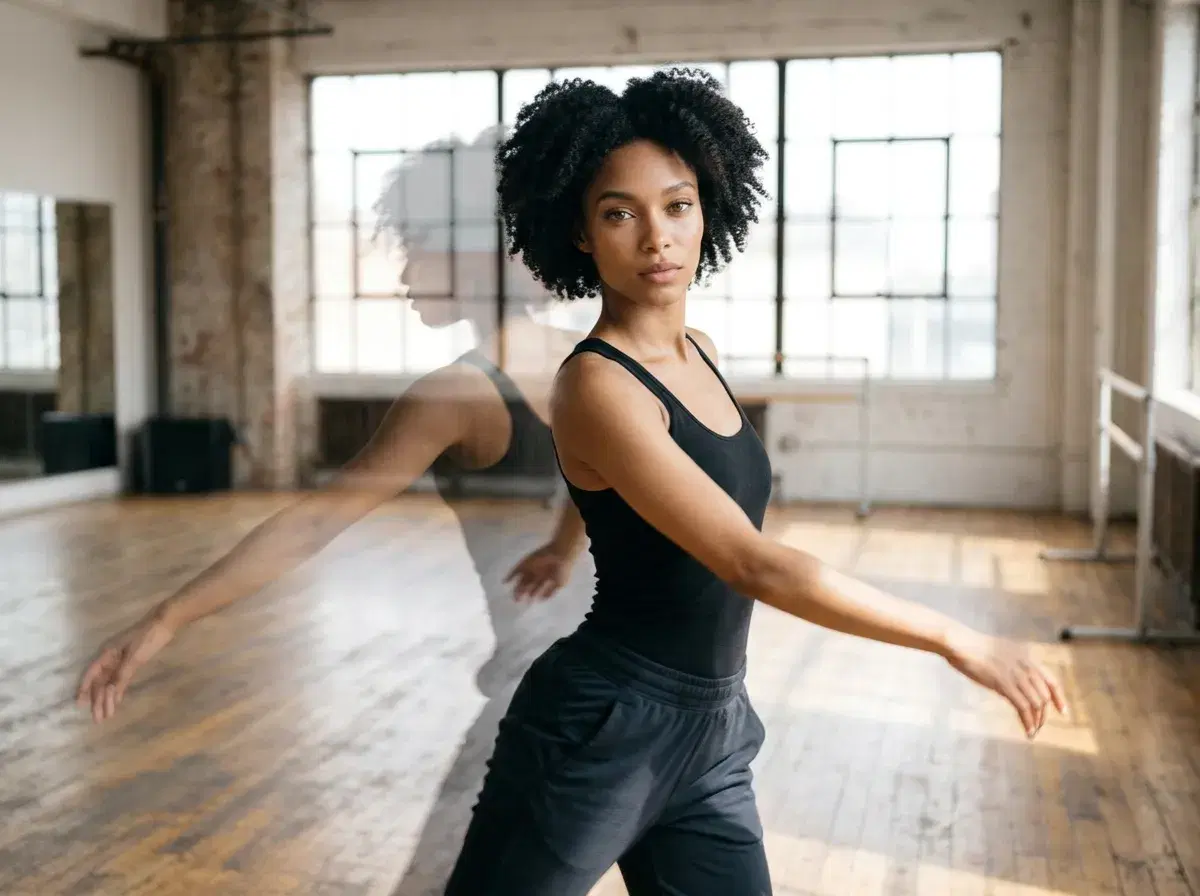
You can animate a static photo with AI dance moves by uploading the photo, describing or supplying the dance, and generating a short clip. Pose AI does this inside the Video Studio with SeedDance and Kling, with no outside tools.
This guide shows the steps, the dance and style options, and the limits to expect.
Open Motion Control.
- Steps: upload a clear full-body photo, choose SeedDance or Kling, describe or supply the dance, generate, then export.
- Photo animation with SeedDance runs up to about 10 seconds.
- Motion Control copies movement from a reference clip onto your photo.
- Use only your own photo, or one you have permission to animate.
Step 1: Pick a clear photo
Use a sharp, well-lit photo where the whole body is visible if you want full-body dance. A face-only photo can move its head and shoulders, but not dance. Avoid heavy filters.
Step 2: Choose the engine
SeedDance is the default for image-to-video and is good at body movement and motion transfer. Kling 3.0 suits camera moves and cinematic framing. Kling 3.0 Motion Control applies a reference clip's movement to your subject.
Step 3: Describe or supply the dance
Write the move in a sentence, such as a slow spin, a step-and-clap loop or a head-turn shimmy, or supply a reference clip for motion transfer. Keep it simple for the first try and regenerate with a changed instruction if the movement is off.
Step 4: Generate and export
Generate, review the first seconds, then export in vertical format. Pose does not post for you, so upload the file to your platform yourself. Rights apply to any reference footage and music you use.
Dance and style options
Options include simple loops, trending-style moves described in words, stylised looks such as retro or neon, and different settings behind you. Customisation is by description and reference clip; Pose does not have a menu of named choreographies.
Open the Video Studio.
See the image-to-video guide.