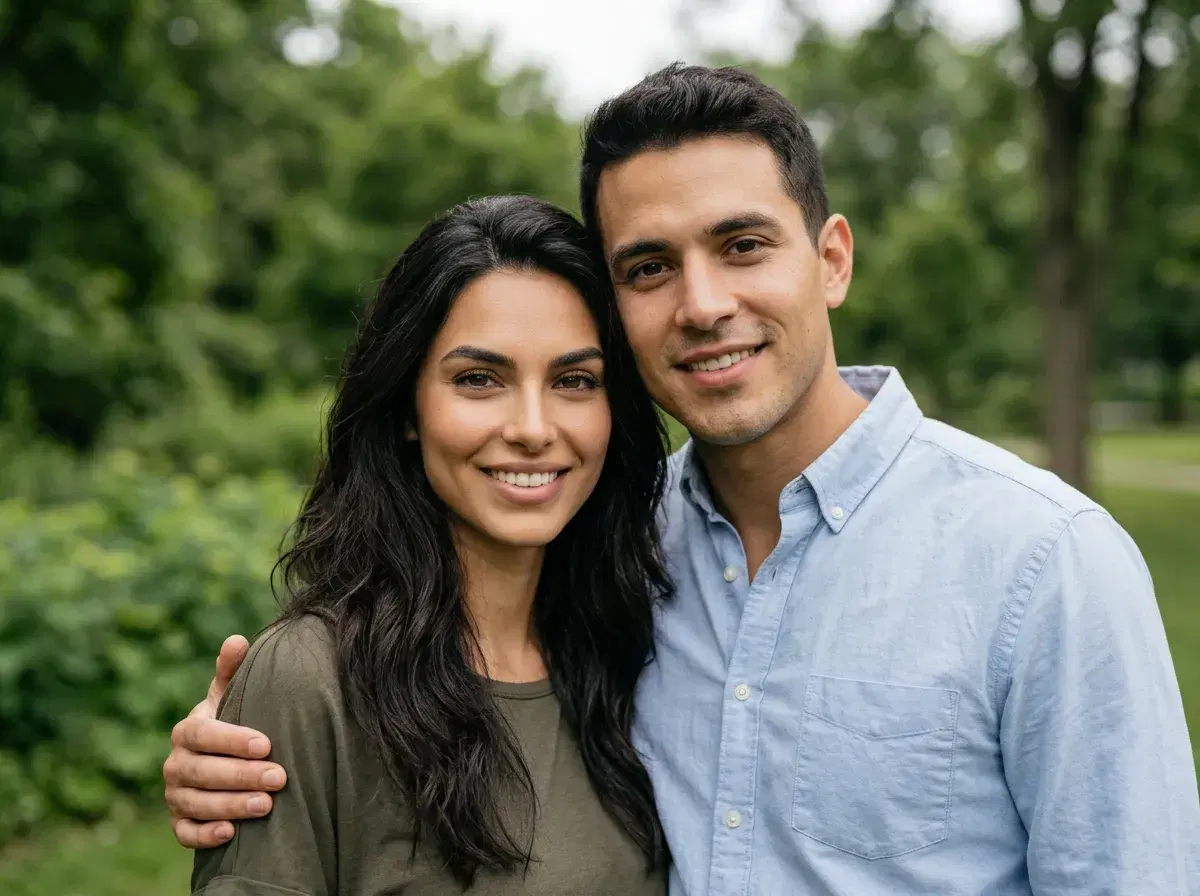
Yes — you can put two people into one photo with AI. Pose generates a single new photo of both of you from one selfie each; it's generation, not a photo merge or composite, which is exactly why the lighting and perspective come out consistent instead of stitched together.
Combining two people into one photo used to be a Photoshop job: cut one person out, paste them beside the other, then spend an hour matching light, shadow, and perspective so it did not look stuck together. Manual merge tools — a collage app, layering two photos in an editor — still work this way, and the seam usually shows: mismatched light direction, a slightly wrong scale, a background that doesn't quite meet. With AI, the job changes shape — you upload a selfie of each person and generate a new photo where both belong in the same scene, no masking required.
This is the short walkthrough for the AI way, plus an honest note on how it differs from the manual approach and where it is not the right tool.
Try it in the Pose AI couple photo generator.
- Upload one clear selfie of each person, pick a couple or group style, and generate — Pose renders both people identity-locked into one scene, with no manual masking and no training step.
- It generates a new photo rather than merging your two source images, so the lighting and perspective are consistent because the whole frame is created at once.
- No Photoshop skills needed, and no set of images to gather — one selfie per person is enough.
- Runs on Pose's plan: 400 credits every week from $4.99 the first week, then $14.99, with no watermarks.
The AI way, step by step
Step 1 — Upload one selfie each. Add one clear, front-facing photo of each person. There is no batch to gather and no model to train; Pose reads and locks each face from that single image.
Step 2 — Choose a scene or style. Pick where the two of you should appear — a beach at sunset, a city street, a wedding-style portrait, a travel backdrop — or describe a custom scene.
Step 3 — Generate and refine. Pose renders both people into the scene, identity-locked so you each look like yourselves. If a hand or background needs a small fix, regenerate within your weekly credits rather than editing by hand.
AI vs Photoshop: which to use
If you already have two good photos and a specific composite in mind — and you have the masking skills — Photoshop gives you total manual control, and for precise, art-directed work it is still the tool. What it costs is time and skill, and it starts from photos you already own.
If you do not have a photo of the two of you together, or you want a finished couple shot without the manual work, the AI route is faster and needs no editing skill. It is generating the image rather than assembling it, which is exactly why the two of you never needed to be photographed side by side.
For the full breakdown, see the AI couple photos generator guide.