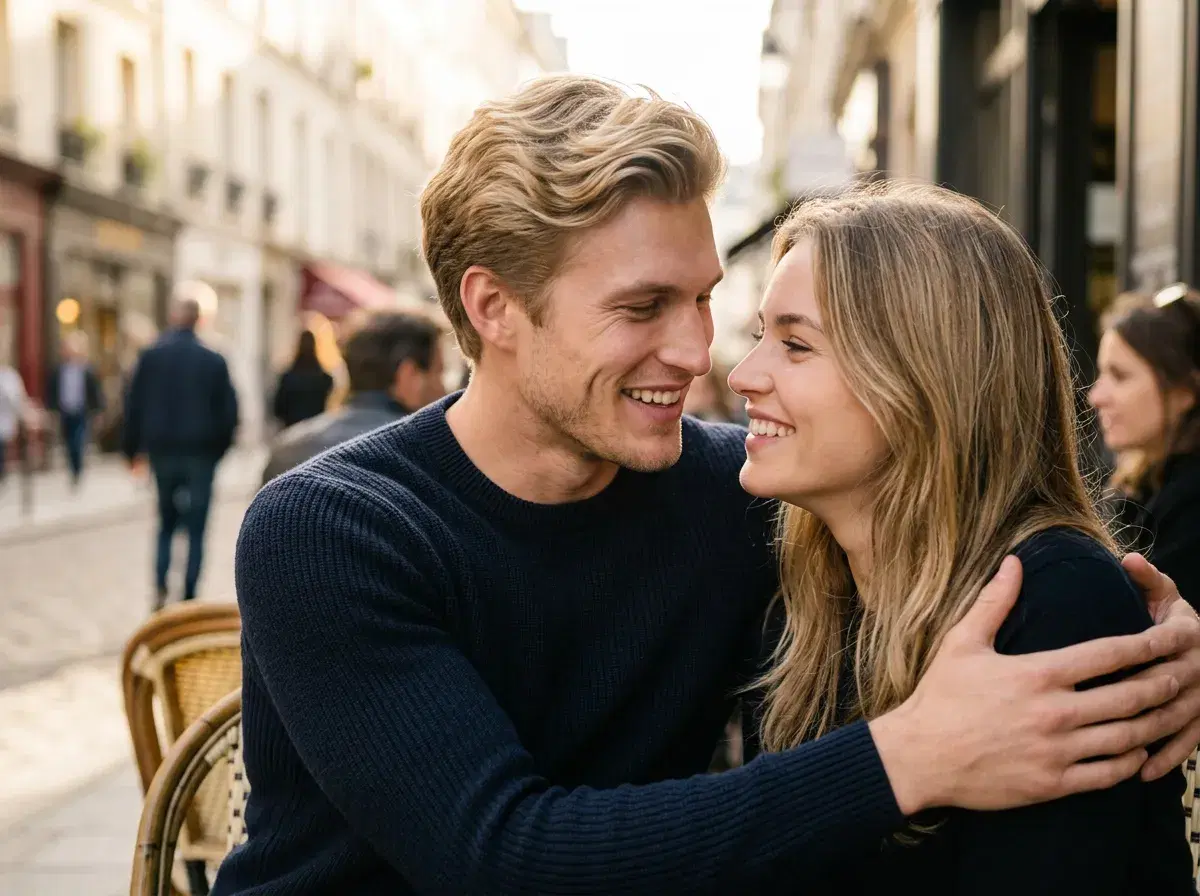
Yes — you can upload two separate photos and get a couple image, and the useful thing to understand is how. Pose AI does not stitch your two pictures together like a collage; it reads one face from each selfie and generates a brand-new photo where both of you appear in the same scene, identity-locked so you each still look like yourselves.
That distinction matters, because it means you do not need a photo of the two of you together to begin with. This guide explains exactly what happens, what you upload, and where the limits are.
Try it in the Pose AI couple photo generator.
- Yes — upload one clear selfie of each person and Pose AI generates a new couple photo with both of you in it, using identity-locked generation via Nano Banana 2 and GPT-image 2.
- It generates a fresh scene rather than compositing your two source photos, so there is no manual masking, cutting, or lining-up.
- No training step and no batch upload — one selfie per person is enough, and it starts in seconds.
- You do not need a photo of the two of you together, which is why it works for long-distance couples or two people who have never been photographed side by side.
Generated, not composited
The key idea is that Pose generates rather than merges. A traditional composite takes two existing photos and blends them — cutting one person out and pasting them beside the other, then fixing the lighting and edges by hand. Pose does something different: it reads what each person looks like from their single selfie, then renders a new image in which both of them appear naturally in a scene you pick, with consistent lighting because the whole frame is generated at once.
Because of that, the two of you do not need to be photographed together, at the same time, or even in the same country. Each person contributes one solo selfie, and the together-shot is created for you.
What you upload, and how it works
You upload one clear, front-facing selfie of each person — two photos total, one per face. There is no model to train and no set of images to gather; Pose locks each identity from that single photo and generates. From there you choose a scene or style — a beach, a city street, a wedding-style portrait — and Pose renders both of you into it, keeping each face recognisable.
Well-lit, front-facing selfies without sunglasses or heavy filters give the closest likeness. If a result needs a small fix to a hand or the background, you regenerate within your weekly credits rather than editing by hand.
See what a week of credits covers on Pose AI pricing.