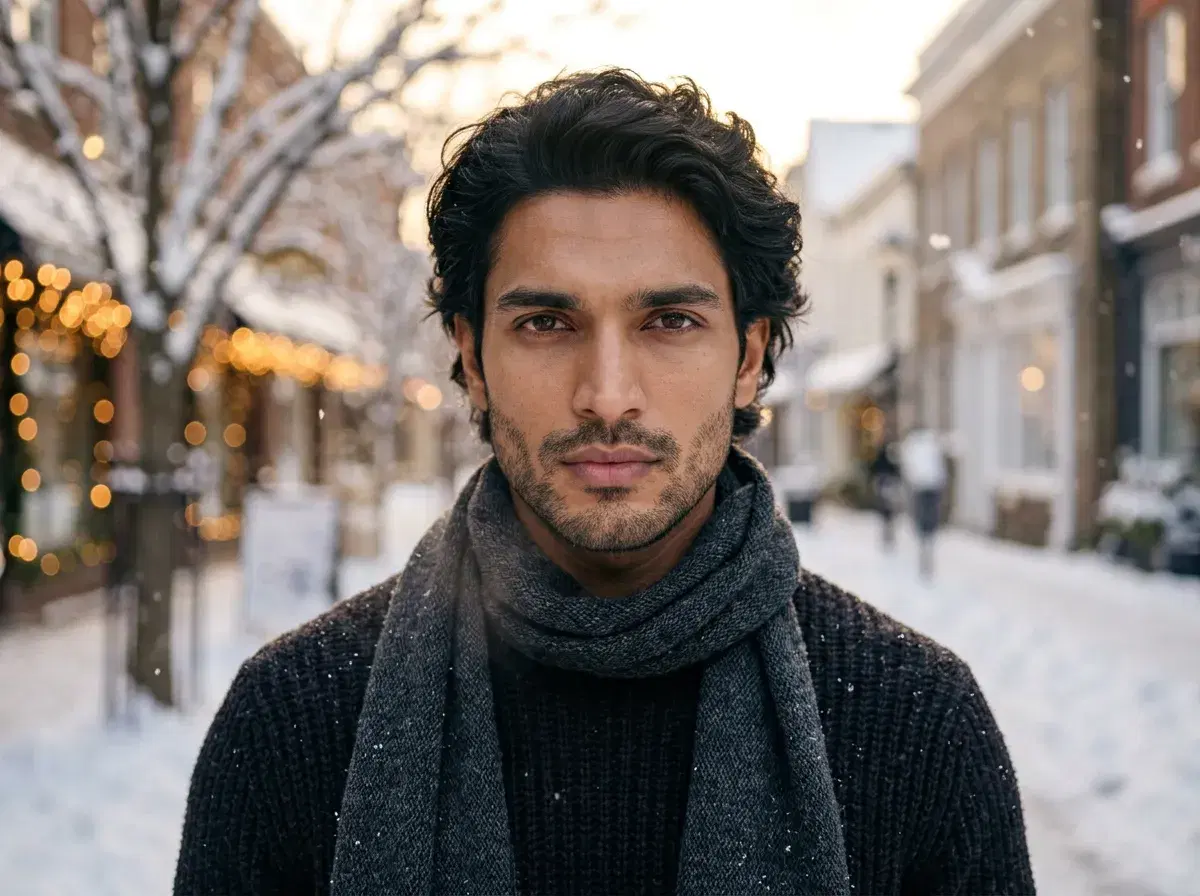
To create AI winter photos, upload one selfie to Pose AI, pick a winter style or write a snowy prompt, and generate identity-locked portraits set in snow, frost, and holiday light — no travel and no cold shoot. Because Pose generates natively with the identity-locked Nano Banana 2 model, the snow and winter lighting look like real photography and every result still looks like you.
This guide walks through the workflow, prompt tips for realistic snow and golden-hour light, and how Pose's identity lock compares to prompt-only tools like DALL-E and Midjourney.
Browse ready-made looks first? See the AI winter photos style page for snowy backdrops, cozy knitwear, and holiday-light portraits.
- Creating AI winter photos with Pose AI takes three steps: upload one selfie, choose a winter style or write a snow-scene prompt, and generate identity-locked portraits in seconds.
- Prompt for realism: specify snow depth, soft overcast or golden-hour light, and cozy layers for believable winter scenes.
- Identity lock: Nano Banana 2 keeps your real face consistent across every winter look — unlike prompt-only tools that render a generic face.
- One plan: 400 credits every week from $4.99 the first week, then $14.99/week, with no watermarks.
What are AI winter photos?
AI winter photos are AI-generated portraits that place you in wintry scenes — snowfall, frosted streets, pine forests, ski lodges, and warm holiday lighting — without a real photoshoot. The best ones are identity-locked, meaning the model keeps your real features so the result reads as a genuine photo of you rather than a generic AI face wearing your general look. Pose generates them natively with Nano Banana 2, rendering snow texture and cold-light mood as part of a believable photograph.
Prompt tips for realistic snow and light
Describe the snow: light flurries, fresh powder, or deep drifts read very differently, so name the depth and whether it's actively snowing. Add ground and air cues — footprints in snow, frost on branches, visible breath — to sell the cold.
Direct the light: soft overcast light flatters winter portraits, while golden-hour sun through bare trees or warm holiday-light bokeh adds mood. Match the wardrobe to the scene (chunky knits, scarves, wool coats) and keep your face well-lit so the identity lock has clear features to preserve.
Pose AI vs DALL-E and Midjourney for winter photos
| Feature | Pose AI | DALL-E | Midjourney |
|---|---|---|---|
| Identity lock (looks like you) | Yes — Nano Banana 2 from one selfie | No — prompt-only | No — prompt-only |
| Winter style presets | Yes — snowy, cozy, holiday | No | No |
| Native video from your photo | Yes — Kling, Veo, HeyGen | No | No |
| Best for | Winter portraits of yourself | General images from text | Stylized art from text |
DALL-E and Midjourney generate winter scenes from a text prompt but render a generic person, not you. Pose AI is identity-locked, so it places your real face into snowy, cozy, and holiday-light scenes and can even animate a favorite shot into a short clip — all from one selfie and one weekly plan.
Every winter portrait draws from your 400 credits every week — $4.99 the first week, then $14.99/week, with no watermarks.