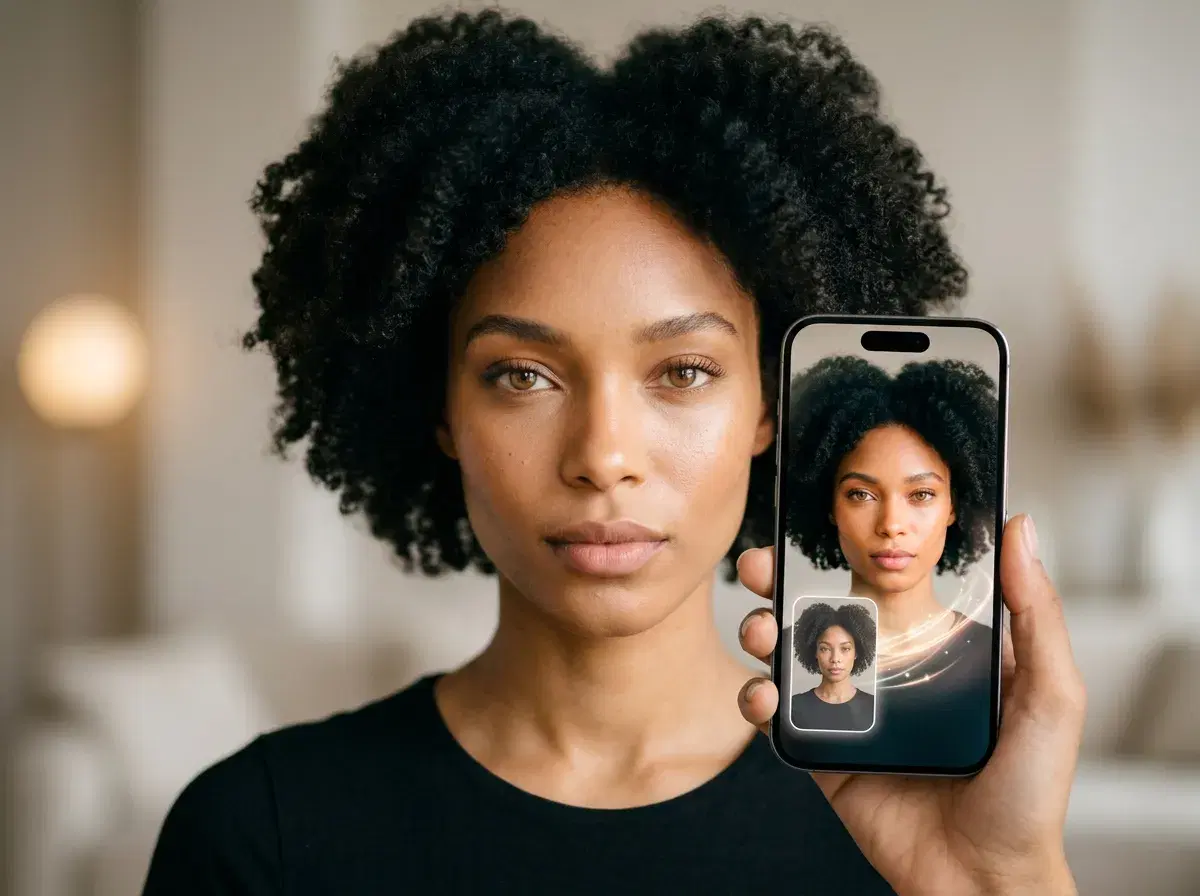
To create AI Instagram photos in 2026, you upload one selfie, let an AI model generate feed-ready portraits, and export them for your feed — no photoshoot and no design skills. Pose AI is the fastest way to do it: its native Nano Banana 2 model renders identity-locked photos in under 10 seconds, so a whole set looks like you across every scene.
This guide walks through the exact steps, plus how to keep a feed cohesive and turn photos into Reels.
Want a polished profile photo first? Generate professional AI headshots from the same selfie with Pose AI.
- Create AI Instagram photos in three steps with Pose AI: upload one selfie, let Nano Banana 2 generate feed-ready portraits, then export and post.
- Step 1 — Upload one clear, front-facing selfie; Pose reads your face from that single photo.
- Step 2 — Pick a style or describe a scene, and Nano Banana 2 generates identity-locked photos in under 10 seconds.
- Step 3 — Download watermark-free and post to your feed, or animate a photo into a Reel with native video.
- One plan: 400 credits every week from $4.99 the first week, then $14.99/week, on web and mobile.
What you need
All you need is one clear, front-facing selfie and a Pose AI account. There is no lengthy model-training step — Pose reads your face from the single photo and keeps it identity-locked across every image, so you do not need a folder of reference shots or any editing experience.
How to create AI Instagram photos with Pose AI
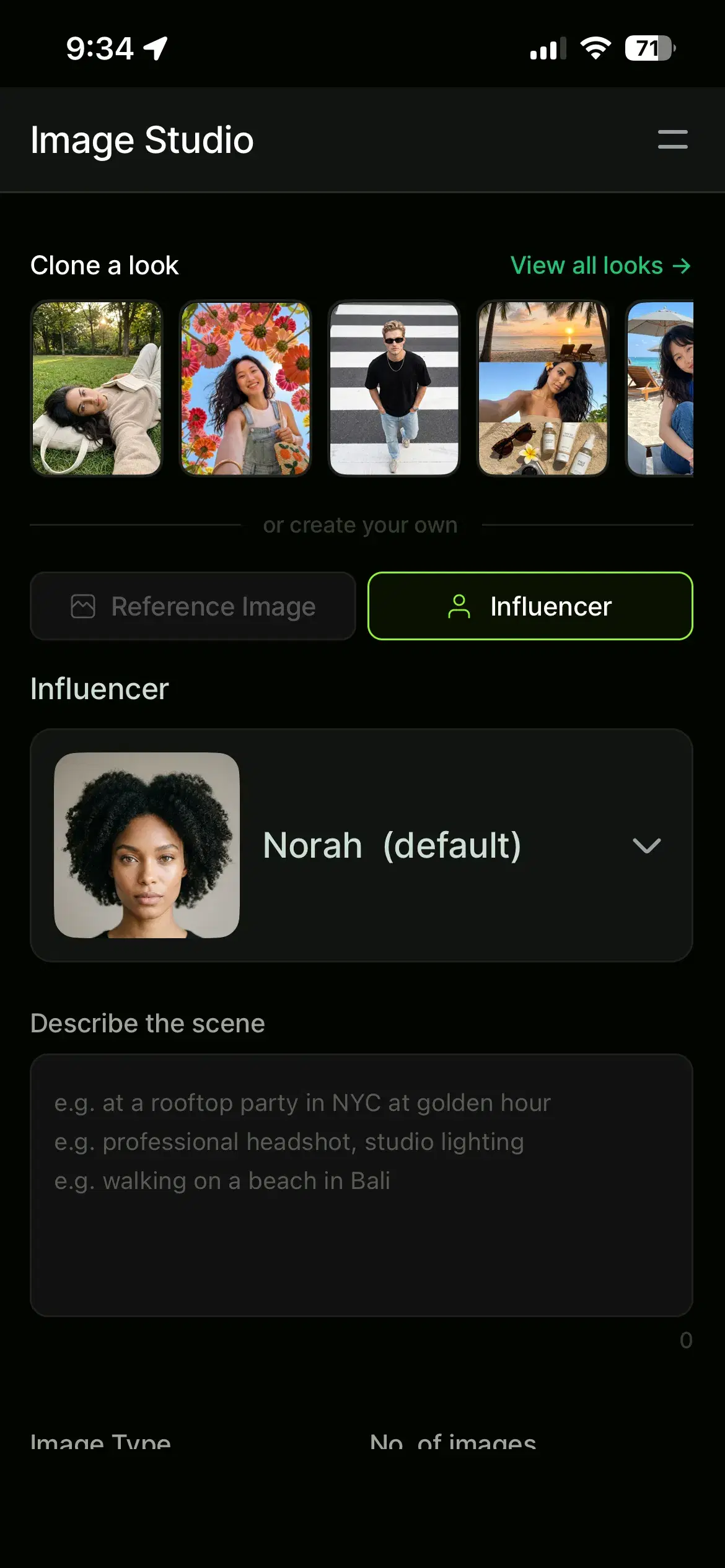
- 1Upload one selfieAdd a clear, front-facing selfie in Pose AI. That single photo is all Nano Banana 2 needs to lock in your face — no training step and no extra reference images.
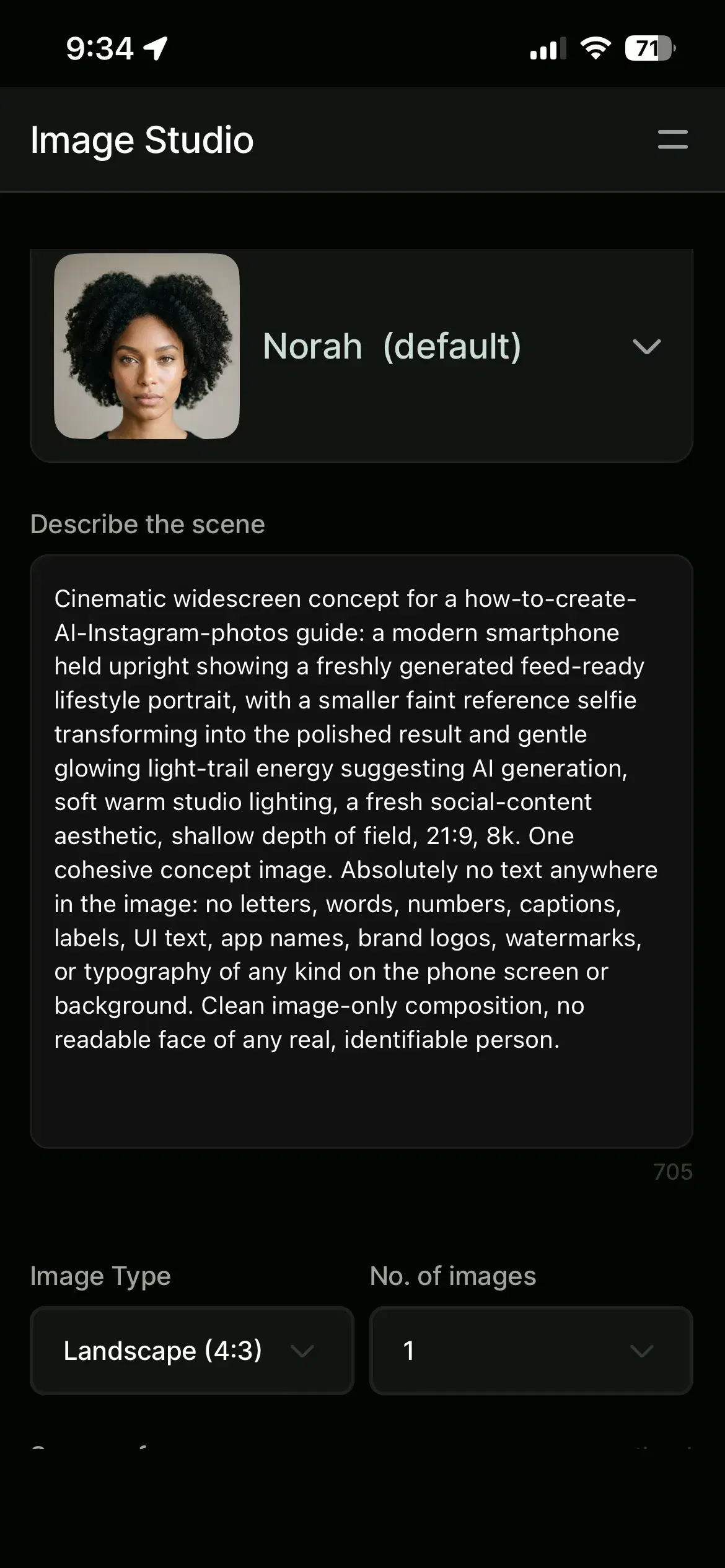
- 2Choose a style or describe a scenePick a look from the style library — lifestyle, editorial, seasonal, travel — or type a short prompt describing the scene and outfit you want for your feed.
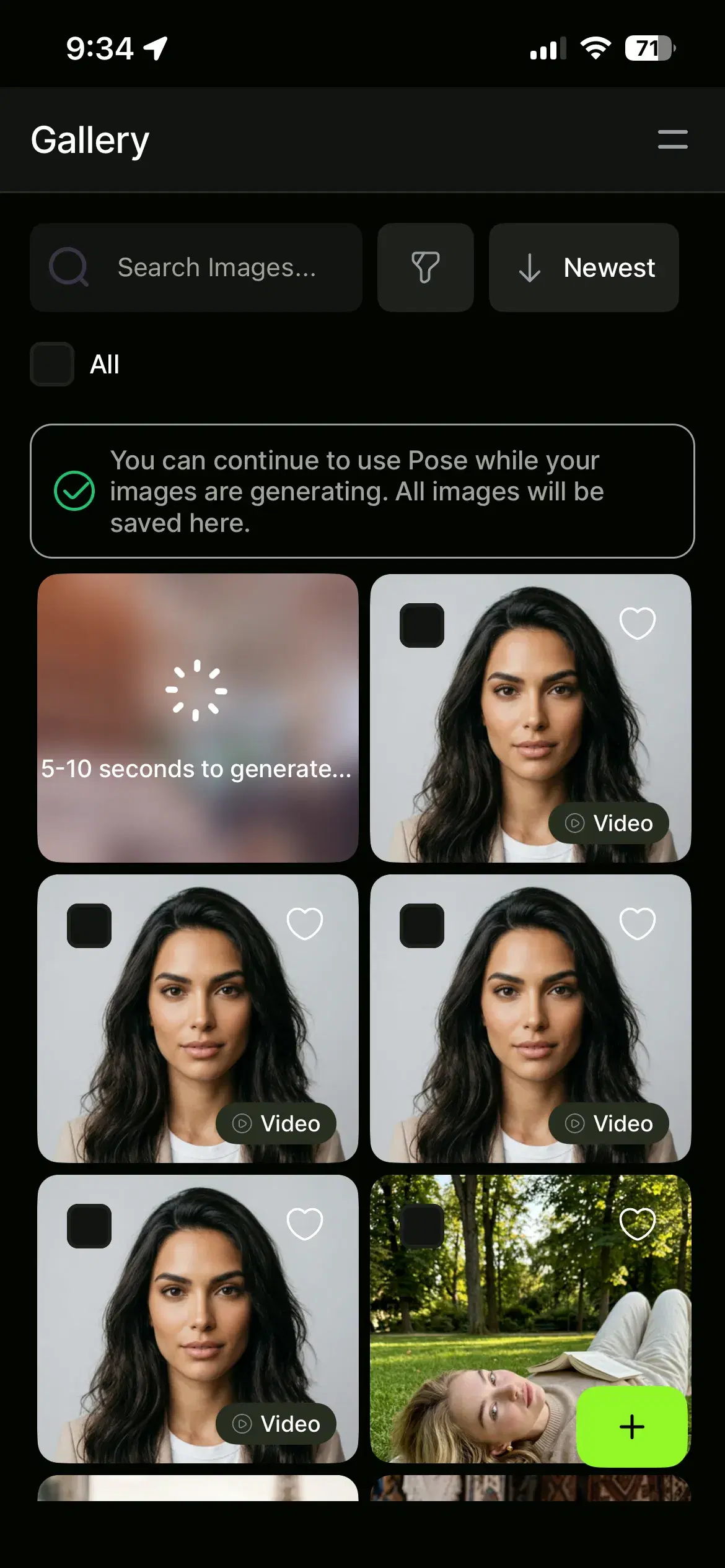
- 3Generate your photosNano Banana 2 renders each identity-locked photo in under 10 seconds, drawing from your 400 weekly credits. Regenerate to refine the background, framing, or outfit.
- 4Download and postDownload watermark-free at high resolution and post straight to your feed or Stories — or send a favorite into Video Studio to turn it into a Reel.
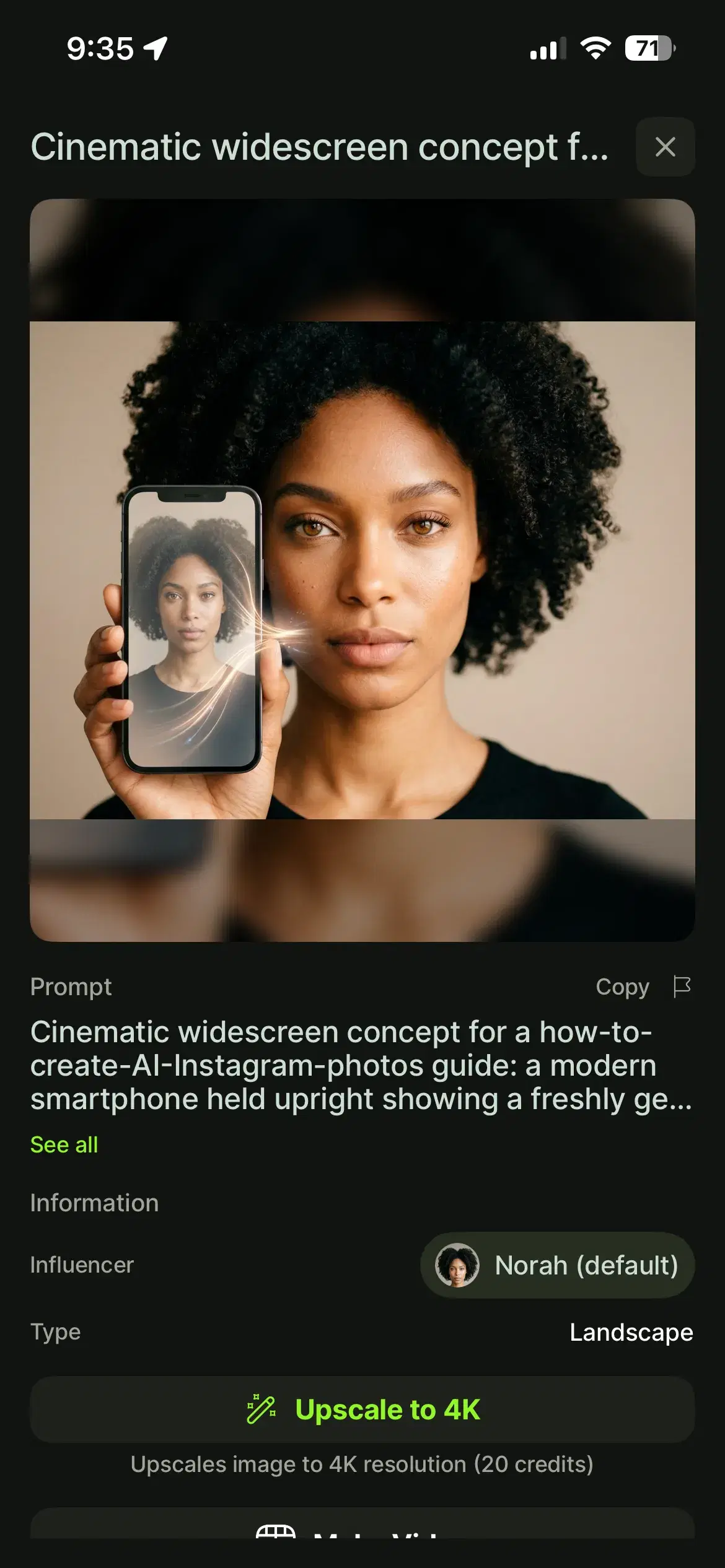
Tips for a cohesive Instagram feed
A feed reads best when it feels consistent. Because Pose keeps your face identity-locked, you can generate a batch of photos in related styles or a shared color palette so they sit together in the grid. Name the lighting and setting in your prompts — golden hour, soft studio, urban street — to keep a run of posts on-theme, and mix close-ups with wider scenes for variety.
Generate a week of content in one session, then schedule it out. Since every image comes from the same selfie, the whole set stays recognizably you.
Turn your photos into Reels and Stories
Photos are only half of Instagram. With Pose's native video generation — Kling, SeedDance, Wan, Veo, Sora 2, and HeyGen — you can turn any photo into a 9:16 vertical clip for Reels or Stories without exporting to a separate app. Pick a motion type, generate the clip, and download it ready to post.
For Reels and Stories motion, use Pose's native AI video generation to animate any photo into a 9:16 clip.