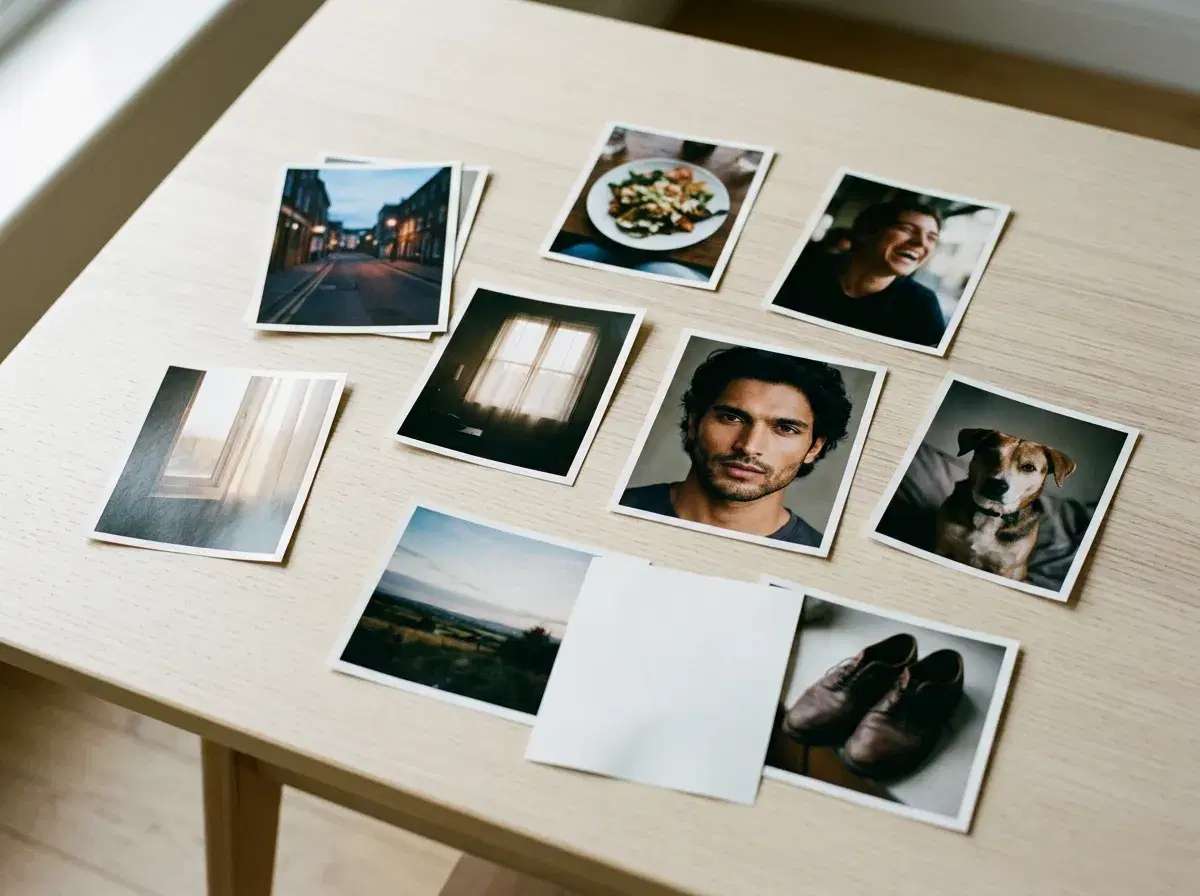
Making a photo dump looks like it takes no effort, which is exactly why a bad one is obvious. The work is in the selection and the order — the two decisions that separate a set that feels like a week from a folder someone emptied onto a feed.
This is the whole process: choosing the photos, sequencing them, writing a caption that does not try too hard, and when to actually post.
For themes to build a set around, see photo dump ideas for 2026.
- Select five to ten candid photos around one loose theme, write a casual caption, and post as a carousel.
- Order matters more than selection: lead with the strongest frame, close with the second-strongest, and vary the pacing in between.
- Keep the set uneven — at least one imperfect frame is what makes the rest read as real.
- If the camera roll is missing a decent photo of you, Pose generates one identity-locked from a single selfie.
- 400 credits every week, $4.99 the first week, then $14.99/week, no watermarks.
What is a photo dump?
A photo dump is a casual Instagram or TikTok carousel of candid, unfiltered moments — typically five to ten loosely related photos posted together rather than curated into a single image. It became the default personal format because a highly produced feed started reading as effort, and effort reads as advertising.
Everything below follows from that. The goal is not to make each frame as good as possible; it is to make the set feel like it was assembled in five minutes, while actually assembling it deliberately.
Step 1: Choose the photos
Pick a loose theme first — a trip, a weekend, a month, a group of people — then pull everything that fits and cut it down to nine or fewer. Selecting against a theme is far faster than selecting against taste, and it produces a set that hangs together without looking planned.
Aim for a mix of registers: one or two frames that are genuinely good, several that are ordinary, and at least one that is unflattering or badly framed. Cut near-duplicates ruthlessly — three versions of the same moment reads as indecision. If the set is missing a decent photo of you, that is the usual gap, and it is worth solving rather than skipping.
Step 2: Order them
The first frame is the only one guaranteed to be seen, so it has to earn the swipe on its own — lead with your strongest image, not the chronologically first. Put the second-strongest last, because carousels that end well get saved and revisited.
Everything between those two is pacing. Alternate close and wide, people and objects, styled and candid, so no two adjacent frames feel like the same photo. If you have generated frames in the set, spread them out rather than clustering them at the top.
Step 3: Write the caption
The register is understated. A few words, a date, a place, an in-joke, or nothing at all — the caption should look like an afterthought even when it is not. Long, polished captions fight the format, because the whole premise is that you did not think about this very hard.
Emoji-only and lowercase both work. What does not work is a caption that explains the photos: if the set needs a paragraph to make sense, the problem is the selection, not the writing.
Step 4: Post it
Timing matters less than people claim, and the honest answer is that it depends on where your particular audience is and when they are awake. Evenings and weekends are the conventional advice for personal accounts, but your own analytics will tell you more than any general rule.
One thing worth doing: check the crop. Instagram will letterbox or cut mixed aspect ratios, and a carousel where the first frame is cropped badly loses the swipe before the rest gets a chance.
Generate the missing frame with the AI aesthetic photo dump styles.
See Pose AI pricing for the weekly credit allowance.