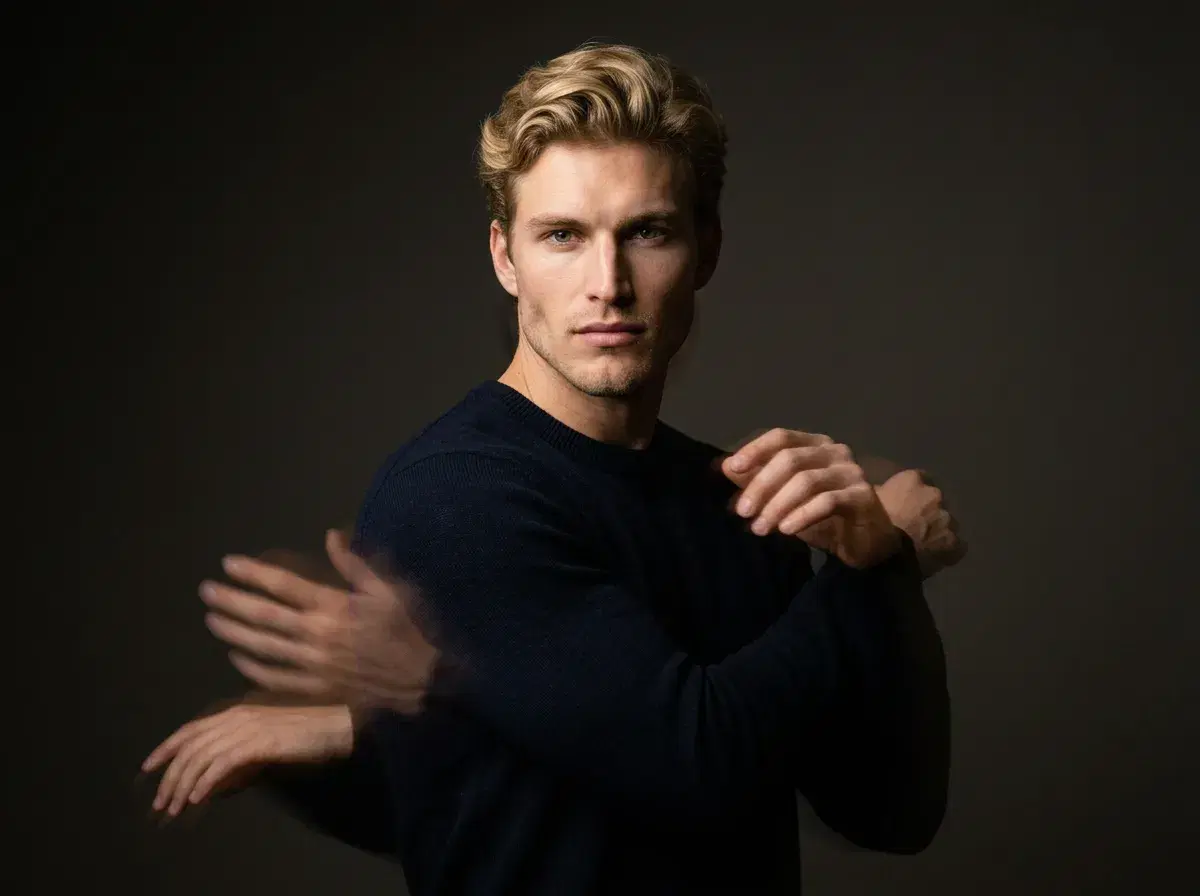
Motion control in AI video means directing how a generated scene moves — the camera's path, how a subject moves within the frame, or both — rather than accepting whatever motion a model defaults to. Pose AI's Motion Control runs on two native engines: Kling for camera movement and SeedDance for subject motion and motion transfer.
- Motion Control is a real Pose AI feature, not a browsable template library — you guide motion by describing it in your generation prompt, or by supplying an optional reference clip for SeedDance to read movement from.
- Kling handles camera control: pans, pushes, orbits, and other camera-path movement around a generated scene.
- SeedDance handles subject motion, including motion transfer — mapping movement from a reference clip onto your generated subject.
- SeedDance accepts up to 3 reference clips as multimodal input, alongside a text description of the motion you want.
- 400 credits every week, $4.99 the first week, then $14.99/week, no watermarks.
What is motion transfer?
Motion transfer is an AI technique that maps movement — a dance step, a gesture, a walk — from a reference (either a described action or an uploaded clip) onto a generated subject, so the subject performs that movement convincingly rather than staying static or moving randomly. It's the mechanism behind SeedDance's motion-transfer capability inside Pose AI's Video Studio.
It differs from simply generating a video from a text prompt: motion transfer specifically targets how a body or camera moves through the frame, using either a written description of the movement or a short reference clip as the source of that motion.
How to use Motion Control in Pose AI
Open the Video Studio, choose Kling for camera-driven movement or SeedDance for subject motion, and describe the movement you want — a slow push-in, a person turning to face the camera, a dance step. If you have a reference clip showing the exact movement, SeedDance can take up to 3 reference clips as multimodal input alongside your description, rather than requiring you to describe it in words alone.
There's no separate template gallery to browse — motion is generated fresh from your description or reference each time, identity-locked to your uploaded photo so the person in the clip stays recognizably you.
Generate motion-controlled video natively in Pose AI's Video Studio.