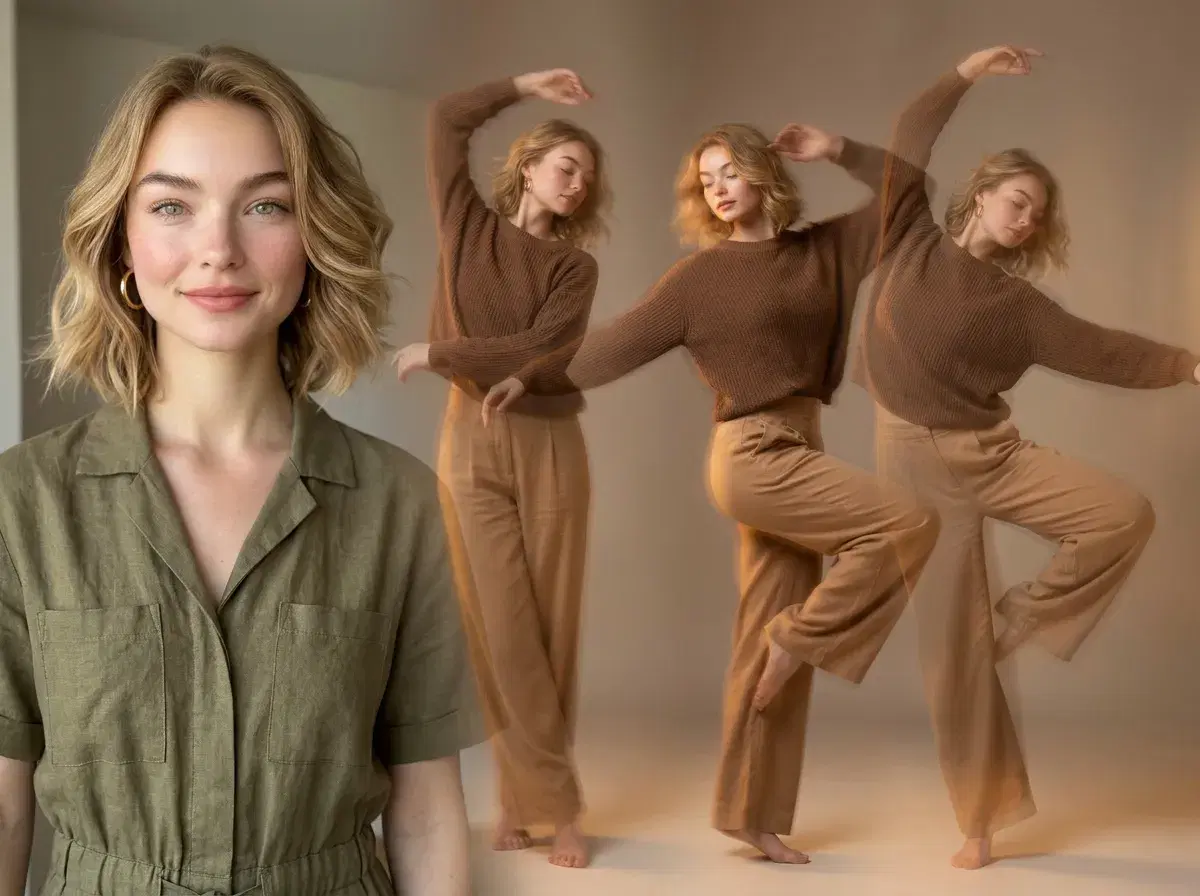
Animating a still photo into a dance video works through Pose AI's Video Studio and SeedDance's motion-transfer capability — upload one photo, tell it how to move, and generate. Here's the process, step by step.
- Step 1 — Upload one clear photo of the subject you want to animate.
- Step 2 — Choose SeedDance in the Video Studio for motion transfer.
- Step 3 — Describe the dance movement in your prompt, or add up to 3 reference clips showing the movement you want mapped onto the subject.
- Step 4 — Generate. The subject stays identity-locked to your uploaded photo while SeedDance drives the motion.
- 400 credits every week, $4.99 the first week, then $14.99/week, no watermarks.
Can AI make a still photo dance?
Yes — via motion transfer, which SeedDance handles natively inside Pose AI's Video Studio. Upload one photo, describe the dance movement you want (or optionally provide a reference clip for SeedDance to read the movement from), and generate. The result keeps the subject identity-locked to your original photo while applying the described or referenced motion.
This is generation, not a template you select from a library — there's no browsable catalog of preset dances. You describe the movement in words, or supply a reference clip, and SeedDance produces the motion from that.
Generate a dance video from your photo in Pose AI's Video Studio.