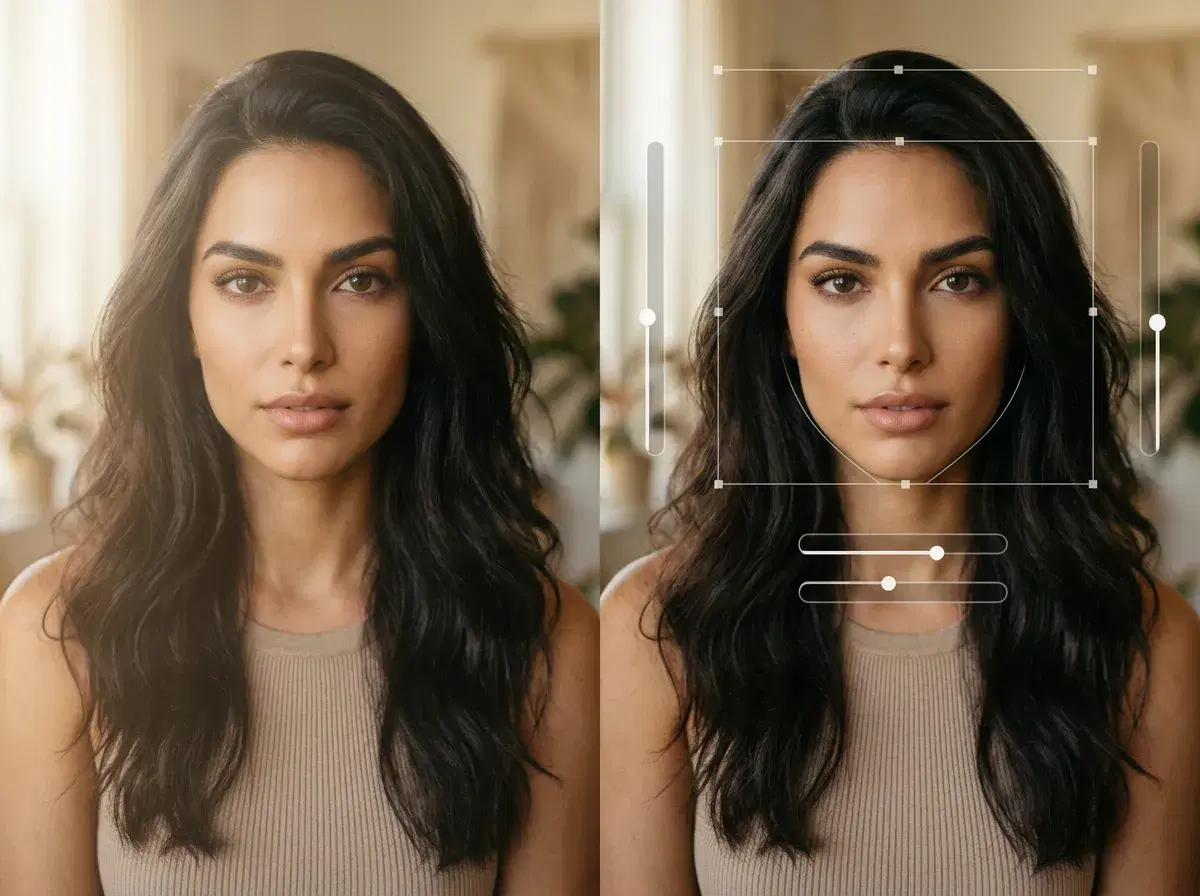
Photo AI startups and traditional photo editing software solve different problems. A photo AI startup like Pose generates new, identity-locked content from a selfie — new poses, scenes, and even video — while editing software like Adobe or Skylum manipulates a photo you already have. This guide clarifies the difference so you pick the right tool.
You'll see when to generate and when to edit.
Generate identity-locked photos with Pose AI headshots from one selfie.
- Photo AI startups generate new, identity-locked content (Pose: Nano Banana 2 images, Kling video); traditional editing software manipulates existing photos with filters, layers, and presets.
- Generate: new poses, outfits, scenes, headshots, and video from one selfie — no source photo of that scene needed.
- Edit: retouch, color-grade, or composite a photo you already took.
- Pose AI is a generative startup — it also adds native video, which editing tools don't.
What is a photo AI startup?
A photo AI startup builds generative models that create new images (and often video) of a person from a selfie or prompt. The output is content that didn't exist before — you in a new outfit, a new setting, or a new professional style — with your identity preserved. Pose AI does this with Nano Banana 2 for images and native engines like Kling and SeedDance for video.
What is photo editing software?
Photo editing software manipulates an existing photograph. Tools like Adobe Photoshop/Lightroom and Skylum Luminar apply filters, adjust color and exposure, retouch, and composite layers. They're powerful for polishing a real photo you already took, but they don't generate new identity-locked scenes or video of you from scratch.
Photo AI startups vs photo editing software
| Capability | Photo AI startups (Pose) | Editing software (Adobe, Skylum) |
|---|---|---|
| Core action | Generate new content | Edit an existing photo |
| Identity-locked new scenes | Yes (from one selfie) | No |
| Native video generation | Yes (Kling, SeedDance, Veo) | No |
| UGC / talking-head ads | Yes | No |
| Filters / layers / presets | Limited | Yes — the core strength |
Use a photo AI startup like Pose to generate new identity-locked photos and video from a selfie; use editing software to polish a photo you already took. They're complementary, not interchangeable.
See native video in the Pose AI Video Studio.