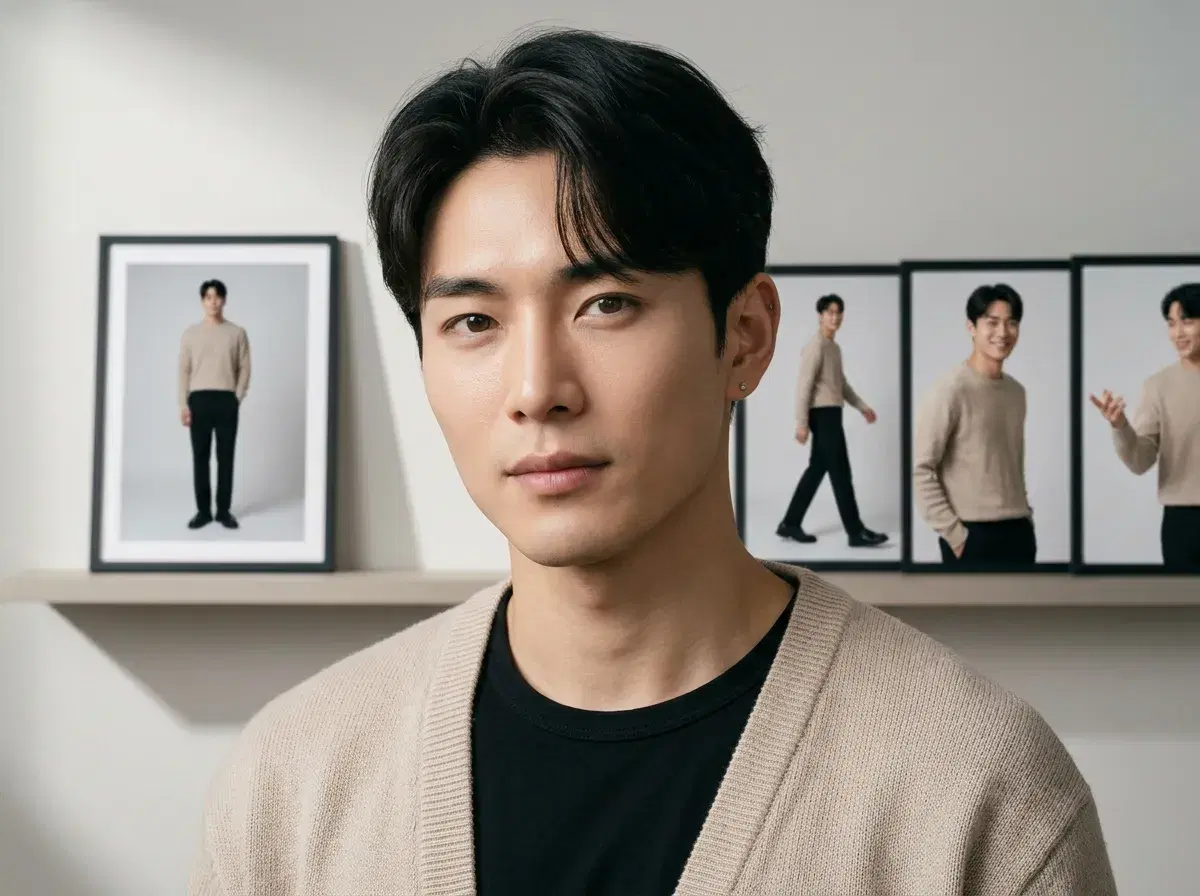
To turn a photo into video with AI, you feed the image to a model that infers depth and structure from it, then generates the motion that follows. Pose does this natively — Kling, Veo, and Sora 2 animate your photo inside the Video Studio, with no export to an outside tool. This guide explains photo-to-video AI, walks the workflow, and compares Pose with Adobe Firefly and Runway.
Animate a photo in the Pose AI Video Studio.
- Pose natively animates photos via Kling, Veo, and Sora 2 — upload an image, pick the engine, and generate, without stitching together separate tools.
- Kling: controlled camera moves — the pick for polished brand and lifestyle clips.
- Veo: photorealistic scene motion for stills that should feel alive.
- Sora 2: longer sequences when a short loop isn't enough.
- Identity-locked from one photo, no watermarks, 400 credits every week from $4.99 — versus Adobe Firefly (inside Creative Cloud) and Runway (a specialist standalone generator).
What is photo-to-video AI?
Photo-to-video AI takes a still image as the first frame of a clip and generates the motion that follows it. The model reads depth, structure, and lighting out of your photo, then renders what movement would look like — the camera pushing in, the subject shifting, the scene breathing. It differs from text-to-video, which invents a scene from a written prompt with no image to anchor it: starting from your photo means the output keeps your subject, your framing, and your light. The best implementations add identity lock, so a person in the source image stays recognizable rather than drifting into a stranger's face over the course of the clip.
The workflow: photo to finished clip
Open the Video Studio and upload your photo. Choose the engine that matches the shot — Kling for a deliberate camera move, Veo for photorealistic scene motion, Sora 2 for a longer sequence. Describe the motion you want, or use Motion Control to steer the camera rather than letting the model guess. Generate, review, and iterate: because all six native engines share the same 400 weekly credits, trying two or three variations costs you nothing extra beyond credits. Download the take that works — no watermarks on any plan.
Pose AI vs Adobe Firefly vs Runway
| Tool | Approach | Identity-locked people | Pricing |
|---|---|---|---|
| Pose AI | Native photo-to-video across six engines (Kling, Veo, Sora 2, SeedDance, Wan, HeyGen) | Yes — Nano Banana 2 | $4.99 first week, then $14.99/week |
| Adobe Firefly | Generative video inside the Creative Cloud toolchain | No | Bundled with Creative Cloud plans |
| Runway | Specialist standalone generator, strong cinematic control | Reference images per generation, not a saved identity | From ~$15/mo |
Pose is the broadest option if you want several motion engines and identity lock on one plan. Adobe Firefly makes sense when you already live in Creative Cloud and want generation beside your other assets. Runway is the specialist pick when cinematic control is the whole job and you don't need a person to stay consistent across clips.
Which to choose
If your photo has a person in it and you want that person recognizable across a run of content, identity lock is the deciding feature and Pose is the straightforward answer. If you're already paying for Creative Cloud and animating design assets rather than people, Firefly is sitting right there in your toolchain. If you're chasing a specific cinematic look and you're comfortable feeding reference images per generation, Runway earns its reputation. The three aren't really competing for the same job.
For creator-style talking clips from a photo, see Pose AI UGC video.