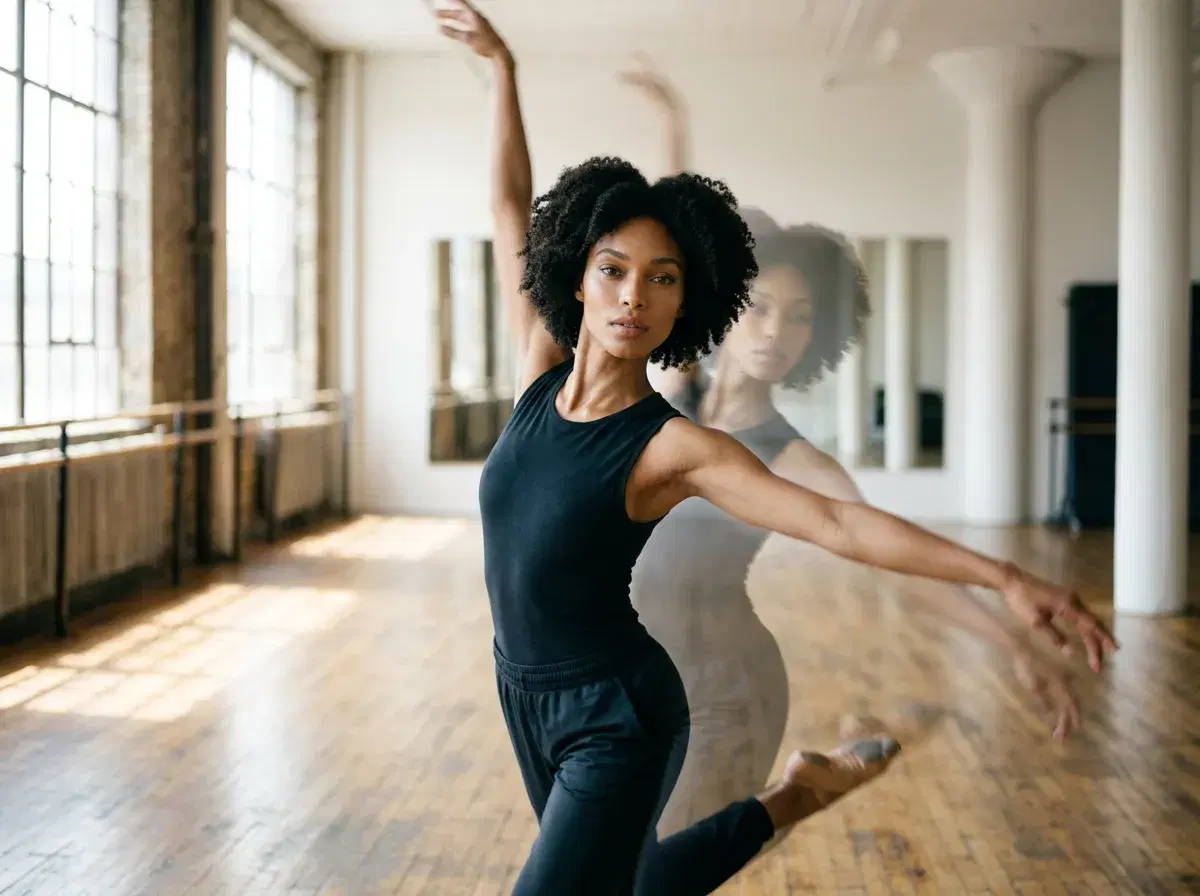
AI motion control is the ability to direct how a subject or the camera moves in a generated video, instead of leaving all movement to the model. You supply a reference movement, a described action or a camera instruction, and the video follows it.
It sits above two things people often confuse with it: motion transfer, which copies movement from a reference clip, and talking video, which animates a face to speech.
Try it on the Motion Control page.
- Definition: motion control is directing movement in generated video, through a reference clip, a text instruction or a camera move.
- Use cases: dance and gesture clips, product turns, camera pushes, and keeping a recognisable person moving on cue.
- In Pose AI: Kling 3.0 Motion Control and SeedDance generate motion-directed clips from your photo.
- Not the same as: talking video, which is lip-sync to audio, or a stylised filter.
Motion control, motion transfer and talking video
Motion control is the umbrella: any way of directing movement in a generated clip. Motion transfer is one method, copying the movement from a reference video onto a different subject. Talking video is another, animating a face to match speech.
The practical test is what you provide. A reference clip means motion transfer, an audio track means talking video, and a described action or camera move means motion control in its plainest form.
Engines for motion-directed video in Pose
| Engine | What it is used for | Notes |
|---|---|---|
| Kling 3.0 Motion Control | Applies the movement of a reference clip to your subject | Good for gestures and dance-style clips |
| SeedDance 2.5 | Default for image-to-video and text-to-video | Up to 30 seconds from text; photo animation is capped at 10 seconds |
| SeedDance 2.0 | Higher-resolution output | 4K is available on the Standard tier only |
| Kling 3.0 | Cinematic camera and scene movement | Used when the camera move matters more than the subject |
How motion control works in practice
Start from a photo of the person, then choose how the movement is directed: a reference clip for motion transfer, or a written instruction for a camera push or a gesture. The model keeps the subject recognisable while following that movement.
Clone a Video is a related route: it takes a clip you like, from 4 to 30 seconds, and swaps in your person or object while keeping the original motion. Rights apply to any reference footage and music you use.
Open the Video Studio.
Compare the methods in motion transfer vs talking video.