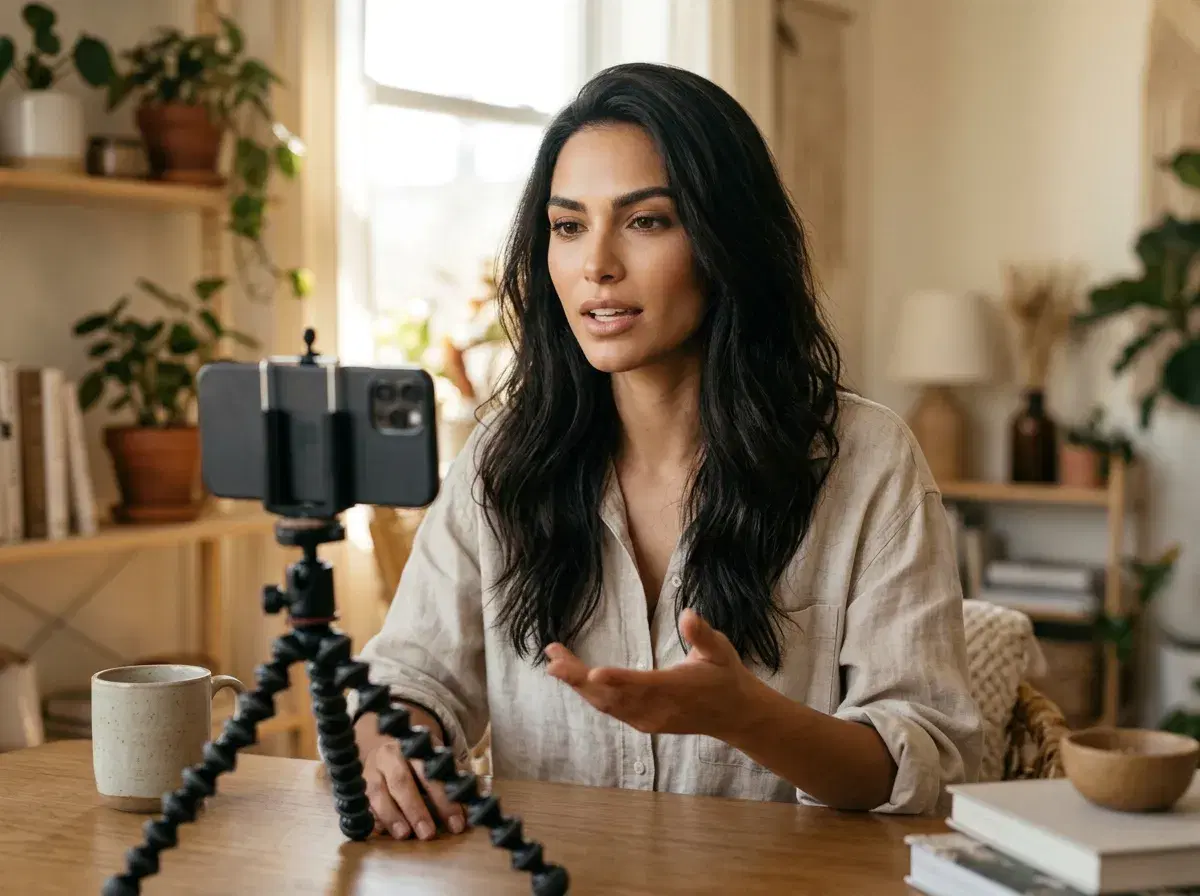
UGC-style video is the kind that looks like a real person made it: someone speaking to camera in an informal setting. AI lets you make it without filming, by starting from one photo of yourself or a creator persona.
Here is the workflow in Pose AI, from the photo to the finished clip, with an honest note on what it replaces and what it does not.
Start in the UGC video page.
- Short answer: upload one selfie, write the script, add a voice, generate, and export.
- Workflow: photo, script, voice, generate; no filming and no training step.
- Cost: from $4.99 the first week, then $14.99 a week with 400 credits; not unlimited.
- Limits: Pose generates the clip; it does not post or schedule it for you.
Step 1: Upload one selfie
Use a clear, well-lit, front-facing photo. Pose locks your identity from that single image, with no batch upload and no training run, so the person in every clip stays the same.
Step 2: Pick a UGC template
Choose a format such as a talking-to-camera review, a product reaction or a short testimonial. The template sets the framing and pacing so the clip reads as casual rather than produced.
Step 3: Write the script and add a voice
Keep it short and conversational, written the way a person talks. Add a voice, either a stock voice or your own cloned with ElevenLabs. Clone only your own voice or one you have clear permission to use, and note that cloning covers speech, not singing.
Step 4: Generate and export
Generate, review the lip-sync and the first two seconds, and regenerate if the opening does not hold attention. Export in the vertical format for TikTok, Reels or Shorts, with no watermark.
Pose does not post to those platforms, so upload the file yourself.
What AI UGC replaces
It replaces filming yourself and a lot of rough editing. It does not replace a genuine customer's testimonial, and platforms may expect AI disclosure on ads, so check the rules for where you publish.
Check Pose AI pricing.
Open the Video Studio.