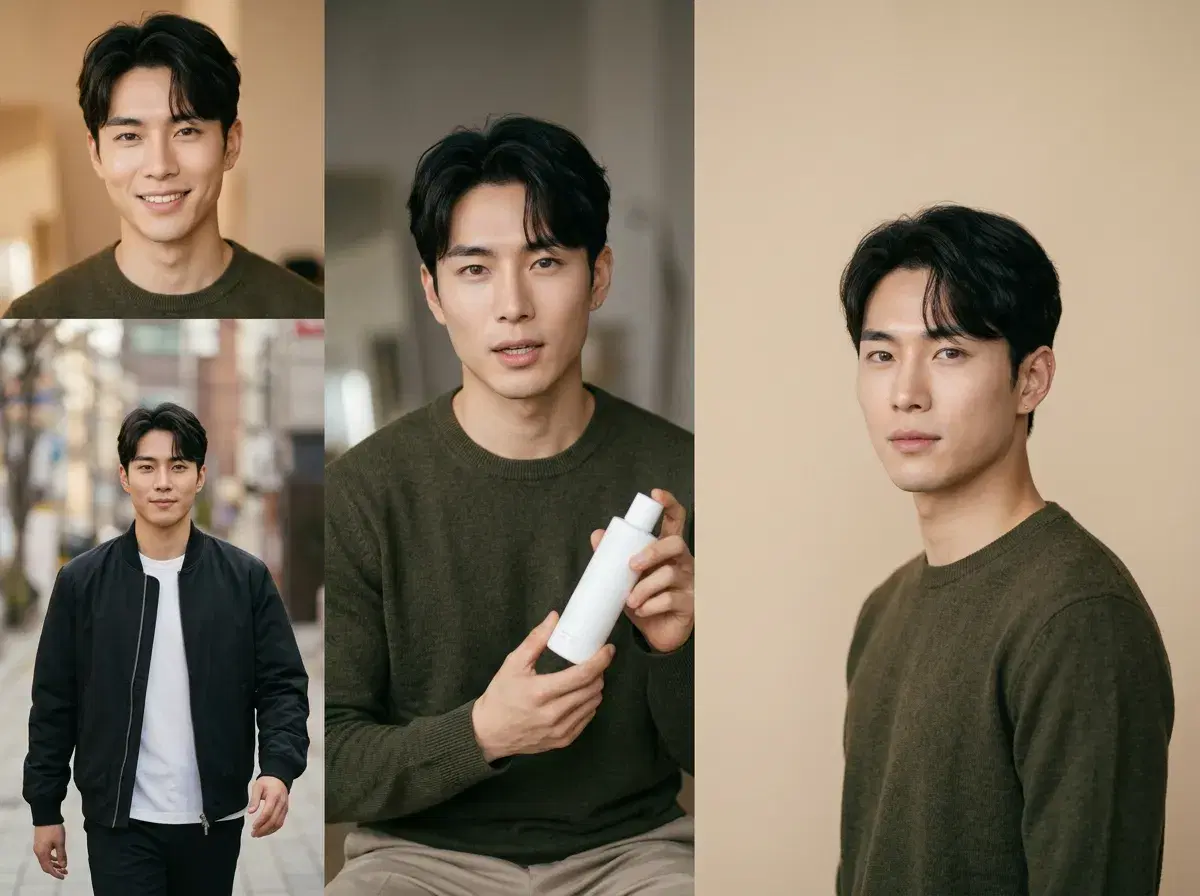
Most tools that generate influencer content produce one format. A creator running an account needs four: stills for the feed, video for reels, talking clips for ads, and the occasional graphic for an announcement. Sourcing those from four products is where the cost and the inconsistency both come from.
This walks through the four formats Pose covers in one studio, a sample workflow for each, and the rights and disclosure questions that come up once the content is actually going out.
Browse the Pose AI style library to see what the photo side covers.
- Four formats, one studio: Photo Pack stills, native video, UGC talking templates, and posters — all from the same identity lock.
- Consistency is the reason to keep them together: a feed post, a reel, and an ad that do not look like the same person read as three different accounts.
- Influencer Studio and Clone a Look carry a persona's look across formats; Nano Banana 2 holds the face from one selfie.
- Rights and disclosure are real constraints — platforms increasingly require AI content to be labelled, and a face that is not yours needs permission.
- 400 credits every week, $4.99 the first week, then $14.99/week, no watermarks.
Why Identity Lock Matters for Influencers
A content calendar lives or dies on the persona looking like the same person every day. With identity lock, one selfie keeps the face fixed while you generate five or more at-home and lifestyle images for the week — morning coffee by the window, a reading nook, a getting-ready shot, an evening look — without the face drifting between posts.
That consistency is the difference between a feed that reads as one creator and one that reads as five lookalikes. It also means you only describe the scene, outfit, and light in each prompt, never the face.
Native identity lock vs manual consistency hacks
| Pose AI (native identity lock) | External character tools (manual hacks) | |
|---|---|---|
| How the face stays the same | Locked from one selfie on every generation | Seeds, reference images, or re-describing the face |
| Effort per image | Describe the scene only | Re-apply references and check each output |
| Drift across a set | Low | Common — often needs regenerating |
| Photos and video from the same face | Yes, in one studio | Usually separate tools |
Photo Packs: the feed
Photo Pack styles are the workhorse — over 200 of them, covering professional, casual, editorial, travel, and aesthetic looks. Generated from a single selfie with Nano Banana 2, each stays identity-locked, so a set produced in one sitting reads as one shoot.
Sample workflow: pick two styles that suit the account's register, generate a handful in each, and use them across a week rather than posting them together. Spacing a generated set out is what keeps a feed looking like a life rather than a drop.
Video: reels and motion
Six video engines run natively, and they do different jobs: Kling for camera movement, SeedDance for body motion and motion transfer, Wan for quick iteration, Veo and Sora 2 for photorealistic scenes and longer takes, HeyGen for talking-head delivery.
Sample workflow: take a still that performed well, animate it with Kling for a slow push-in, and cut it as a vertical clip. The identity lock carries from the image model into the video models, so the person in the reel is the person in the post.
UGC templates: the ad format
UGC talking videos are the creator-to-camera format brands buy: a person holding a product, delivering a script, shot as though on a phone. Pose generates these with HeyGen for the delivery and ElevenLabs for a cloned voice, so the audio and lip-sync come out of the same pass.
Sample workflow: write three versions of a hook, generate all three against the same persona and product, and test them rather than guessing. The cost of a fourth variant is a regeneration, which is the point.
Posters: announcements and campaign graphics
Posters cover the graphic end — an event announcement, a launch image, a themed campaign frame with the persona in it. They sit between a photo and a design: composed, styled, and built to carry a message.
One practical limit worth knowing before you plan around it: image models render text unreliably. Generate the poster as an image and add any headline or date yourself afterwards, rather than prompting for the words.
For the ad-side workflow in depth, see AI UGC creator videos for brands.
The video half runs in Pose AI Video Studio.
Use a persona in ads: best AI platforms for UGC ads.