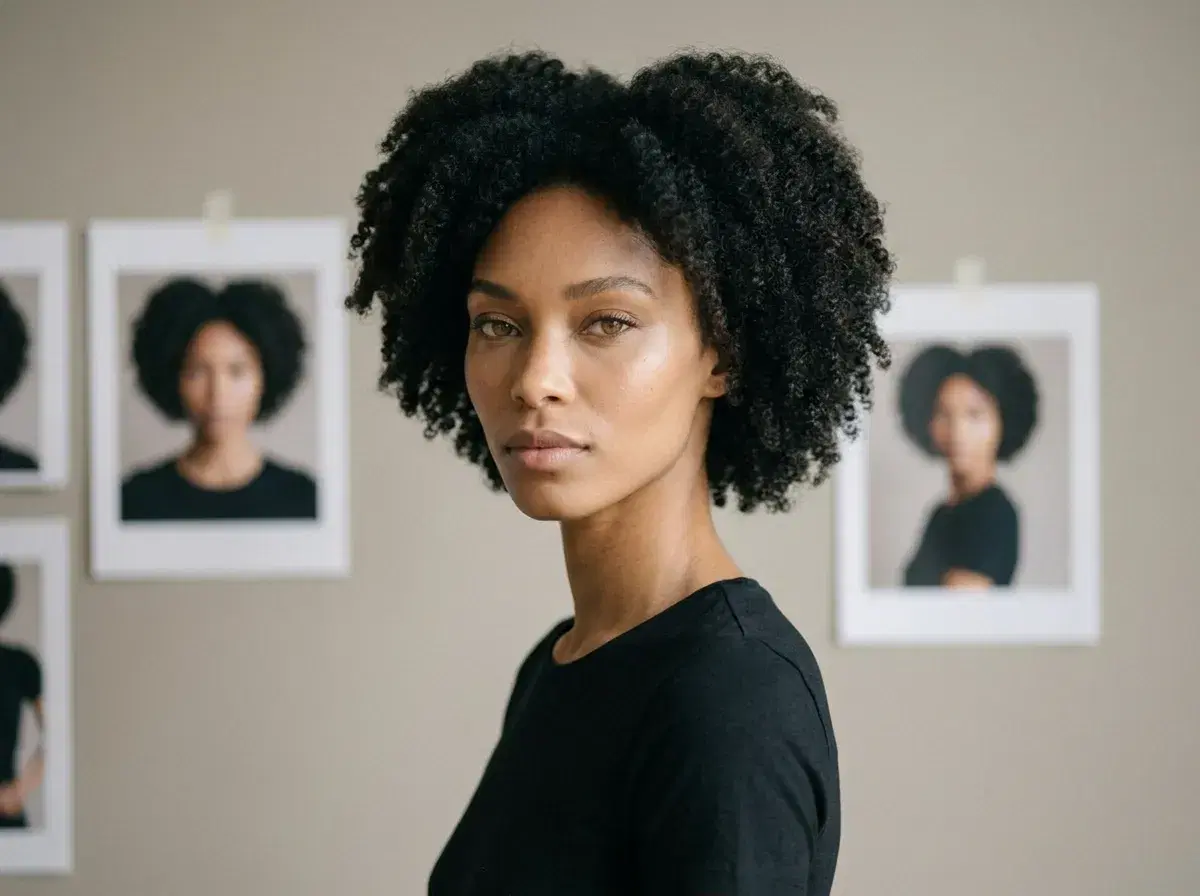
Creating a virtual influencer means producing a character who looks like the same person in every photo, moves like the same person in every clip, and sounds like the same person in every voiceover. The hard part is not generating one good image — it is generating the hundredth one and having it still read as the same character.
This is the practical version of that workflow: four steps, what each one is actually for, and an honest account of the parts no generator handles.
The video half of this runs natively — see Pose AI Video Studio.
- Four steps: write the persona brief, lock the face with identity-locked image generation, produce clips with native video engines, then clone a voice for anything that speaks.
- Step 1 is the one people skip and the one that decides whether the rest holds together.
- Pose runs all three generation steps in one place — Nano Banana 2 for images, six video engines for motion, ElevenLabs for voice — on 400 credits every week.
- Not automated: posting, scheduling, community, and disclosure. Those are yours, and disclosure is increasingly required.
Step 1: Write the persona brief
Decide who the character is before you generate anything. Name, approximate age range, wardrobe register, the two or three environments they are usually seen in, the lighting that follows them around, and what they actually talk about. Write it down — a paragraph is enough, but it has to exist outside your head.
This is the step that gets skipped, and skipping it is why most attempts fall apart around week three. Every later decision — which style to pick, which scene to describe, which engine suits a shot — is a consistency question, and a consistency question is unanswerable without something to be consistent with.
Step 2: Lock the face
Upload one clear, front-facing photo. Pose reads the face with Nano Banana 2 and locks it — there is no training run, no batch of twenty selfies, and no waiting for a model to finish. From that point, every style you generate renders the same identity.
Generate a first spread deliberately: a portrait, a mid-shot in one of your brief's environments, and a wide scene. Look at them together rather than one at a time. If those three read as one person in one visual world, the brief is working. If they do not, tighten the brief before you generate a hundred more.
Step 3: Put the persona in motion
Cast the engine to the shot rather than picking a favourite. Kling handles controlled camera movement — a push-in, an orbit, a slow reveal. SeedDance handles body motion and motion transfer, which is what you want for anything performance-led. Wan is the fast one for iterating on an idea before committing. Veo and Sora 2 carry photorealistic scenes and longer takes. HeyGen is the talking-head engine.
Motion Control sits across these for directing how the camera and subject move. Because the identity lock carries from the image model into the video models, a clip does not undo the work of step two — the face in the video is the face in the stills.
Step 4: Give it a voice
If the persona speaks, the voice has to be as consistent as the face. Pose integrates ElevenLabs natively, so a talking clip is generated with its audio and lip-sync together — there is no export, no separate voiceover tool, and no manual sync.
Two limits worth stating plainly. Cloning covers a speaking voice for narration and delivery, not singing. And you need the right to the voice: your own is fine, anyone else's requires their explicit permission, and a real public figure's voice is off the table.
One studio vs a stitched-together toolchain
| Approach | What you get | Where it costs you |
|---|---|---|
| Pose (all-in-one) | Images, six video engines, and voice on one plan with a shared identity lock | Not a specialist at any single look — a dedicated cinematic tool will out-style it on its own turf |
| Synthesia (avatar video) | Polished corporate avatars and a wide multilingual library | Stock presenters rather than a persona of your own; no still-image pipeline |
| Runway (cinematic video) | Excellent motion and camera work | Reference images per generation rather than a saved identity, so consistency is manual |
| Assembling specialists | Best-in-class output at each individual step | Several subscriptions, and the face drifts every time content crosses a tool boundary |
The argument for one studio is narrower than "better at everything" — Synthesia and Runway are genuinely strong at what they do. It is that a persona lives or dies on consistency, and consistency is exactly what degrades when a face is handed between tools that do not share an identity lock.
Browse the full Pose AI style library for the looks your persona can inhabit.