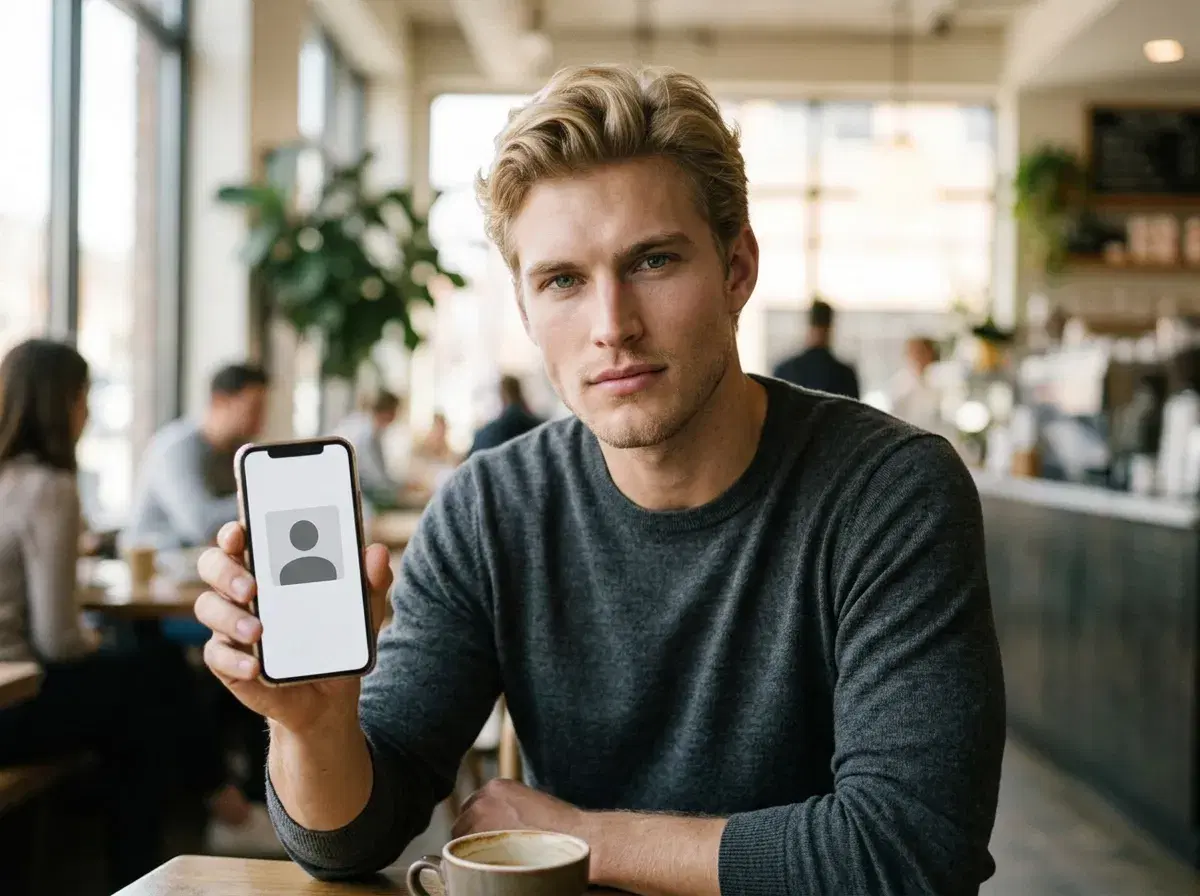
Hinge does not ban every AI-assisted image, but its published guidance discourages AI-generated profile photos and treats misleading use as misrepresentation. The safest reading is to use photos that show you as you look now.
This summarises what Hinge has said and what to do about it. Policies change, so confirm the current wording on Hinge's own help pages.
Compare options for dating profile photos.
- Direct answer: AI photos are discouraged on Hinge and become a problem when they misrepresent you.
- Hinge's March 2026 guidance cites 88% of daters being uncomfortable with AI-generated photos.
- Hinge's content rules say generative images should not be used to misrepresent yourself or your intentions.
- Verification: Hinge uses selfie verification, so photos should stay recognisably you.
AI headshots versus AI edits
An AI headshot is a new image generated from a photo of you. An AI edit is a change to a real photograph, such as lighting or background. Both can stay faithful to your appearance or drift from it, and drifting is what causes trouble.
Hinge's guidance, as published in its newsroom, steers users toward recent photos that genuinely represent them, so a real, current photo is the lower-risk choice.
What Hinge has said
Hinge's March 2026 AI guide advises skipping AI-generated profile photos and reports that most daters are uncomfortable with them. Its content and AI policy language says generative content should not be used to mislead others about who you are or your intentions.
Match Group has also extended liveness-based verification across its apps. Treat the exact enforcement thresholds as undocumented: no source states how closely a photo must match.
If you still want to use AI
Keep it faithful: use a recent selfie, avoid changing your face, body or age, and never present a generated scene as something you did. Mix in genuine candid photos so the profile reads as real.
Some people use AI only for light polish on a real photo or for a plain portrait. If you want to keep to Hinge's guidance as written, skip generated photos entirely.
Read Hinge photo guidance.