"Without shooting footage" is the part of AI product video that actually saves money — no studio day, no crew, no reshoot when the copy changes. It is also the part most often oversold, because you cannot generate a video of your product out of nothing.
Here is what you genuinely need as input, what the workflow looks like, and which shots still require a camera.
The engines described here live in the Pose AI Video Studio.
- What you need: one clean product image. That is the input the motion is built from — a photo you already have, a supplier shot, or a phone picture on a plain surface.
- What you skip: the shoot itself. No studio booking, no lighting setup, no crew, and no reshoot when you want the same product in a different setting or aspect ratio.
- How it works: native Kling and SeedDance turn that still into motion; Veo and Sora 2 handle wider scenes; HeyGen with ElevenLabs voice adds a presenter holding or talking about the product.
- What still needs a camera: a genuine demonstration of the thing working, and any material behaviour a customer will check against reality.
- $4.99 the first week, then $14.99/week with 400 credits. Exports at 9:16 for TikTok and Reels or 1:1 for feed placements.
What "without shooting footage" actually means
It means without a shoot, not without an input. One clean product image is the starting point, and the quality of that single image sets the ceiling for everything downstream — a sharp, evenly lit photo on a plain surface will carry a whole campaign, while a dim phone snap with a cluttered background limits what any engine can do with it.
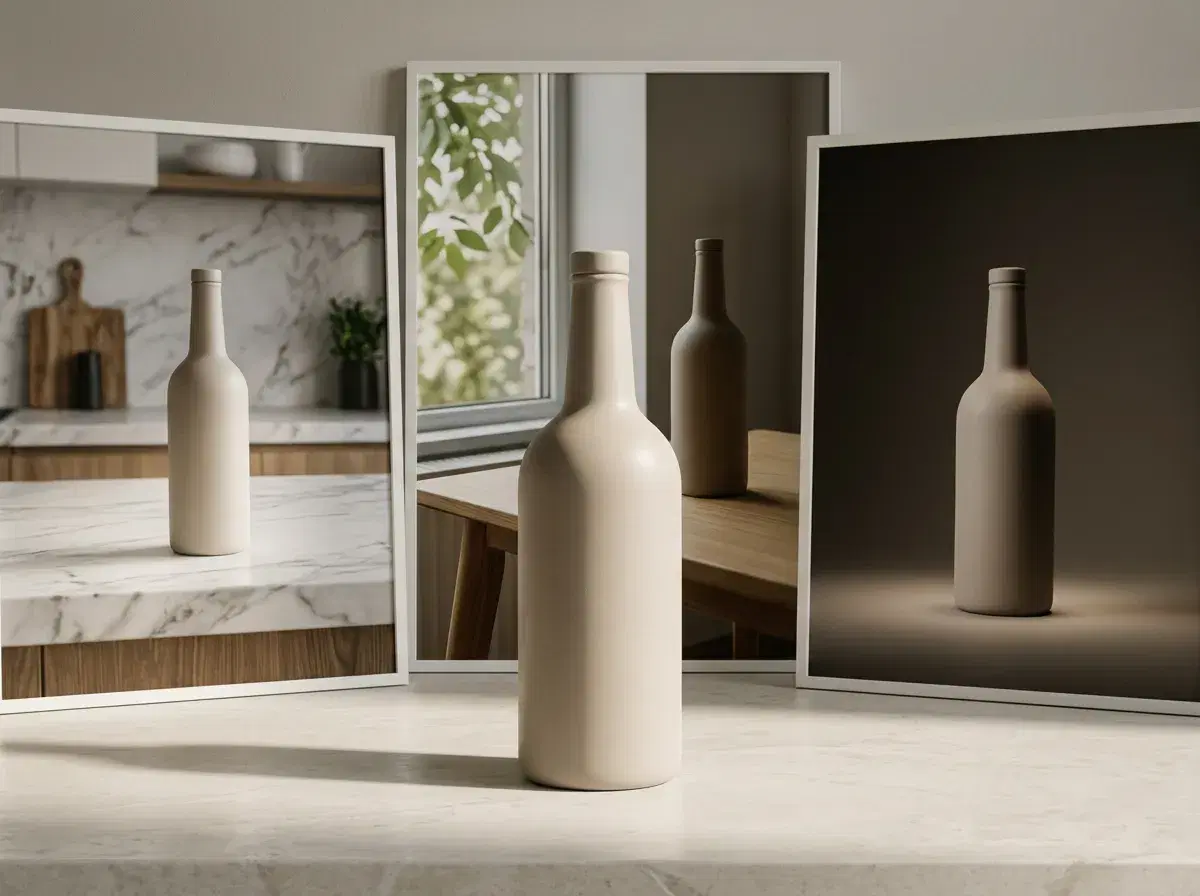
What actually disappears is the expensive, slow part. Booking a studio, lighting a set, hiring a crew, and — the real cost — going back and doing it again because you now need the product on a marble counter instead of a wooden table, or vertical instead of square. Generating the variations means changing a description rather than rebuilding a set.
The workflow, start to finish
Start with the product image and decide what the motion is doing before you pick an engine. A slow push-in that lands on a detail is a different job from a product rotating on a surface, and casting the shot correctly matters more than the model choice. Kling is the one to reach for when the camera should move; SeedDance handles subject motion and motion transfer; Wan is quick for iterating variations; Veo and Sora 2 cover wider scenes and longer takes.
If the ad needs a person, that is a second pass rather than a different tool. HeyGen generates a presenter from a single photo and ElevenLabs supplies the voice, so a creator-style clip talking about the product comes out of the same session and the same weekly credit pool.
Then export to the placement you are actually running — 9:16 for TikTok, Reels and Shorts, 1:1 for feed. Generating the same concept in both is another regeneration, not another shoot, which is the whole point.
Where you still need a real camera
Three cases, and they are worth knowing before you plan a campaign around this. The first is a genuine demonstration: if the ad's job is to show the product actually working — the mechanism engaging, the liquid pouring, the fabric stretching under real tension — that is a claim about reality, and generated motion is an approximation of it rather than evidence.
The second is material behaviour a customer will check. Anything where the buyer's decision rests on how a specific texture, finish or fit behaves in the real world is a place where a plausible-looking approximation gets found out on delivery, and the return rate is the feedback.
The third is regulated or comparative claims, where what you show has to be what happens. None of this argues against generating the other eighty percent — the lifestyle framing, the scene variations, the hook shots, the aspect-ratio cuts. It argues for knowing which shot you are making.
Product Videos for Faceless YouTube Channels
A faceless product review channel runs on the same input this whole guide is about: one clean image of the thing being reviewed. Kling and SeedDance turn that image into motion — a rotation, a feature close-up, an unboxing-style reveal — and Motion Control directs the camera or the subject rather than leaving it to guesswork, so a channel's videos read as deliberately shot rather than generic. ElevenLabs voice cloning covers the narration in one pass, on the same weekly credit pool as the footage.
This is the generation half of a faceless channel, not the whole channel — there is still no script generator and no scheduler, and the honesty limits above still apply: a demonstration of the product genuinely working is a camera job, not a generation job.
Faceless AI product reviews vs. traditional product demo videos
| Faceless AI product review | Traditional product demo video | |
|---|---|---|
| Input required | One clean product image | The physical product, a set, and someone to film it |
| Presenter | Optional — HeyGen renders an identity-locked presenter from one photo if you want a voice on camera | A real person on camera, or professional voiceover |
| Iteration cost | Regenerate the same concept in a new setting or aspect ratio | Reschedule and reshoot |
The trade is the same one this guide makes throughout: what disappears is the shoot, not the need for a real product image to work from.
For creator-style ads with a presenter, see UGC talking videos.
For choosing between engines, see the best AI product video generator guide.
For the full faceless-channel picture beyond product reviews, see best AI video generators for faceless YouTube content.