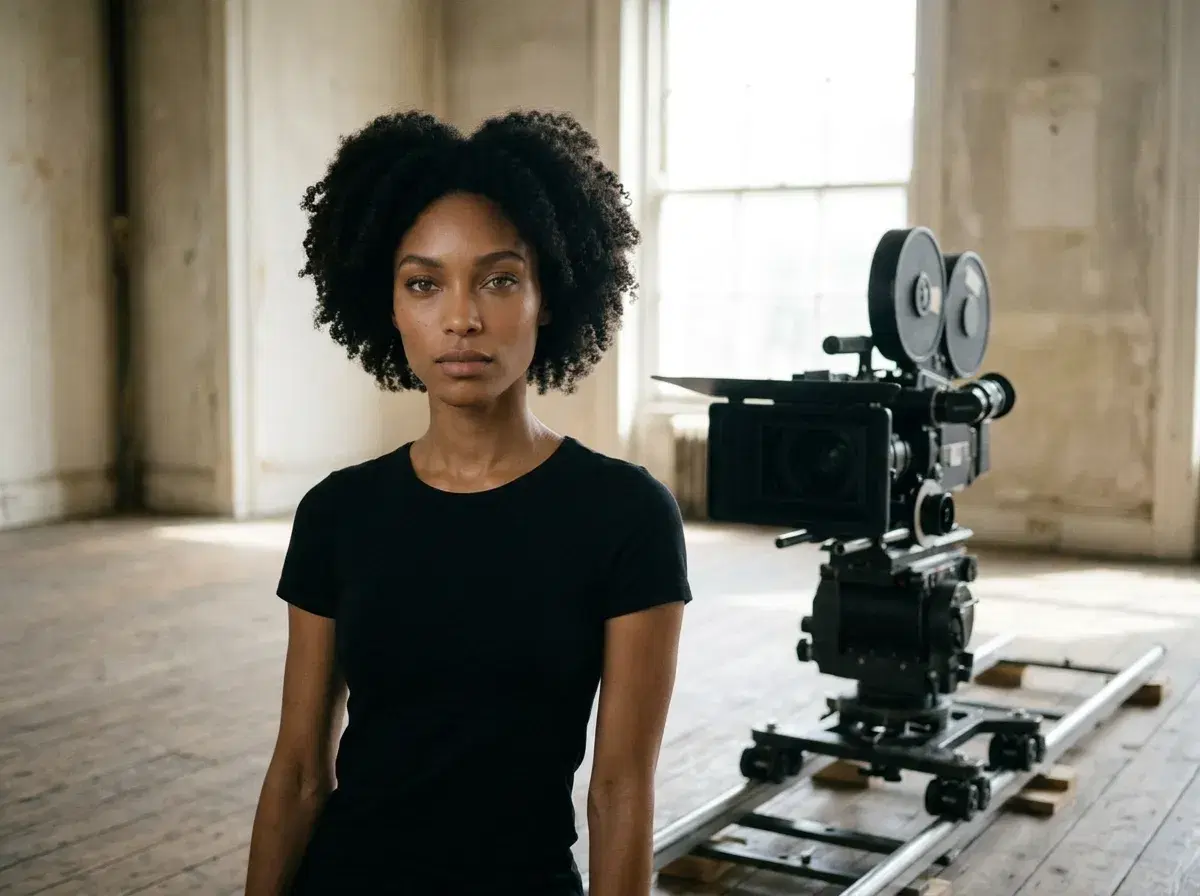
Camera control means telling a generator how the camera moves: pan, tilt, zoom, dolly or orbit. Motion paths describe where a subject travels.
This guide explains each term and how Pose AI handles them with Kling 3.0 Motion Control and SeedDance, plus the honest limits.
Try it in the Video Studio.
- Camera control is directing the shot; motion paths are directing where the subject goes.
- Pose offers Kling 3.0 Motion Control and SeedDance; a video effects library covers preset moves.
- Describe one camera move per clip for the cleanest result.
- Pose is $4.99 the first week, then $14.99 a week; not unlimited.
Key motion terms
A pan turns the camera left or right on a fixed point. A tilt turns it up or down. A zoom changes focal length without moving. A dolly moves the whole camera toward or away from a subject. An orbit circles the subject. Subject motion is what the person or object does, and a motion path is the route it takes.
Camera moves and how to prompt them
| Move | Prompt wording | Best at |
|---|---|---|
| Pan | slow pan left across the room | Revealing a space |
| Tilt | tilt up from the shoes to the face | Revealing a person |
| Zoom | gentle zoom in on the face | Emphasis |
| Dolly | slow dolly toward the subject | Cinematic approach |
| Orbit | camera slowly orbits the subject | Product and portrait reveals |
What Pose offers
Kling 3.0 Motion Control directs camera and performance, SeedDance animates photos with natural subject movement, and Clone a Video copies the motion of a reference clip onto your subject. Photo clips with SeedDance run up to about 10 seconds. Combine one clear camera move with one subject action per clip; stacking several moves tends to confuse the result.
Preset moves: video effects.
The Video Studio: create a clip.