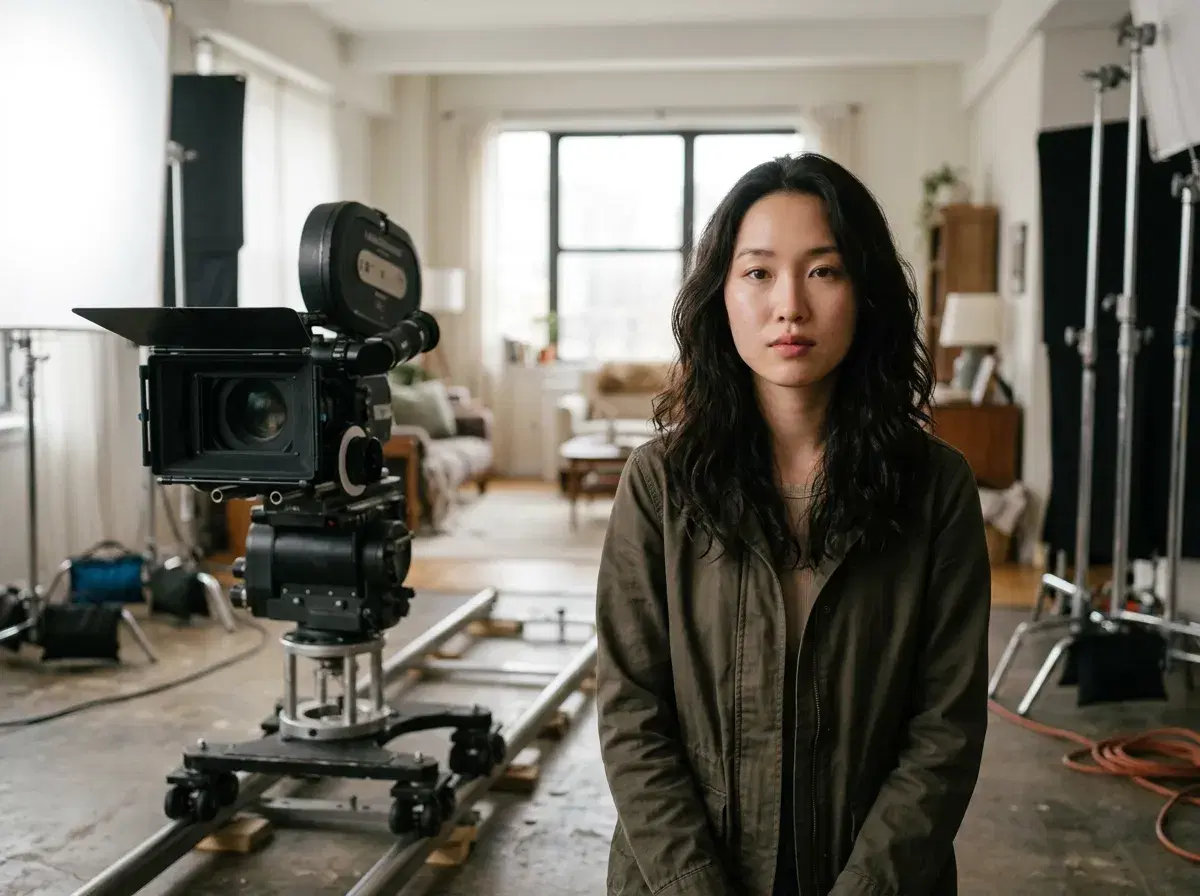
Motion control means directing how things move in an AI video: the camera, the subject, or a performance copied from a reference clip. It is the difference between hoping for a good shot and asking for one.
This compares Pose AI with Runway, Kling, Luma and Pika on how each handles motion, and says where Pose is not the best choice.
Try it in the Video Studio.
- Motion control splits into camera motion, subject motion and motion transfer from a reference clip.
- Pose AI offers Kling 3.0 Motion Control and SeedDance, with your own face as the subject.
- Runway, Luma and Pika are strong standalone options for single-model workflows.
- Pose is $4.99 the first week, then $14.99 a week; not unlimited.
Key terms
Camera control sets push-ins, pans and orbits. Subject motion describes what the person or object does. Motion transfer copies a performance from a reference clip onto your subject. A tool may be strong at one and weak at another.
Motion control compared
| Tool | Motion strength | Your own face | Pricing model |
|---|---|---|---|
| Pose AI | Kling 3.0 Motion Control and SeedDance, plus clone a video | Yes, identity locked | Weekly credits: $4.99 first week, then $14.99/week for 400 |
| Runway | Strong camera control and editing tools | Reference images per generation | Monthly credits |
| Kling (direct) | Motion control and camera moves | Reference images | Monthly credits |
| Luma | Cinematic camera moves | Reference images | Monthly plans |
| Pika | Quick stylised effects and motion | Limited | Monthly plans |
Where Pose fits
Pose pairs motion control with a saved identity, so a clip stays recognisably you. If you need long edited sequences or fine timeline control, a dedicated editor or a single-model tool may suit better. Photo clips with SeedDance run up to about 10 seconds.
Learn the basics in motion control AI video.
Compare approaches in motion control versus pose editing.