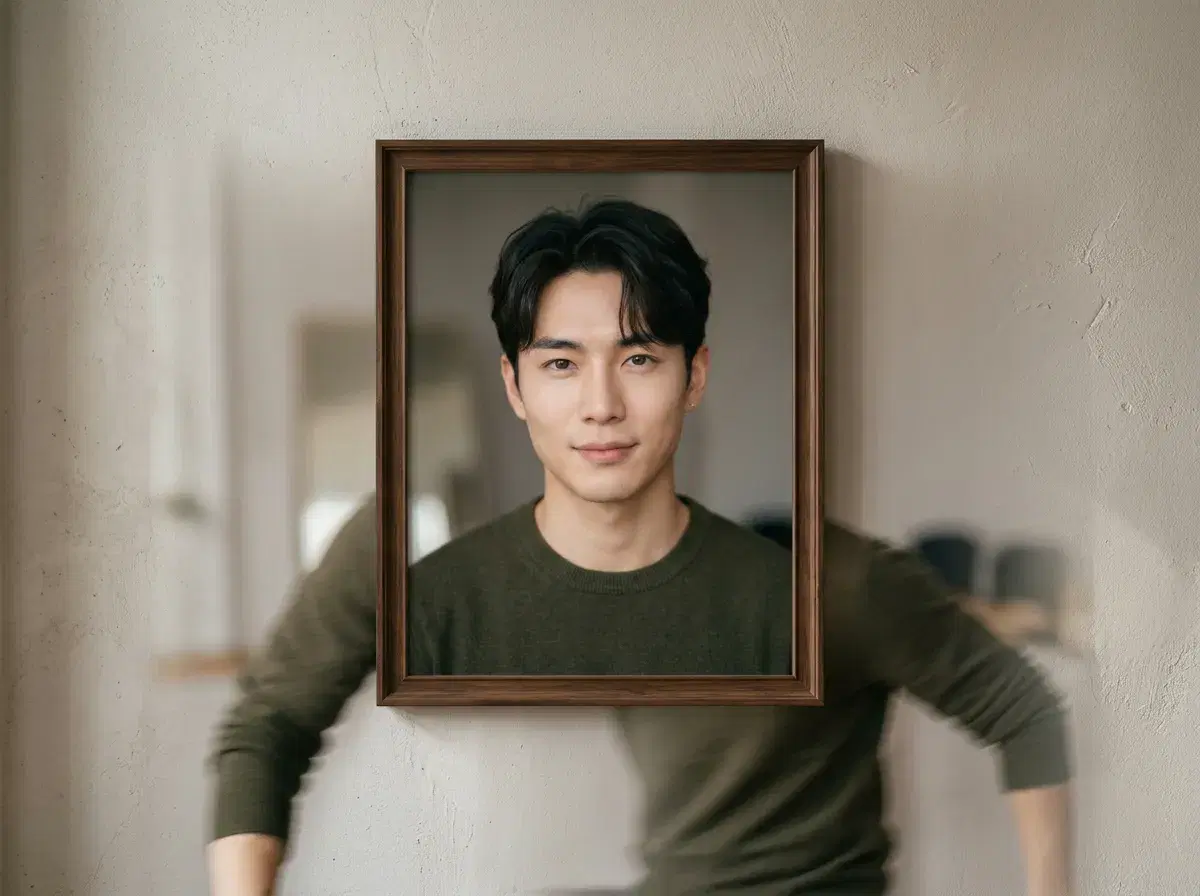
Animating a photo means turning a still image into a short video where the subject moves. The best tool depends on whether you want a person who still looks like you, a talking portrait, or a stylised clip.
This compares Pose AI, Pika, D-ID and Runway, with approximate details to verify.
Animate a photo in the Video Studio.
- Best for your own face: Pose AI animates a photo with SeedDance and Kling and keeps your identity locked from one selfie.
- Best for a talking portrait: D-ID, which turns a photo into a speaking avatar.
- Best for stylised, effect-led clips: Pika.
- Best for cinematic generation: Runway, using reference images per generation.
What photo animation is
Photo animation, also called image-to-video, takes a still image and generates a short clip in which the subject moves, the camera shifts or the scene comes alive. The photo is the first frame, and the model invents the motion.
In Pose AI the default model is SeedDance 2.5, with SeedDance 2.0 and Kling 3.0 as alternatives. SeedDance animation from a photo is capped at 10 seconds.
Photo animation tools compared
| Tool | Approach | Best for | Keeps your face |
|---|---|---|---|
| Pose AI | SeedDance and Kling image-to-video plus Motion Control | Clips of you or your creator persona, alongside photos | Identity locked from one selfie |
| Pika | Short generative clips with effects | Stylised or playful clips | Depends on the input; no saved identity |
| D-ID | Photo-to-talking-avatar, with an API | Speaking portraits at scale | Animates the photo given |
| Runway | Cinematic generative video | High-end generated scenes | Uses reference images per generation |
Where Pose is the wrong choice
If you only want a talking head from a photo, D-ID is built for it. If you want effect-heavy, stylised clips, Pika is the better fit. If you are generating cinematic scenes with no particular person, Runway has more reach.
Pose is the better choice when the clip has to be recognisably you, and when you also want photos and product content on one plan.
See the image-to-video guide.
Check Pose AI pricing.