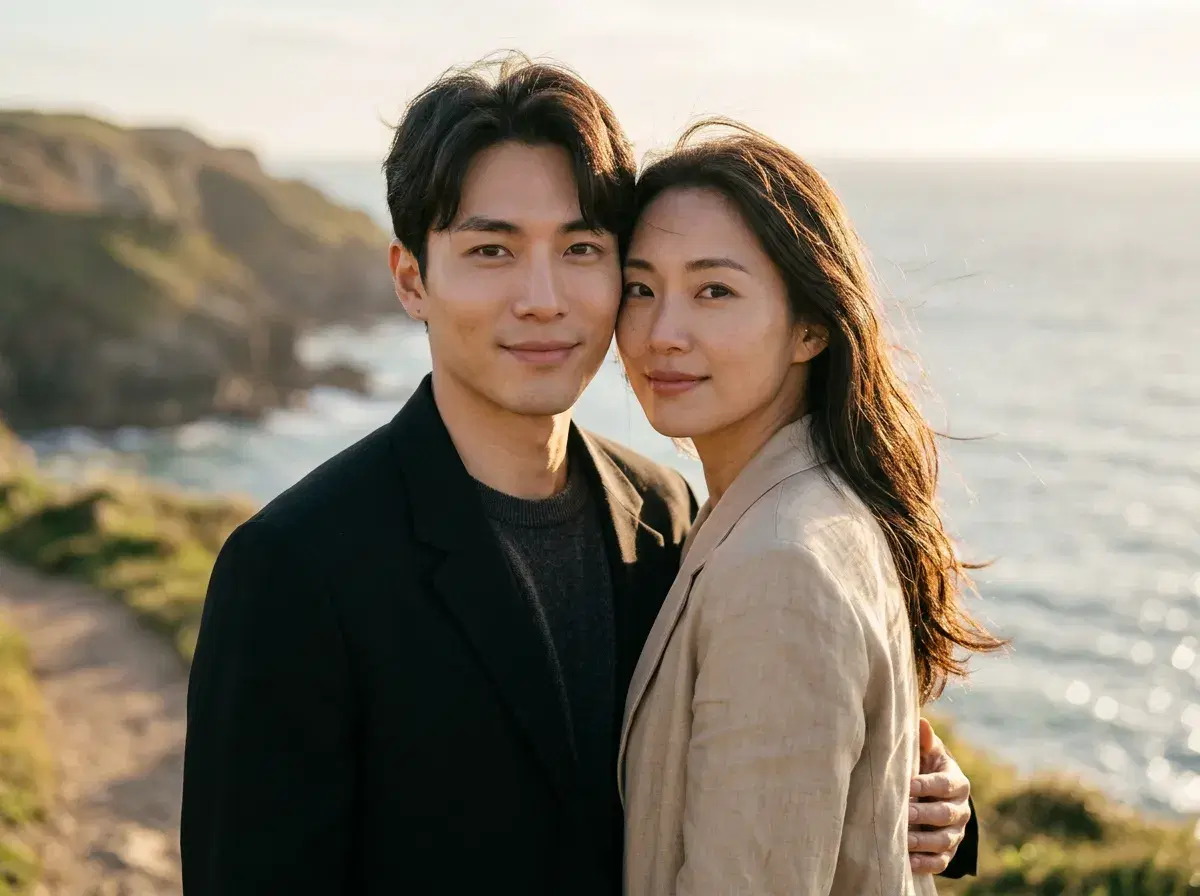
Asking which app makes the most realistic couple photos sounds like a question about image quality. It is really a question about whether the app is generating a new photograph or editing one you already have — because those two things fail in completely different ways.
This compares Pose against the mobile apps people usually try first, on the axis that actually decides realism: whether both faces come out looking like the two real people.
See the AI couple photo generator for the styles and workflow.
- Pose is the strongest option when the photo doesn't exist yet — it generates a new couple scene from one selfie of each partner, with both identities locked by native image generation (Nano Banana 2, with Flux Kontext available for a different look).
- Remini is the better tool when you already have a couple photo and it is soft, low-resolution, or badly lit. It enhances a real photograph; it does not put two people into a scene they were never in.
- FaceApp applies styling and effects to an existing photo. Fast and fun, but it is working on top of the picture rather than producing a new one.
- Single-purpose couple apps mostly cut one person out and paste them beside the other. That composite is the specific thing that reads as fake — mismatched light and edges around the join.
- Pose is not free: $4.99 the first week, then $14.99/week with 400 credits. Couple photos generate in about two minutes.
What makes a couple photo read as real
Three things give a fake couple photo away, and none of them is resolution. The first is the join: if one person was cut out and placed next to the other, the edges and the scale rarely quite agree. The second is the light — two people photographed separately carry the light of two different rooms, and no amount of sharpening reconciles that. The third is identity drift, where a face comes out plausible but subtly not the person, which is worse in a couple photo than a solo one because anyone who knows them checks both.
Generating the scene from scratch is what solves the first two. Because a single image is produced in one pass, there is one light source and one perspective for both people, so the two faces sit in the same photograph rather than being assembled into it. Identity lock handles the third: each face is held to its source selfie instead of being invented.
Realistic couple photo apps compared
| What it does | Both faces identity-locked | Editing flexibility | |
|---|---|---|---|
| Pose AI | Generates a new couple scene from one selfie of each partner | Yes — native image generation holds both faces | Change setting, styling and season by regenerating; no manual editing tools |
| Remini | Enhances and upscales a couple photo you already have | N/A — it works on the real faces in your photo | Strong on restoration; cannot create a scene you were never in |
| FaceApp | Applies filters, styling and effects to an existing photo | No — effects sit on top of the original faces | Quick stylistic changes; not a generator |
| Single-purpose couple apps | Usually composite two solo photos into one frame | No — the faces are pasted, not generated together | Limited; the join and the mismatched light are the usual tell |
Competitor capabilities and pricing are from public information as of 2026 and change often — verify before subscribing. The honest read is that these are not four answers to one question. If your couple photo exists and needs rescuing, Remini is the right tool and Pose cannot help you. If it was never taken, Pose is the only one on this list producing a genuine single-pass photograph of both of you.
Where each one wins
Choose Pose when the photograph doesn't exist: you live in different cities, you never got a decent picture together, you want an anniversary portrait in a setting you have not visited, or you want the same couple in six styles without organising a shoot. Around fifty couple templates cover the usual ground — beach sunset, Paris, wedding, anniversary, travel — and both faces come from one clear selfie each.
Choose Remini when you have the shot and it is letting you down. An old photo of grandparents, a dark reception picture, a low-resolution phone image from years ago — enhancement is a different job and it does it better than any generator would.
Choose FaceApp when you want a quick stylistic pass over a photo you like. It is not competing for realism, and it is not trying to.
For professional portraits of one person rather than two, see AI headshots.
Plans and the weekly credit allowance are on the pricing page.