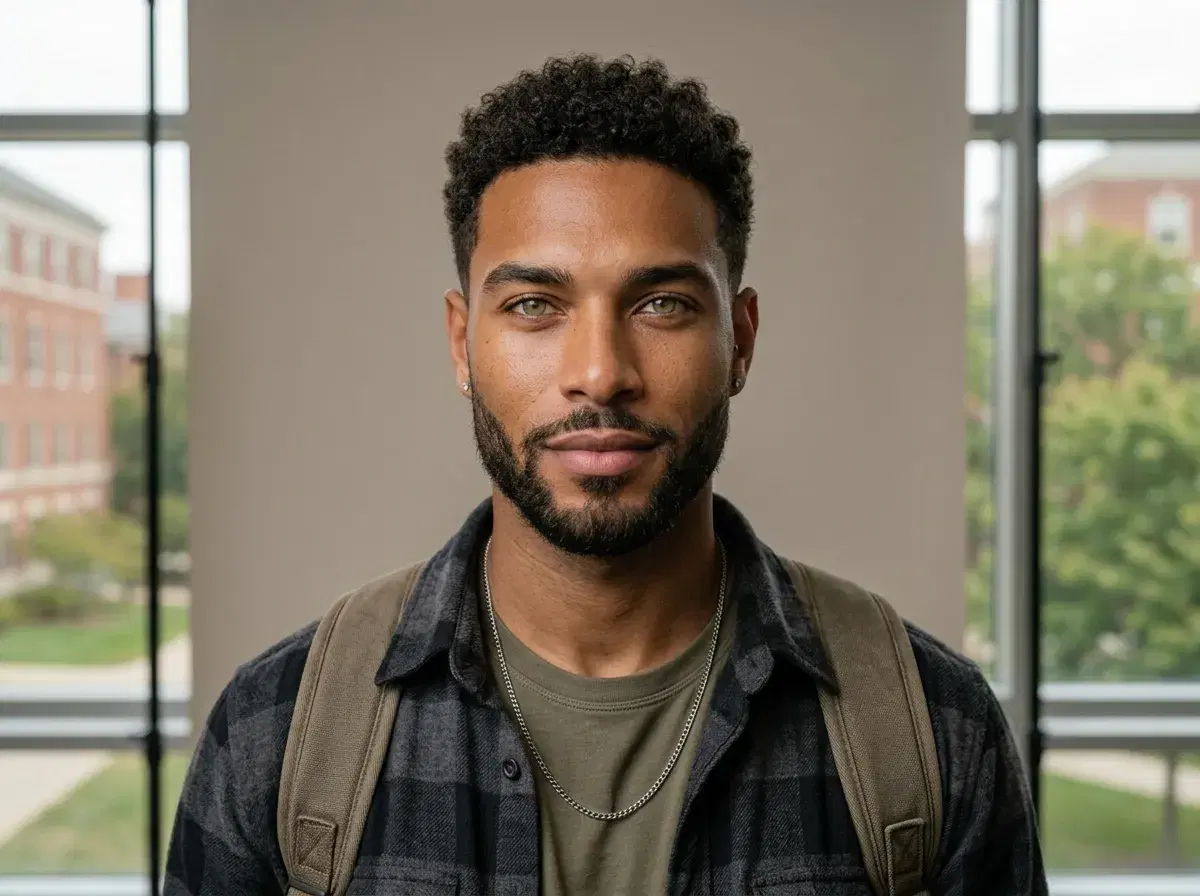
Back to school season produces three quite different photos: the posed headshot that ends up in a yearbook or a staff directory, the first-day portrait a family takes at the door, and the profile picture a college student updates before term starts. AI is genuinely good at one of those and deliberately wrong for another.
This covers what AI back to school photos are useful for, where a real photograph is still the right call, and how the generation actually works.
Generate professional AI headshots from a single selfie.
- Yearbook-style headshots: the strongest fit. A clean, evenly lit chest-up portrait against a plain or campus background is exactly what identity-locked generation produces well.
- Teacher and staff portraits: same job, professional register — a consistent set for a school website or staff directory without booking a photographer for every new hire.
- College and grad-student profile photos: a LinkedIn-ready headshot before internship or placement applications open.
- First-day-of-school family photos: not this. That photo is a record of a morning that happened, and a generated version is not one.
- One clear selfie per person, identity-locked via Nano Banana 2, results in seconds. $4.99 the first week, then $14.99/week with 400 credits.
What are AI back to school photos?
An AI back to school photo is a portrait generated from a photo you already have, rather than one taken at a session. You upload one clear selfie, choose a style — a plain studio backdrop, a campus setting, a professional register for staff — and the model renders that person in the chosen scene. There is no separate training run and no batch upload: Pose reads the face from the single selfie and locks it, so the output is recognisably you in a new setting rather than a generic person who vaguely resembles you.
That identity lock is the whole thing here. A school photo has one job — to be identifiable — so a portrait that flatters someone into a different person has failed at the only thing it was for.
Key terms
AI headshots are professional portrait photos generated by artificial intelligence from your own selfie, rather than taken at a photography session.
Back to school headshots are polished student and staff portraits used for yearbooks, ID cards, school directories, LinkedIn profiles and resumes — the posed shots a school year produces, as distinct from candid first-day snapshots.
Where it fits, and where it doesn't
The posed portraits are the easy case. A yearbook headshot, a staff directory photo, and a student LinkedIn picture are all the same shot with different styling, and all three are formats where you want consistency across a group and the ability to redo one without rebooking anyone. A new teacher joining in October can be added to a staff page that already looks uniform.
The first-day photo is the opposite case, and worth being plain about. Its value is that it happened — a specific child, a specific doorway, a specific year. A generated version looks like the photo but is not the record, and families tend to notice the difference later even when nobody notices it at the time. Take that one on a phone.
The honest split: use generation for the portraits that are supposed to look produced, and a camera for the moments that are supposed to look like they happened.
For the seasonal styles, see AI August photos.
Getting a usable result
Start from a sharp, front-facing selfie in even light — window light beats overhead light, and a plain wall behind you beats a busy room. Skip sunglasses, heavy filters and group shots; anything that obscures or duplicates a face makes the identity step guess.
Then choose the register before the background. A yearbook photo and a staff directory photo want different clothing and expression even against the same backdrop, and getting that right matters more than the setting. Generate a few variations and pick the natural one rather than the most polished one — over-styling is the usual reason a generated portrait reads as generated.
Pricing and the weekly credit allowance are on the Pose AI pricing page.
For the yearbook-specific workflow, cost and print questions, see how to create AI yearbook photos.