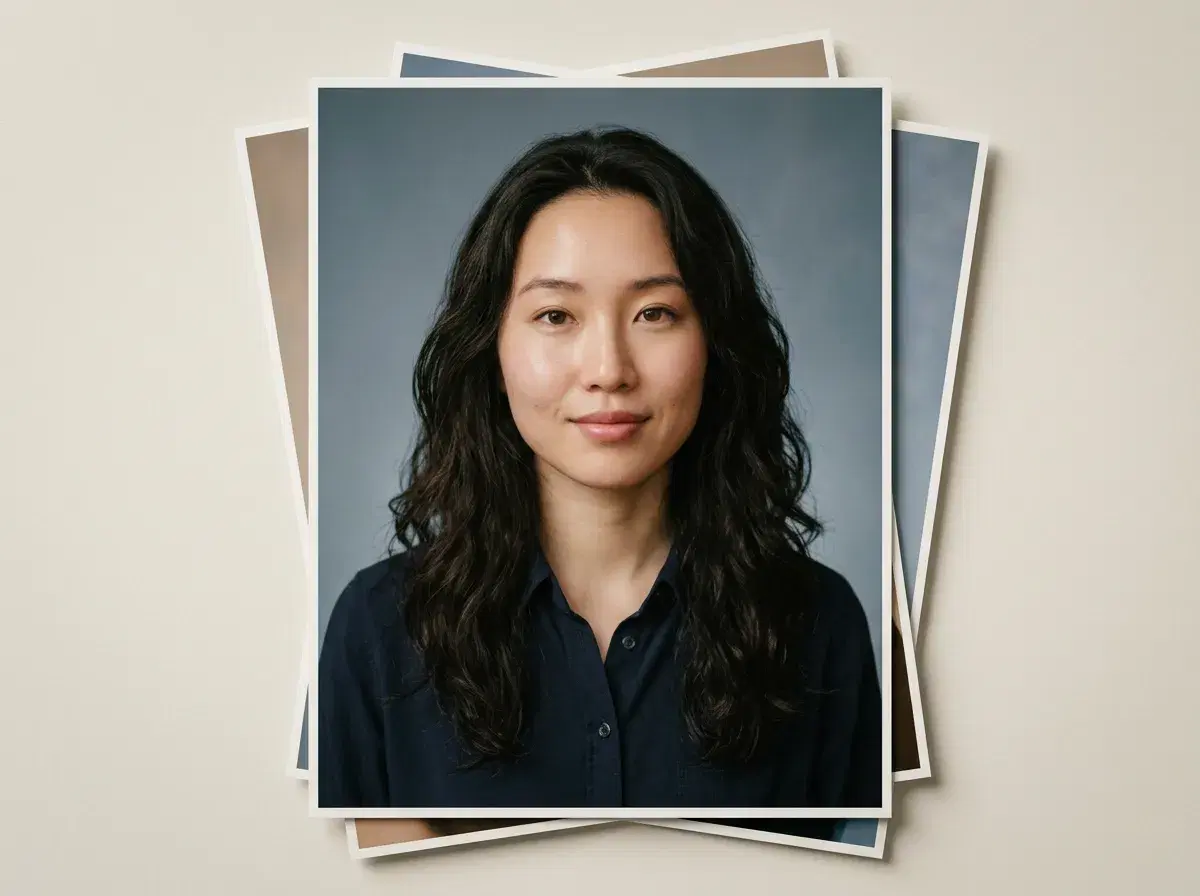
A yearbook photo is a narrow brief: chest-up, even light, plain background, and unmistakably the person it is meant to be. That narrowness is why it generates well — there is very little for a model to get creatively wrong.
This walks through the four steps, then answers the three questions that actually decide whether it works for you: cost, print quality, and whether a school can order them in bulk.
Browse the AI yearbook photo styles to see the classic and '90s retro looks.
- 1. Upload one clear selfie — front-facing, evenly lit, no sunglasses or heavy filters. One photo is the input; there is no batch to collect and no training step to wait through.
- 2. Pick a style — a classic plain-backdrop portrait, a '90s retro yearbook look, or a campus setting.
- 3. Generate — the identity is locked to your selfie via Nano Banana 2, so the output is you in that setting. Results come back in seconds.
- 4. Download — regenerate a couple of variations first and keep the natural one rather than the most polished one.
- $4.99 the first week, then $14.99/week with 400 credits, and no watermarks on output.
What is an AI yearbook photo?
An AI yearbook photo is a school-portrait-style image generated from a photo you already have rather than taken at a sitting. The model reads your face from one selfie, locks that identity, and renders it in the chosen styling — a neutral studio backdrop, a period-accurate '90s look, or a campus exterior.
The distinction that matters is generation versus editing. This is not a filter applied over your selfie; it is a new image in which the face is held constant. That is what lets the background, clothing register and lighting change completely while the portrait still reads as the same person.
How much customization is there
More than a school sitting offers, and in a different direction. A photographer gives you two or three proofs from one session; generation gives you the same face across as many settings and registers as you want to try, because the expensive part — getting everyone in one room on one day — has been removed.
In practice the useful variables are backdrop, clothing register, and era. The classic and '90s retro looks are the two people reach for most: one because it is what a yearbook photo is supposed to look like, the other because the retro version is a recognisable format in its own right. What you cannot do is direct a shot the way a photographer can in the room — you describe and regenerate rather than adjust.
For professional and LinkedIn-ready versions of the same portrait, see AI headshots.