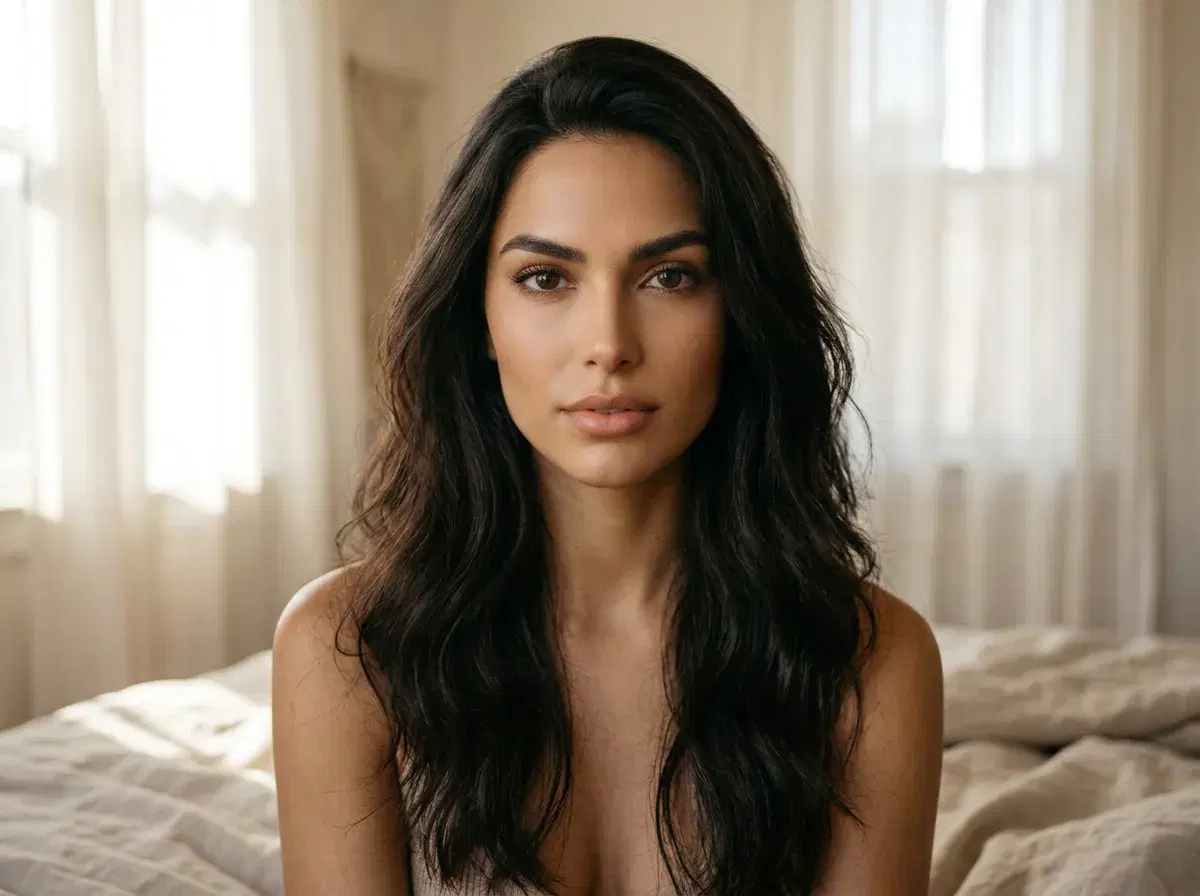
The best AI generator for realistic boudoir-style photos is one that keeps your face recognizably yours, handles intimate lighting well, and treats your photos privately. For most people that's an identity-locked generator rather than a general-purpose image model.
Pose AI fits that description: it generates tasteful boudoir-style portraits from one selfie with Nano Banana 2, doesn't train on your photos, and lets you delete them. This guide covers what to look for, how the options compare, and how to get a result that looks like a real photograph.
- Best for realistic boudoir photos of you: Pose AI — identity-locked from one selfie via Nano Banana 2.
- Privacy: Pose doesn't use your photos to train models, and you can delete them on request.
- General image models (Midjourney and similar) produce beautiful boudoir-styled imagery but have no reference to your face.
- Realism comes from light: one soft, directional source reads far more real than an evenly lit scene.
- Pricing: $4.99 first week, then $14.99/week with 400 credits, no watermarks.
What is AI boudoir photography?
AI boudoir photography is the generation of intimate, tasteful portraits — soft light, lingerie or loungewear, a bedroom or studio setting — by an AI model rather than a photographer. The appeal is privacy and control: no session with a stranger, no studio booking, and the freedom to try looks you'd never book a shoot for.
It is a portrait genre, not explicit content. Pose generates tasteful boudoir-style imagery of the person in the uploaded selfie and does not generate explicit or sexualized images, or images of anyone who isn't you.
Pose AI vs generic image generators for boudoir
| Pose AI | Generic image generators | |
|---|---|---|
| Whose face is in the photo | Yours — identity-locked from one selfie | A generated stranger; no face reference |
| Consistency across a set | Same face across every image | Changes image to image |
| Uses your photos to train models | No | Varies by tool — check its policy |
| Prompting required | Optional — choose a style | Detailed prompts needed |
| Pricing | $4.99 first week, then $14.99/week | Varies; often monthly subscriptions |
If the person in the photo doesn't need to be you, a general image model gives you more creative range. If it does, identity lock is the deciding feature.
Styling: lighting, poses, and wardrobe
Lighting does most of the work. Describe one soft source — window light from the side, a single lamp, warm late-afternoon sun through sheer curtains — and let the shadows fall. Flat, even light is the quickest way to make a boudoir image look generated.
Keep poses simple and relaxed: seated on the edge of a bed, leaning against a window frame, lying back on pillows with the face toward the camera. Wardrobe reads best when it's specific about fabric — silk, lace, an oversized knit — rather than generic.
Pick the most natural output, not the most polished. Skin that's smoothed to plastic and a pose that's too perfect are what give AI boudoir images away.
Privacy and consent
Only upload a photo of yourself. Generating intimate imagery of another person without their consent is a serious harm and, in many places, illegal — and it's not something Pose supports.
Pose doesn't use uploaded photos to train AI models, and you can request deletion of your data at any time. Read the full details in the privacy policy before you upload.
Browse the AI boudoir photo styles for ready-made looks.
Explore every look in the Pose AI style library.
See plans on the Pose AI pricing page.
Read how your photos are handled in the Pose AI privacy policy.