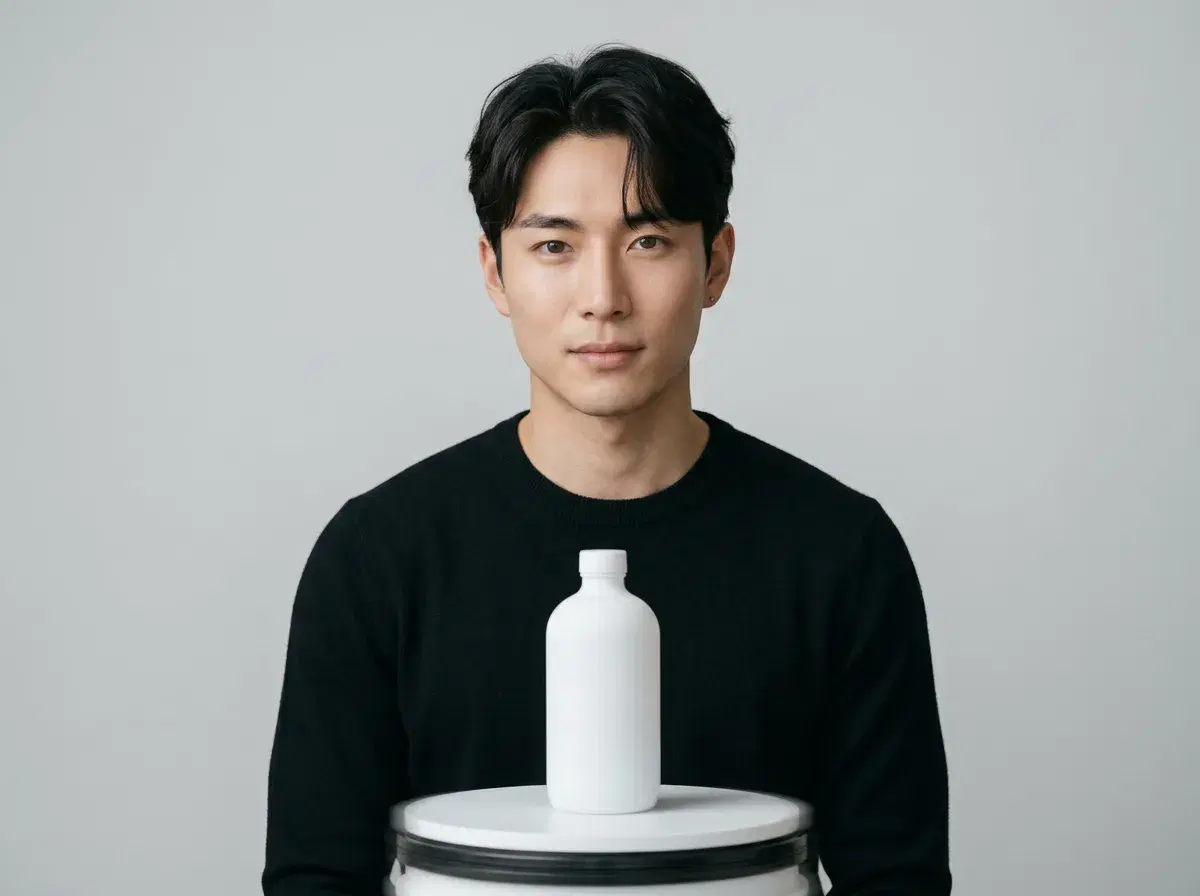
An AI product video generator turns a single product photo into a short video — a rotating hero shot, a lifestyle scene, or an identity-locked presenter demoing the item — without a filming session. This guide covers what the category actually does and how to match the right engine to the job; for a head-to-head tool comparison, see our best AI product video generator roundup.
- An AI product video generator creates moving video — not just a still image — from a product photo, using text-to-video or image-to-video models.
- Pose AI maps six native engines to different product video jobs: Kling and Veo for cinematic demos, Sora 2 for a longer narrative cut, SeedDance for subject motion, and HeyGen for a presenter-led UGC-style demo.
- 400 credits every week, $4.99 the first week, then $14.99/week, no watermarks, no external tools needed.
What is an AI product video generator?
An AI product video generator is a tool that produces short-form video of a product — motion, lighting, and scene composition generated by an AI model from a still image or text description, rather than filmed footage.
Two broad approaches exist: cinematic product-first video (no presenter, the product and its motion carry the shot) and UGC-style presenter video (an identity-locked face or avatar demoing the product to camera).
Matching the engine to the product video job
| Job | Best-fit engine | Why |
|---|---|---|
| Cinematic hero shot or demo | Kling, Veo | Controlled camera moves and photorealistic scene rendering |
| Longer, narrative product story | Sora 2 | Handles longer, more cinematic sequences |
| Product motion or rotation | SeedDance | Strong at subject motion and motion transfer |
| UGC-style presenter demo | HeyGen | Identity-locked talking-head presenting the product |
See product video generation in Pose AI's Video Studio, or UGC-specific demos in the UGC video generator.