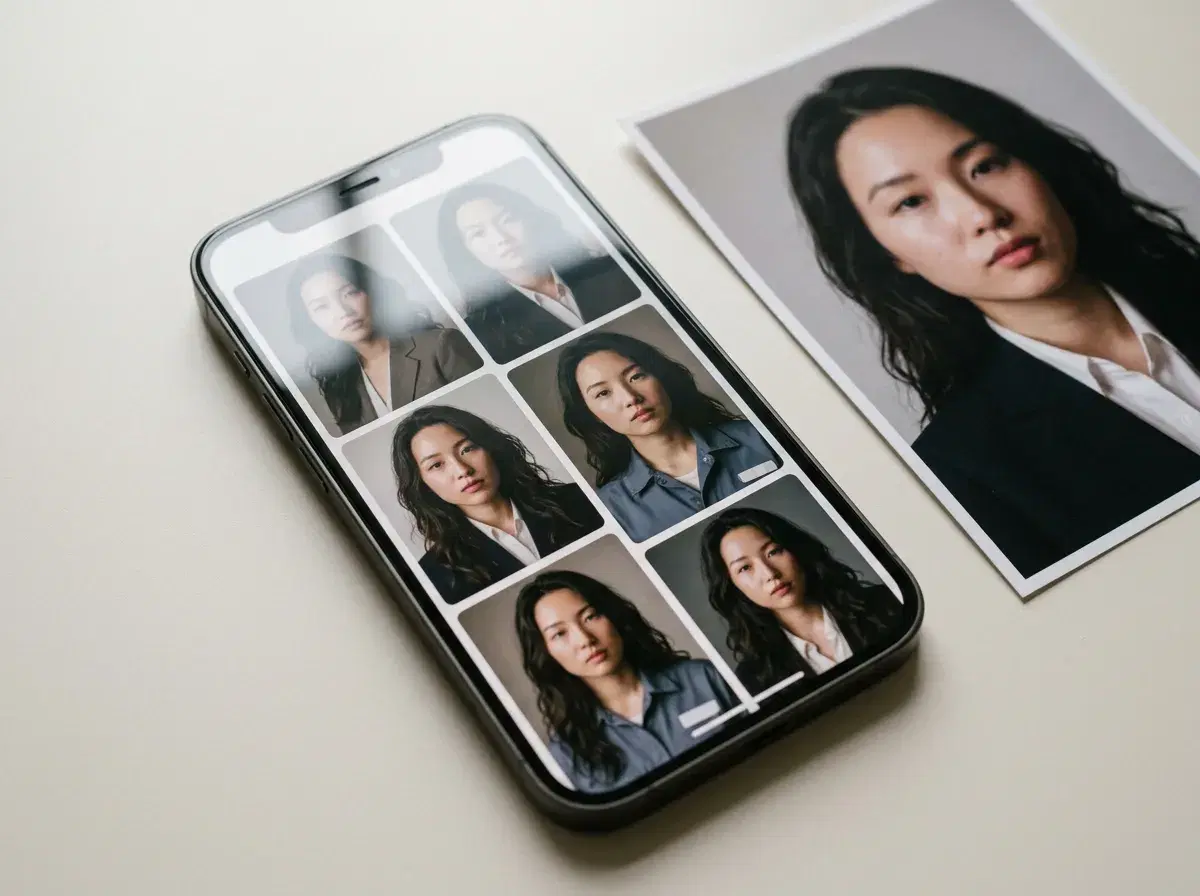
“Best on iPhone” for an AI photo app usually means the app behaves properly on the platform — real camera-roll access, a working share sheet, and generation that does not stall when you switch apps or lock the screen.
Pose is web-based and mobile-responsive, with the full feature set available on iPhone through the browser and an app listing in the App Store — headshots, styled portraits and video from one selfie. Here is how it compares to the two apps people usually try first on iOS.
Generate professional AI headshots from your iPhone.
- Pose is web-based and mobile-responsive with an App Store listing, giving iPhone and Android the same feature set — headshots, styled portraits, and native video generation (Kling, HeyGen and more) from one selfie, all on one weekly plan.
- Pose delivers identity-locked iPhone headshots via native Nano Banana 2 generation, with 400 credits every week.
- Remini is strongest on iPhone for enhancing a photo you already have — sharpening, upscaling, restoring — rather than generating a new scene.
- Lensa is a stylized avatar app, popular for artistic portrait packs rather than photorealistic identity-locked results.
- Pose is $4.99 the first week, then $14.99/week with 400 credits, no watermarks.
AI photoshoot apps on iPhone compared
| Platform | What it does | Native video | |
|---|---|---|---|
| Pose AI | iPhone and Android — web-based, mobile-responsive, App Store listed | Generates identity-locked headshots and portraits from one selfie | Yes — Kling, HeyGen and more, natively |
| Remini | iPhone and Android | Enhances and restores a photo you already have | No |
| Lensa | iPhone and Android | Stylized avatar art from a photo pack | No |
Platform details and features are public information as of 2026 and change often — verify in the App Store before subscribing. The row that decides most comparisons is native video: Remini and Lensa both work on a photo, while Pose also generates video from the same identity-locked selfie, so a headshot and a video clip come from one session rather than two apps.
What matters on iPhone specifically
A browser-based generator that only half-works on mobile is the usual complaint on iOS — camera-roll access gets awkward, uploads stall on a weak connection, and switching apps mid-generation can lose the result. Pose is built to work properly on iPhone: mobile-responsive with the same feature set as desktop, results delivered as a normal photo you save or share, and an App Store listing for anyone who prefers installing it.
Remini and Lensa are both native iOS apps and handle their own jobs — enhancement and stylized art — smoothly on the platform. Neither generates video, which is the practical reason to reach for Pose instead once headshots or video are the actual goal.
Best iPhone Apps for AI Headshots in 2026
Remini and Lensa are the general-purpose apps people try first, but neither is built specifically for a professional headshot — Remini enhances, Lensa stylizes. For headshots specifically, the comparison is against dedicated headshot apps, and Eltima AI Headshot Generator is the one most commonly recommended alongside Pose for iPhone.
Eltima is a genuine native iOS app, using FLUX 1.1 LoRA technology trained on a batch of your uploaded photos. That's a real advantage on one axis — it's installed from the App Store and runs fully on-device workflow, no browser required. Pose takes the opposite approach: one selfie, identity-locked at generation time with no training step, running as a mobile-responsive web app with its own App Store listing.
Best iPhone apps for AI headshots compared
| iOS experience | How it generates | Pricing | Speed | |
|---|---|---|---|---|
| Pose AI | Web app, mobile-responsive, App Store listed | One selfie, identity-locked via Nano Banana 2, no training | $4.99 first week, then $14.99/week, 400 credits | Under 10 seconds |
| Eltima | Native iOS app | Batch of photos, trained via FLUX 1.1 LoRA | $6.99 first week, then $9.99/week (around $39.99/year), 60 credits/week | Minutes, after the training step |
| Aragon | Web-based | Batch of photos, trained model | Around $29 one-time | ~60 minutes |
| PhotoAI | Web-based | Batch of photos, trained model | Around $25 one-time | ~30 minutes |
Pricing and specifics are public information as of 2026 and change often — verify in the App Store or on each site before subscribing. Eltima is a real native iOS headshot app and a fair comparison; it wins on being a proper installed app, while Pose wins on speed and on not needing a batch of photos or a training wait.
What makes AI-generated faces realistic
Three things decide whether a generated face reads as real: identity consistency (does it look like the specific person, not just a plausible one), skin texture (natural detail rather than an over-smoothed finish), and lighting (does it match the setting rather than looking artificially perfect). A face can nail two of these and still fail if the third is off — an over-smoothed, perfectly lit face of a stranger is common enough that it has its own name in this category: the plausible-but-wrong result.
Identity consistency is the one that separates identity-locked generators like Pose from trained-model apps like Eltima or Aragon — locking to a selfie at generation time versus training a model from a batch of photos first are different mechanisms, and both can produce natural skin and correct lighting once they work.
See the full head-to-head in Pose AI vs Eltima AI Headshot Generator for iPhone.
For the video side specifically, see the Pose AI Video Studio.
Plans and weekly credits are on the pricing page.