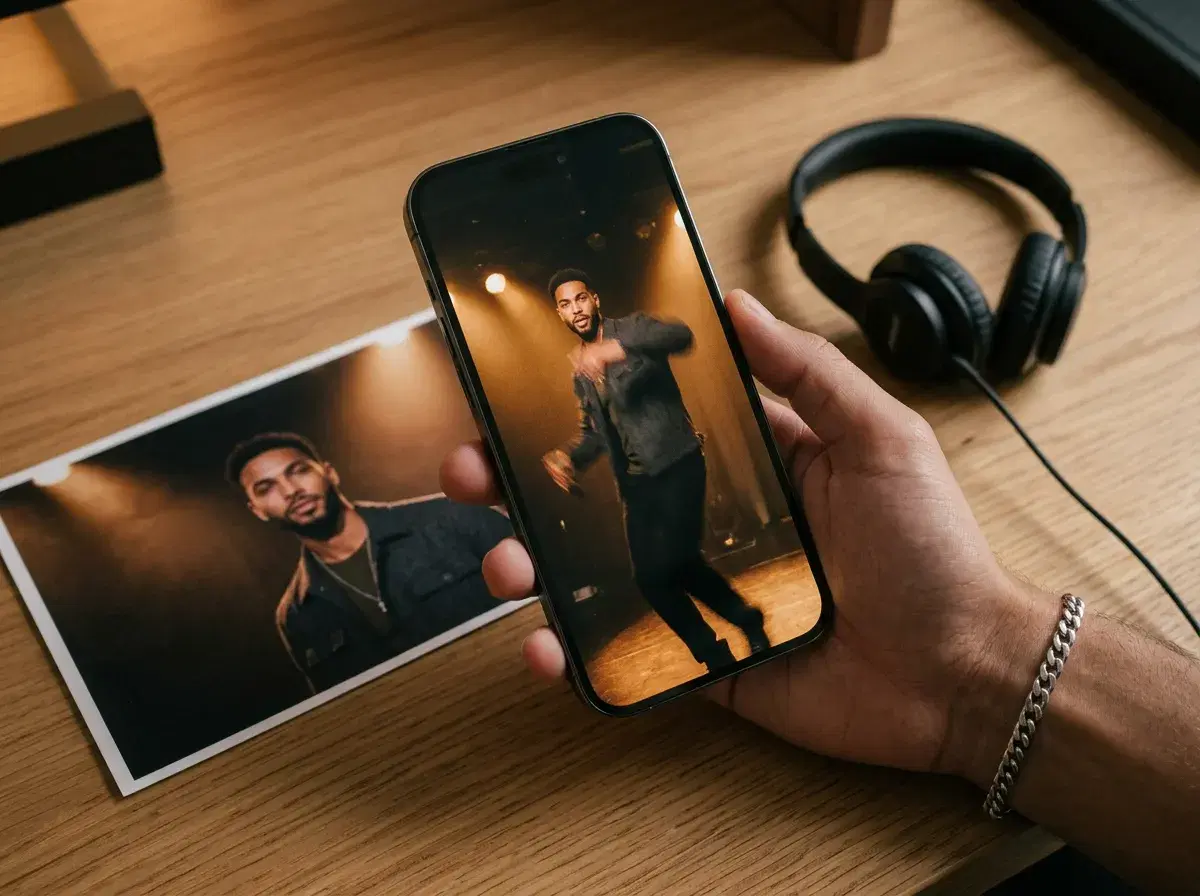
Mobile apps for AI music video generation exist, and the useful question is which job they do — most are editors that cut existing clips to a beat, while a smaller set actually generates original footage from a prompt or a photo.
There's also a third category worth naming: apps built specifically to take a song — or, for one of them, just a text prompt — and turn it into a finished, beat-matched music video. Pose isn't one of those; its native video engines generate original footage from text or audio as a reference, not a beat-synced edit.
Pose is web-based and mobile-responsive, and its native video engines fall into the footage-generation group. Here is how it compares.
Explore the Pose AI Video Studio on your phone.
- Yes, mobile apps for AI music video generation exist. Pose generates original video content — performer shots, motion, scene changes — using native Kling, SeedDance and Wan, from iPhone or Android through the browser.
- CapCut and InShot are mobile editors: strong for cutting footage you already have to a beat, but they do not generate new footage.
- SeedDance is Pose's engine for subject motion and dance-style movement; Kling handles camera work; Wan is fast for iterating variations quickly.
- $4.99 the first week, then $14.99/week with 400 credits covering photos and video together, no watermarks.
Mobile music video tools compared
| What it does | Platforms | Pricing | |
|---|---|---|---|
| Pose AI | Generates original video content — performer shots, motion, scene changes | iPhone and Android, web-based and mobile-responsive | $4.99 first week, then $14.99/week with 400 credits |
| CapCut | Edits and cuts existing footage to a track, with beat-sync tools | iPhone and Android | Free tier with limits; paid subscription available |
| InShot | Edits and assembles existing footage with music and text overlays | iPhone and Android | Free tier with limits; paid subscription available |
Platform details and pricing are public information as of 2026 and change often — verify before subscribing. CapCut and InShot are genuinely good at the editing job and worth using if the footage already exists; Pose is the option when the footage does not exist yet and needs to be generated.
Dedicated AI music video generators on mobile
| App | iOS | Android | Key feature | Price |
|---|---|---|---|---|
| Pose AI | Web app, mobile-responsive | Web app, mobile-responsive | Generates original video content from text or a photo, no existing track required | $4.99 first week, then $14.99/week, 400 credits |
| Solmi | Native app | Native app | Text-to-song plus a matching music video, all from a text prompt | Subscription (Weekly/Monthly Plus plans) |
| Freebeat | Native app, also web | Native app, also web | Analyzes your track's beat grid and song structure to auto-sync cuts and visuals to it | $4.99/week to $199/month (public pricing, as of 2026) |
| Yuna | Native app | Native app | Audio-driven lip-sync, emotion, and motion synced to your track | Not independently verified — check current store pricing |
| One More Shot | Native app | Native app | Upload a song, get a lip-synced, cloud-rendered video in minutes | Free tier with starter tokens, then token-based paid tiers |
Pricing and features are public information as of 2026 and change often — verify in the App Store or Play Store before subscribing. Solmi, Freebeat, Yuna, and One More Shot are all real, dedicated music-video apps built around an existing (or, for Solmi, AI-written) track — several genuinely do beat-syncing, which Pose does not. Pose is the option when the footage itself needs to be generated rather than synced to a song.
Text-to-song vs beat-sync vs footage generation
Solmi is the only one here that writes the song itself — describe an idea, choose a style, and it generates both the track and a matching video, entirely from a text prompt. That's a different starting point from the rest of this comparison, including Pose, which does not compose music.
Freebeat and Yuna both start from a track you already have and sync visuals to it — Freebeat by analyzing beat grid, energy curve, and song sections; Yuna through audio-driven lip-sync and motion. One More Shot works the same way with an uploaded song and cloud-rendered lip-sync. All three do the beat-matching work automatically.
Pose does neither of those jobs. It generates original video from a text description or a photo — a performer shot, a scene, a motion — and SeedDance accepts audio as a reference to guide the rhythm and feel, but there is no automatic beat detection. If beat-synced editing to an existing track is what you need, Freebeat, Yuna, or One More Shot are the more direct tools; Pose is the one to reach for when the footage itself doesn't exist yet.
Generating vs editing a music video on mobile
CapCut and InShot both do their job well: cut real clips to a track, sync transitions to the beat, add captions and overlays. Neither generates a shot that was not filmed — they are working with footage you supply.
Pose's video engines generate new footage from a description or a photo. SeedDance handles subject motion — a performer moving, a dance-style clip; Kling handles camera movement for a more cinematic look; Wan is the fast option when you want to iterate several variations quickly. All three run on the same weekly credit pool as photo generation, and everything happens on the phone through the browser, without exporting to a separate editor first.
One honest limit worth stating: there is no automatic beat detection here. SeedDance accepts audio as a reference and generates native audio in one pass, which guides the rhythm and feel of the motion, but matching cuts precisely to a beat is still an editing step — take the generated clips into CapCut or a similar tool for that pass.
For music-festival photo styles, see AI music festival photos.
Plans and weekly credits are on the pricing page.
Lyric Video Generation on Mobile (2026)
Pose doesn't have a lyric-sync or text-overlay feature — it generates video footage from a photo, not captioned text timed to a track. Kapwing and VEED both do this well on mobile, with genuine auto-sync captioning built for lyric and caption video specifically. The practical combination: generate the performance or B-roll footage in Pose, then sync the lyrics to it in Kapwing or VEED.
See the full AI lyric video generator apps comparison.