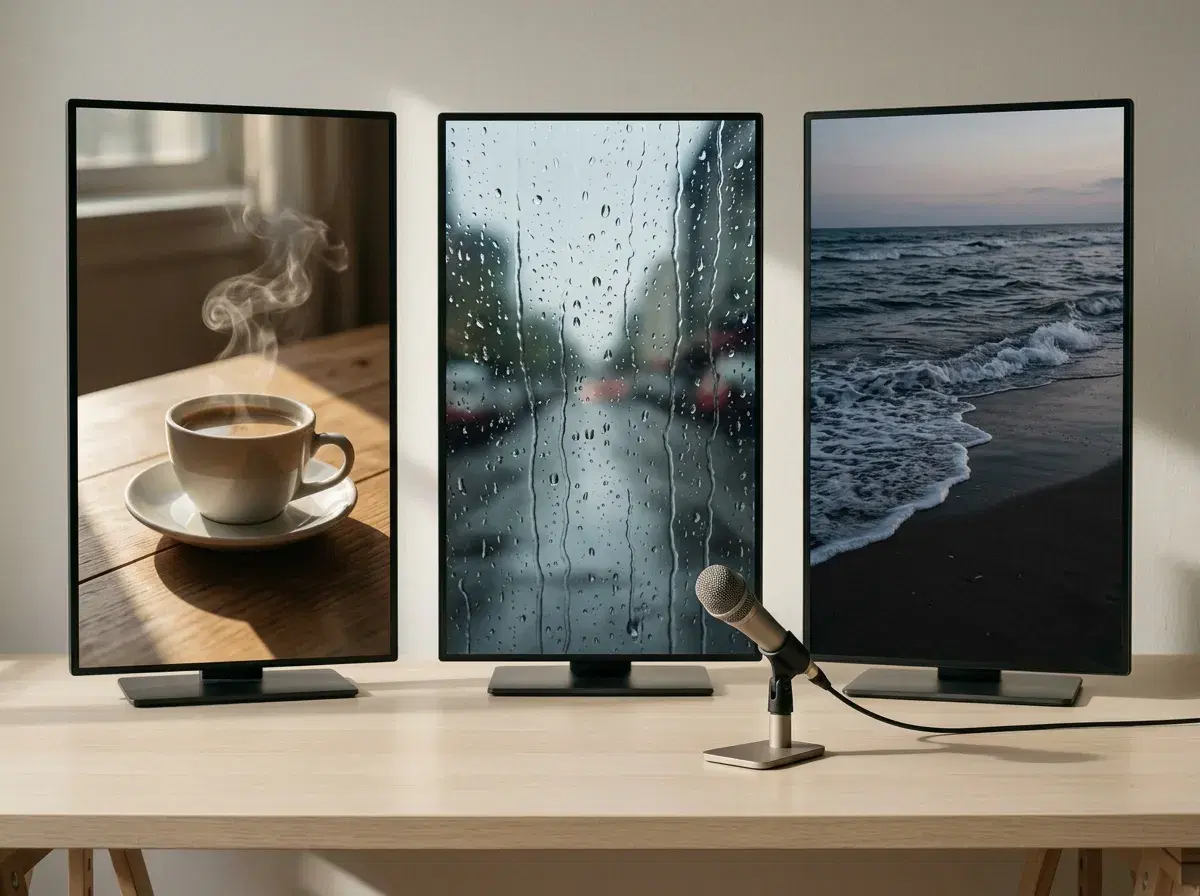
"Faceless" describes the output, not the workflow, which is why tool round-ups for it are usually confused. Two quite different jobs hide behind the term: generating footage that nobody filmed, and assembling a script, voice and captions into a finished vertical clip on a schedule.
Most tools are good at one of those. Here is which does which, and how to pick based on the half you actually need.
Pose AI: All-in-One Faceless Shorts Studio
For the generation half specifically, Pose is genuinely one workflow rather than several. Native Kling, SeedDance, Wan, Veo, and Sora 2 generate the original footage, ElevenLabs voice cloning covers the narration, and both come from the same account and the same weekly credit pool — no exporting a voiceover from one subscription to sync against footage from another.
It is not one workflow for the whole channel, and worth being precise about that: there is still no script generator, no automatic captioning, and no scheduler in Pose. "All-in-one" here means footage plus voice in one place, not footage-to-published-Short with nothing left for you to do.
The engines described here run natively in the Pose AI Video Studio.
- For the footage: Pose generates original B-roll natively with Kling, Wan, and Veo — a product on a surface, an atmospheric establishing shot, a scene you could not film — and clones your voice through ElevenLabs for narration, so nothing is recorded on camera.
- For assembly and volume: tools like Leaxor and AutoShorts.ai turn a topic or a script into a finished captioned Short and can post it on a schedule. That is a different product, and Pose does not do it.
- HeyGen is the odd one here — it is excellent, but a presenter delivering to camera is the opposite of faceless. It is in this comparison because round-ups keep listing it.
- Stock-footage editors like InVideo assemble Shorts from libraries rather than generating anything, which is fine until you need a shot the library does not have.
- Pose is $4.99 the first week, then $14.99/week with 400 credits covering image and video generation together — cheaper for a budget-conscious channel than paying separately for a voice-cloning tool, a video generator, and an image tool.
What "faceless" actually requires
A faceless Short is a vertical video that carries a message without a person on screen presenting it — narration over B-roll, text over scenery, a product in motion, an animated explainer. The audience never sees the creator, which is the whole appeal for people who want to publish consistently without being recognisable or on camera.
That decomposes into four parts: a script, a voice, footage, and assembly with captions. The script is a writing problem. The voice and the footage are generation problems. Assembly and scheduling are a pipeline problem. No single tool is best at all four, and choosing well means knowing which part is your actual bottleneck rather than buying the one with the broadest marketing.
Faceless Shorts tools compared
| Video generation | Voice cloning | Workflow | |
|---|---|---|---|
| Pose AI | Native Kling, Wan, SeedDance, Veo, Sora 2 — generates original footage | Yes, ElevenLabs integrated | Generate footage and voice; you assemble and publish |
| HeyGen | Talking-head avatar video — a presenter on screen | Yes | Not faceless by design; strong if you want a presenter |
| InVideo | Assembles from stock libraries rather than generating | Text-to-speech voices | Script to finished edit, template-driven |
| Leaxor | Original illustrated scenes generated per topic — not photoreal footage | Text-to-speech via ElevenLabs, built in | Topic to finished 9:16 Short, no subscription (pay per video) |
| AutoShorts.ai | Stock or licensed clips assembled to a script | Text-to-speech voiceover | Script to captioned Short to scheduled upload, with trend research built in |
Capabilities and pricing come from public information as of 2026 and move quickly — verify before subscribing. The table splits cleanly: Pose is the only row generating photoreal footage of things that were never filmed, while Leaxor and AutoShorts.ai are built to turn a topic into a finished, publishable Short with minimal touch — a different job. If your bottleneck is finding a shot that does not exist, the first matters; if it is publishing daily, the second does.
Where Pose fits, and where it does not
Pose is the generation half. You describe a shot and Kling or Wan produce it — a slow push across a desk, a product rotating on stone, waves at dusk, an interior nobody photographed — and you clone your speaking voice once through the ElevenLabs integration so narration comes back in your own voice rather than a stock reader. Exports come out at 9:16 for Shorts. All of it draws on the same weekly credit pool as image generation, so a channel and a set of thumbnails come from one plan.
What Pose does not do is run the channel. There is no script generator, no automatic caption burn-in, no scheduler, and no YouTube upload — you take the clips and the audio and assemble them in whatever editor you already use. If your problem is that you want to publish a Short every day with minimal touch, an automation tool is the honest answer and you may not need a generator at all.
The case for the generation half is specific: it is what you reach for when the footage you want does not exist in any stock library, and when a recognisable voice matters more than a generic narrator.
For the voice side in detail, see the best AI voice cloning apps.
For creator-style ads with a presenter instead, see UGC talking videos.
Shorts vs Long-Form: Same Tools, Different Workflow
Pose's native engines do not treat a 60-second Short and a 10-minute video differently at the generation level. Kling, Wan, SeedDance, and Veo each produce clips in the seconds-to-tens-of-seconds range regardless of what the final upload runs — a Short might need one or two of those clips, a long-form video needs many more stitched together in whatever editor you already use. The generation step is identical; what changes is volume and assembly time.
Motion Control lets you direct camera movement per clip, which matters more as a video gets longer and needs to avoid feeling like a loop of the same shot. For a longer faceless video with an on-camera moment built in — a mid-video talking-head segment rather than pure B-roll — that clip draws on the same weekly credit pool as everything else, so a channel making both formats is not paying for two separate tools.
Shorts vs long-form faceless content
| Typical length | How Pose approaches it | Assembly need | |
|---|---|---|---|
| Faceless Shorts | Under 60 seconds | One to a few generated clips (Kling, Wan, SeedDance) plus ElevenLabs narration | Light — a handful of clips to sequence and caption |
| Long-form faceless content | 5–15 minutes or longer | Many more generated clips covering the same script, same engines, same credit pool | Heavier — more clips to sequence, pace, and caption over a longer runtime |
The tool does not change between formats — only how much of it you use. A faceless-automation tool built around short scripts does not necessarily scale cleanly to a 10-minute video; Pose's per-clip generation scales linearly with either.
The Same Workflow Covers TikTok Too
Everything above applies to TikTok without modification. Pose's native video engines — Kling, SeedDance, Wan, Veo, Sora 2, and HeyGen — export vertical 9:16, which is the format both YouTube Shorts and TikTok use, so a clip generated for one plays on the other with no platform-specific setting to change.
The choice between a faceless-generation tool and an assembly-and-scheduling tool works the same way regardless of platform, too — the automation tools in the table above that publish on a schedule generally support both destinations, and Pose's generation-only scope is the same limit on TikTok as it is on YouTube.
For the platform-specific breakdown, see best AI tool for YouTube Shorts vs TikTok.