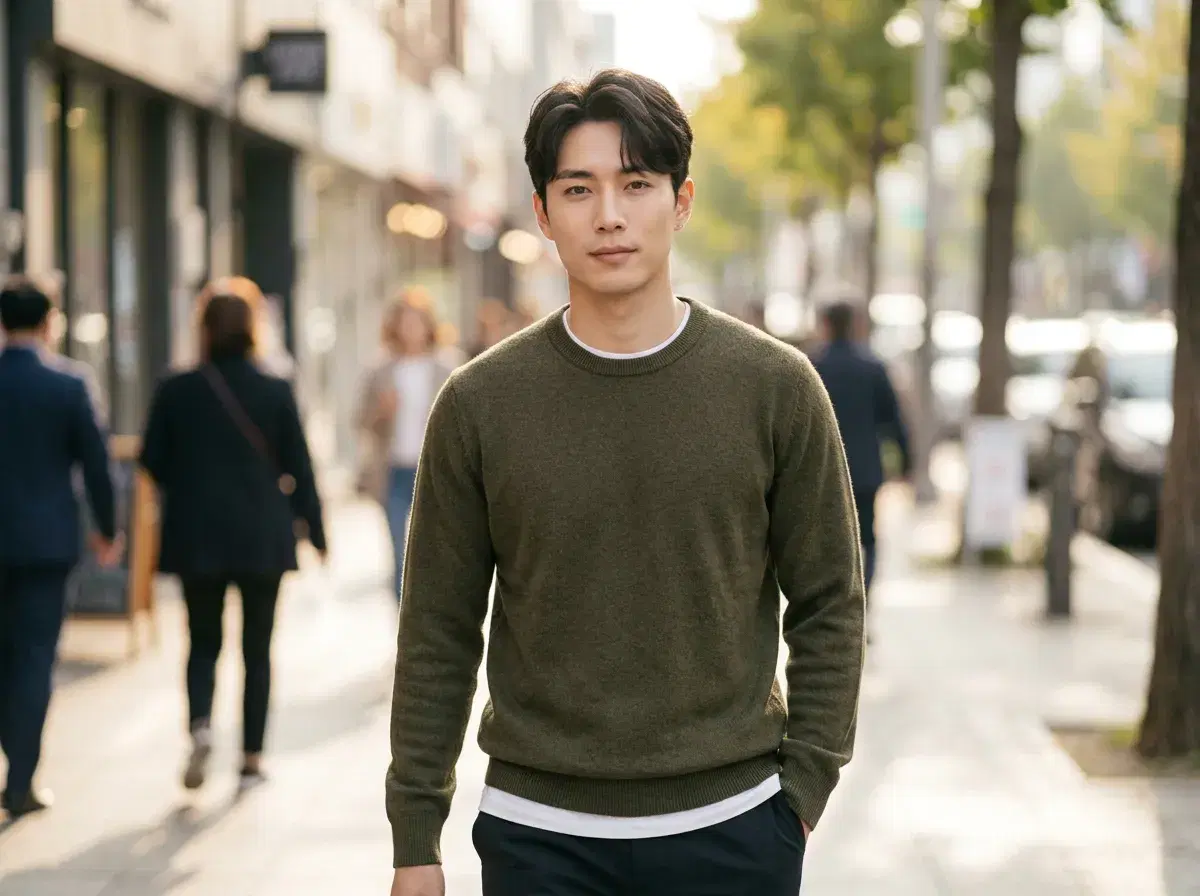
A strong Hinge profile leans on a small set of photos that actually look like you — recent, recognizable, and clear about your face. Whether those photos come from a professional shoot or an AI generator, that's the bar Hinge itself applies, and it's worth understanding before optimizing for anything else.
- Use 4–6 photos with at least one clear, solo, front-facing shot — that's what Hinge's Face Check compares your video selfie against.
- Recent and recognizable beats polished. A photo that doesn't match how you currently look is the actual risk, whether it's AI-generated, heavily filtered, or just old.
- Vary the setting and framing — a close-up, a full-body shot, and one doing an activity gives more to react to than five similar headshots.
- AI-generated photos are allowed on Hinge as long as they accurately represent you — misrepresentation is the concern, not the tool used.
- A professional photographer session runs roughly $150–$400 for a handful of edited shots; an AI photo generator like Pose AI produces a wider set from one selfie for $4.99 the first week, then $14.99/week.
What Hinge actually expects from a profile photo
Hinge doesn't publish an exact spec for "good" photos, but its Face Check system tells you what it checks: a short video selfie compared against your profile photos using facial geometry, to confirm the person in the video matches the person in the photos. That means at least one clear, solo, front-facing photo in your set is functionally required — group shots, heavy filters, sunglasses, or an outdated photo all make that match harder, regardless of how the photo was taken.
5 tips for a stronger Hinge profile photo set
1. Lead with one clear, solo, front-facing photo. This is what Face Check compares against, and it's the photo most likely to build trust on first glance.
2. Vary the framing across your set — a close-up, a mid-range shot, and a full-body photo give more signal than five similar headshots.
3. Keep photos recent. A photo more than a year or two old, or one that no longer matches your current appearance, is the actual misrepresentation risk on Hinge — not whether a photo was AI-generated.
4. Include one photo doing something — a Hinge prompt answer works better paired with a photo that gives it context than a plain headshot.
5. Avoid heavy filters or beautification apps that visibly change your bone structure. They create the same mismatch risk with Face Check that an outdated photo does.
Generate identity-locked photos with Pose AI headshots from a single selfie.
See more on dating-app photos across platforms in the Bumble profile photo guide.