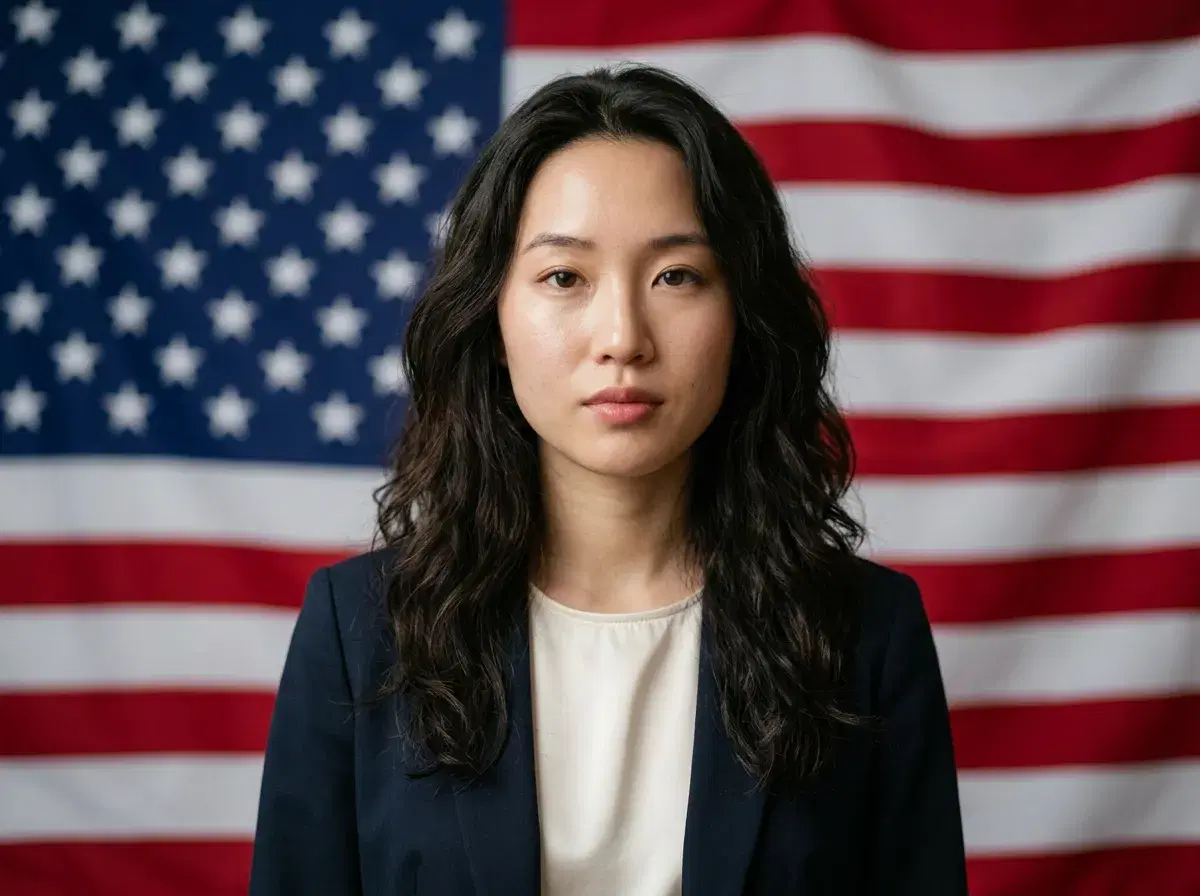
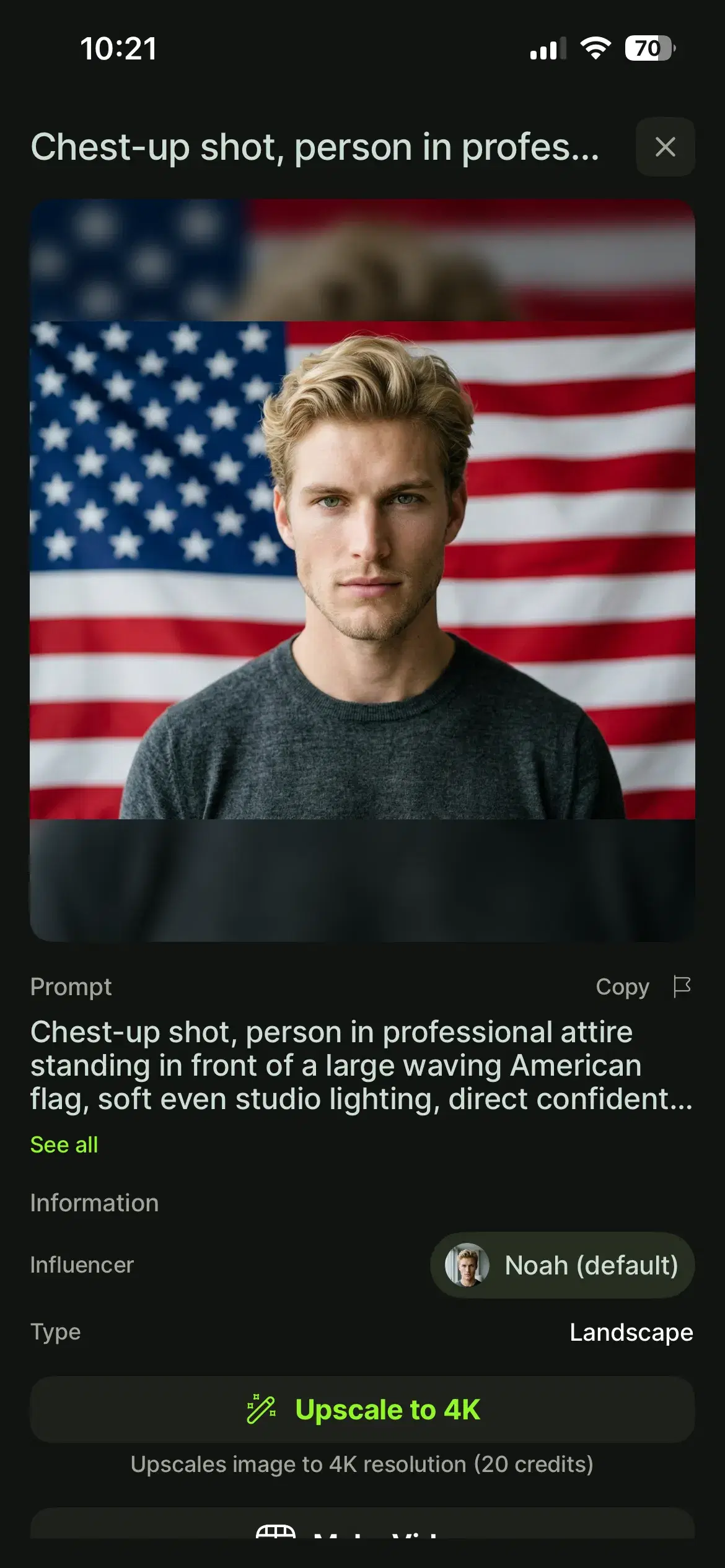
An American flag AI photo generator makes it simple to create AI photos with American flags for social media, marketing, or holiday posts. Pose AI lets you upload one selfie, select a 4th of July style, and generate patriotic photo backgrounds with flag overlays in seconds — no design skills or Photoshop required. Because the model is identity-locked, every flag photo keeps your face accurate instead of producing a generic portrait.
Prefer to jump straight in? Explore all 4th of July photo styles — flag backgrounds, fireworks, and Americana looks from one selfie.
- Upload one selfie to Pose AI, choose the 4th of July style, and the AI generates photos with American flag backgrounds in seconds.
- Works with any clear selfie or portrait photo.
- Multiple flag styles — waving flag, stars-and-stripes backdrop, and subtle patriotic themes.
- Native video generation is available for flag-themed talking videos and motion graphics.
- 400 credits per week cover photos and videos, with no watermarks.
What is AI flag photo generation?
AI flag photo generation is the process of using machine-learning models to composite American flag elements, backgrounds, or overlays onto portrait photos without manual editing. Instead of layering a flag in Photoshop, you describe or select a patriotic style and the model renders a finished photo.
With Pose AI, this runs on native models — Nano Banana 2 and Flux Kontext — that keep your likeness identity-locked, so your face stays consistent across waving-flag, stars-and-stripes, and subtle red-white-and-blue looks.
How to Generate American Flag Photos in Pose AI
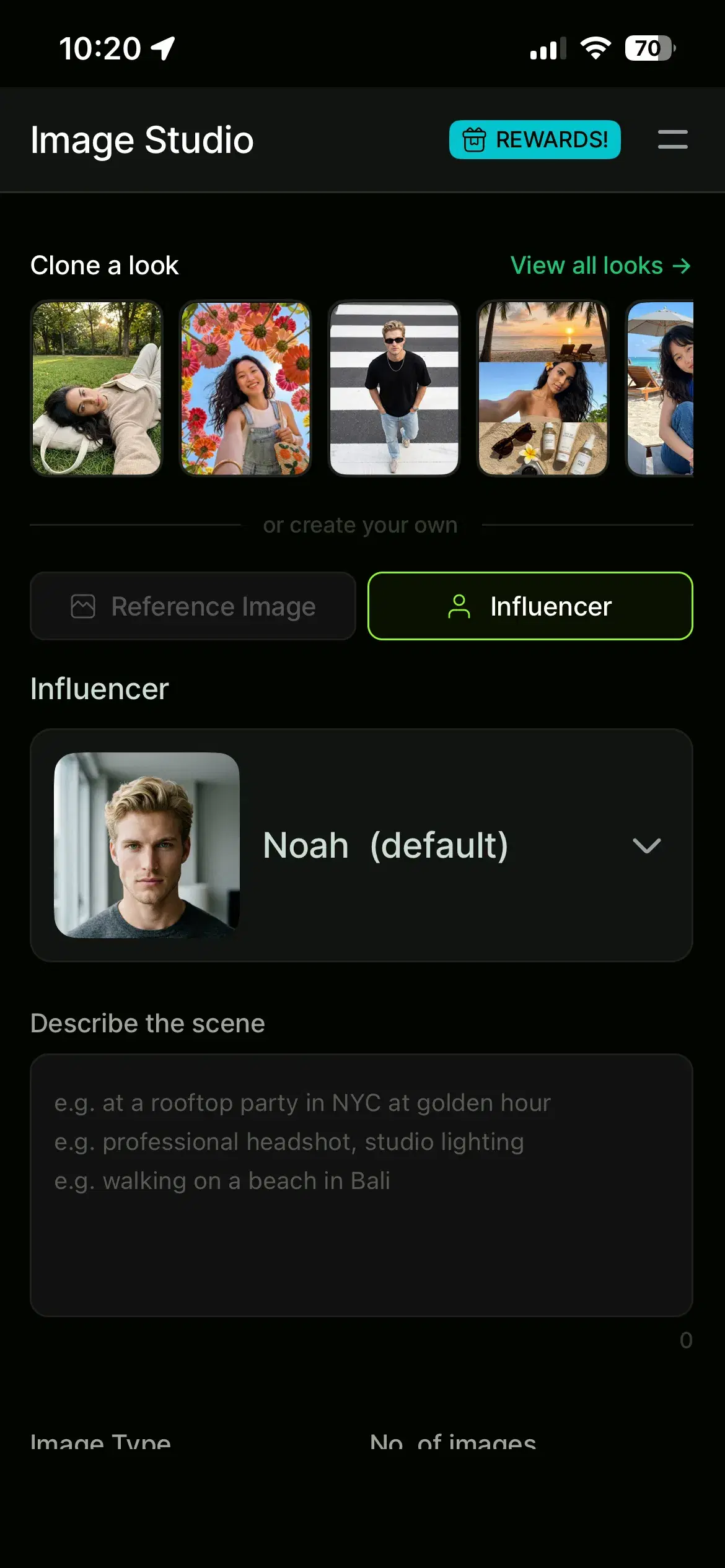
- 1Go to Image Studio and Upload your photoAdd one clear selfie or portrait. A single well-lit photo is all Pose AI needs to learn your face — no multiple uploads required.
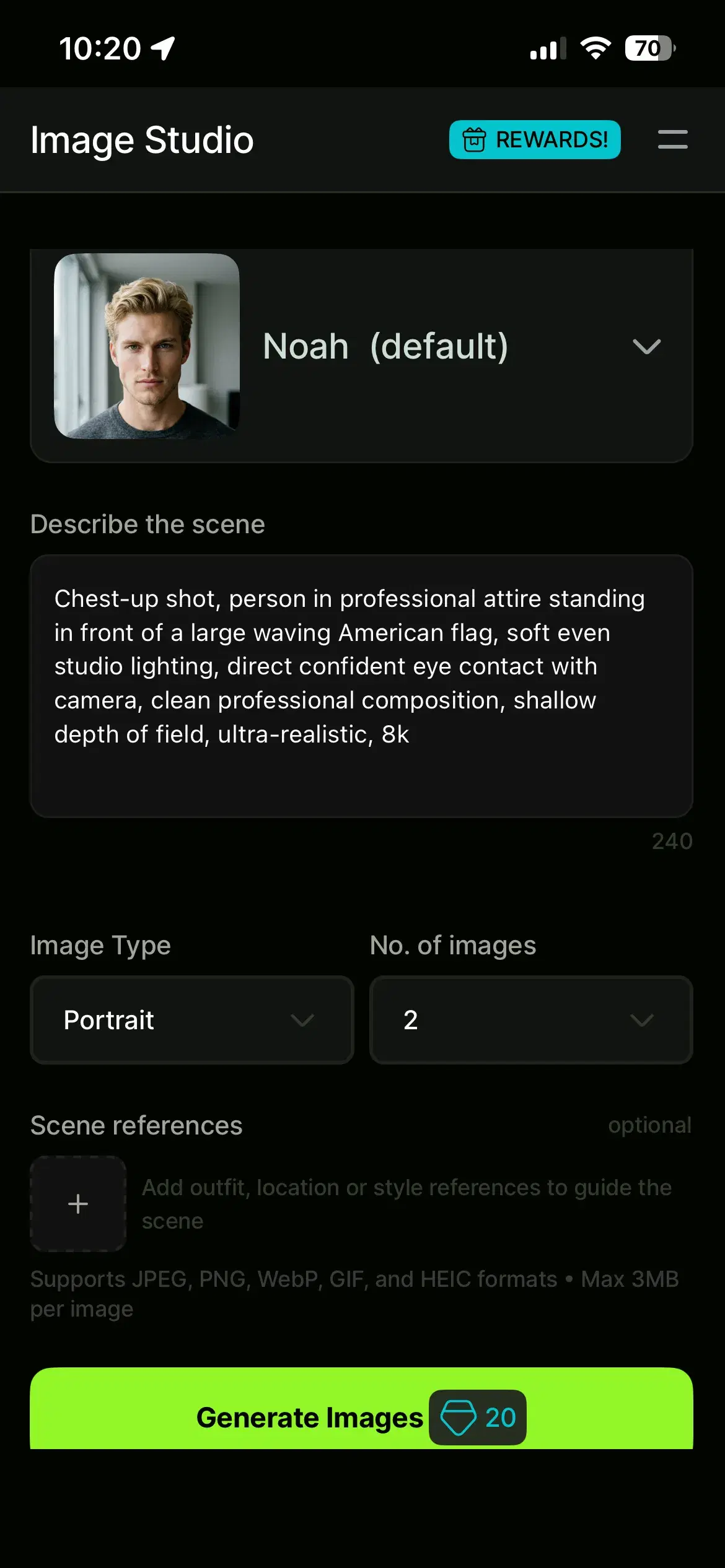
- 2Describe the scene you wantType a prompt for the patriotic look you want — for example, 'professional headshot with a waving American flag background' — or pick the 4th of July style from the library. You can choose waving flags, stars-and-stripes backdrops, or subtle red-white-and-blue themes.
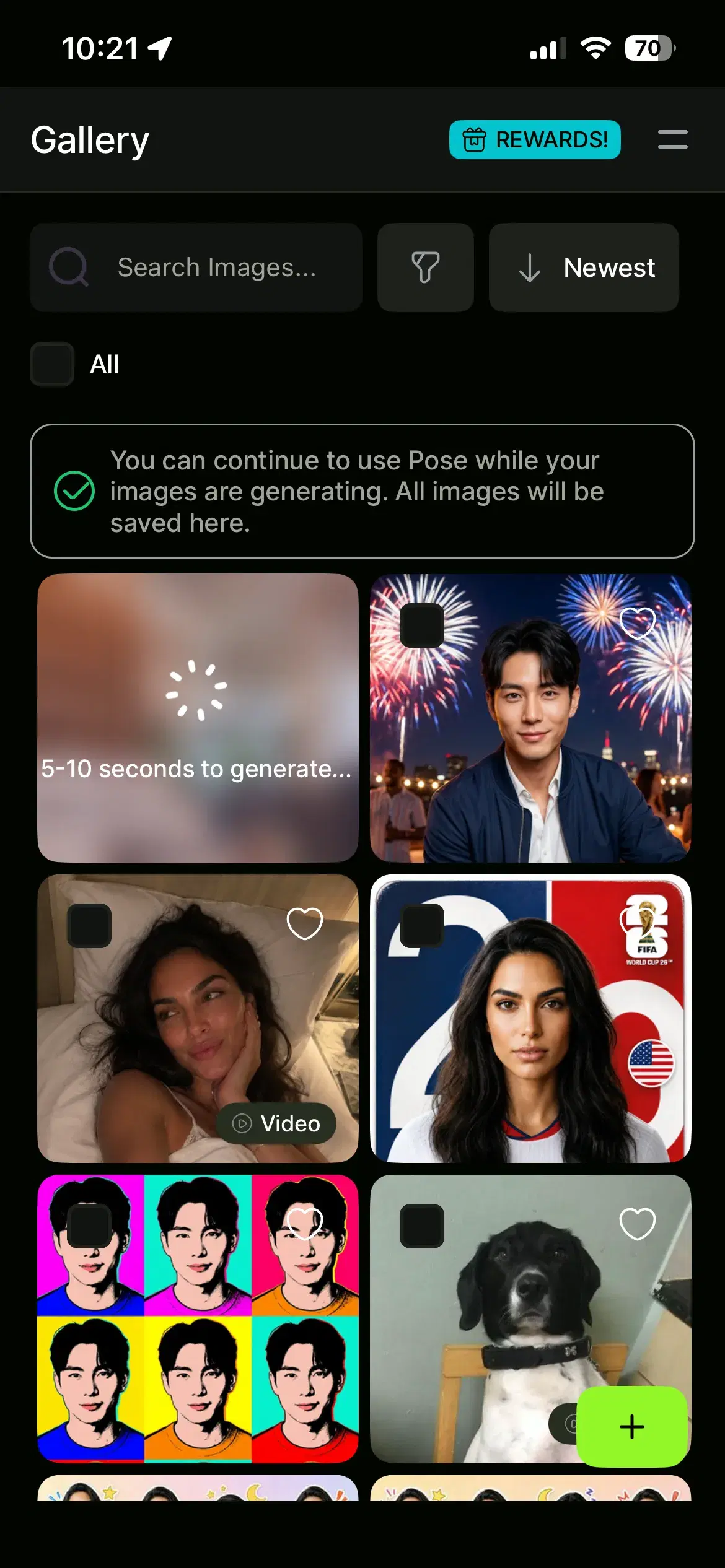
- 3Generate your photos in 5–10 secondsPose AI generates your American flag photos in about 5–10 seconds, keeping your face identity-locked across every variation so each one looks like you.
- 4Download your photos and use anywhereDownload high-resolution, watermark-free versions ready to post or print.
Pose AI vs other American flag photo generators
General art generators like NightCafe and Fotor can produce patriotic graphics, but they are not built to keep a specific person's face consistent. Pose AI uses identity-locked generation (Nano Banana 2) to preserve your facial features across every flag background, so the result looks like you rather than an abstract interpretation.
Pose AI also includes native video generation (HeyGen, Kling, and more), so you can turn a flag photo into a patriotic talking video or animated flag overlay without a separate tool. And one credit-based plan covers both photos and videos — where tools like NightCafe charge separately for credits, Pose AI's 400 weekly credits cover all image and video models.
Want motion too? You can create patriotic talking videos with AI using native Kling, Veo, and HeyGen — covered by the same weekly credits.
For the plan details, view Pose AI pricing and weekly credit details — $4.99 the first week, then $14.99/week with 400 credits, cancel anytime.