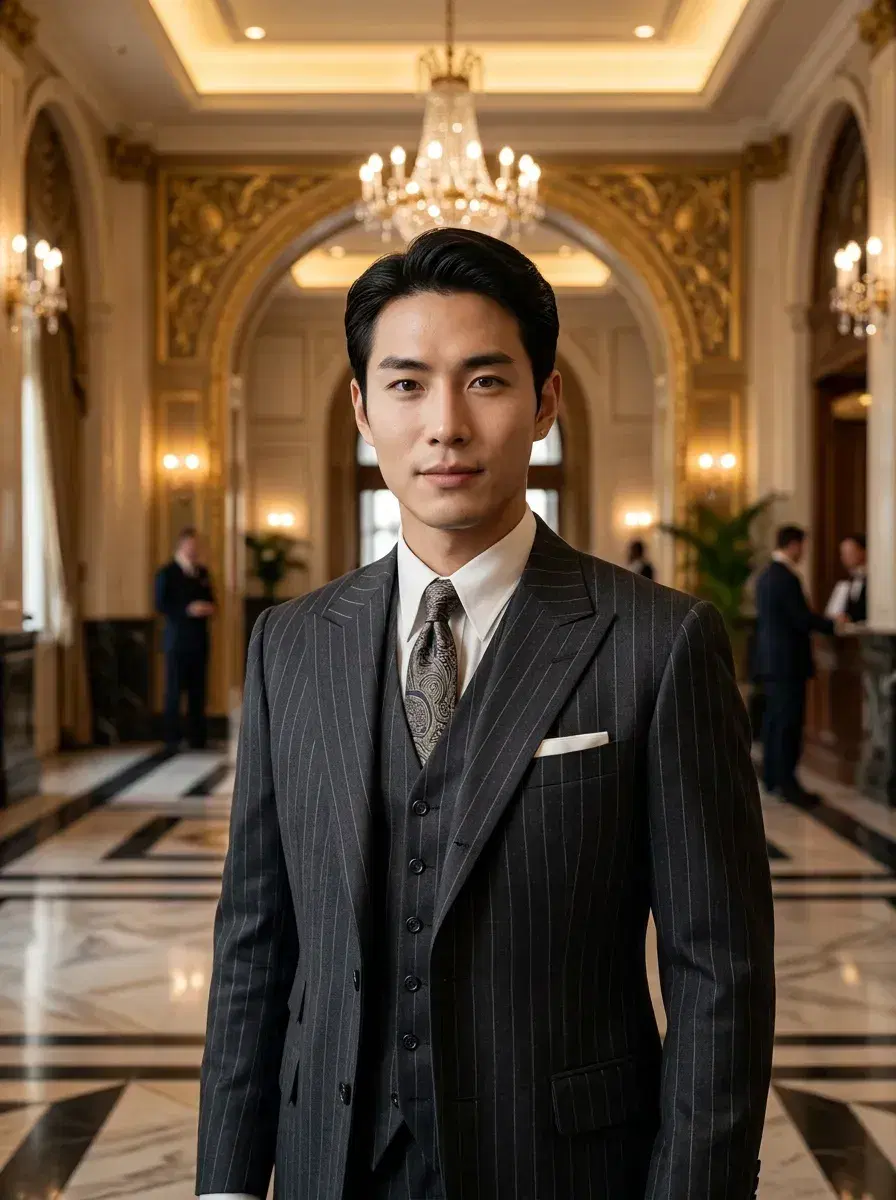
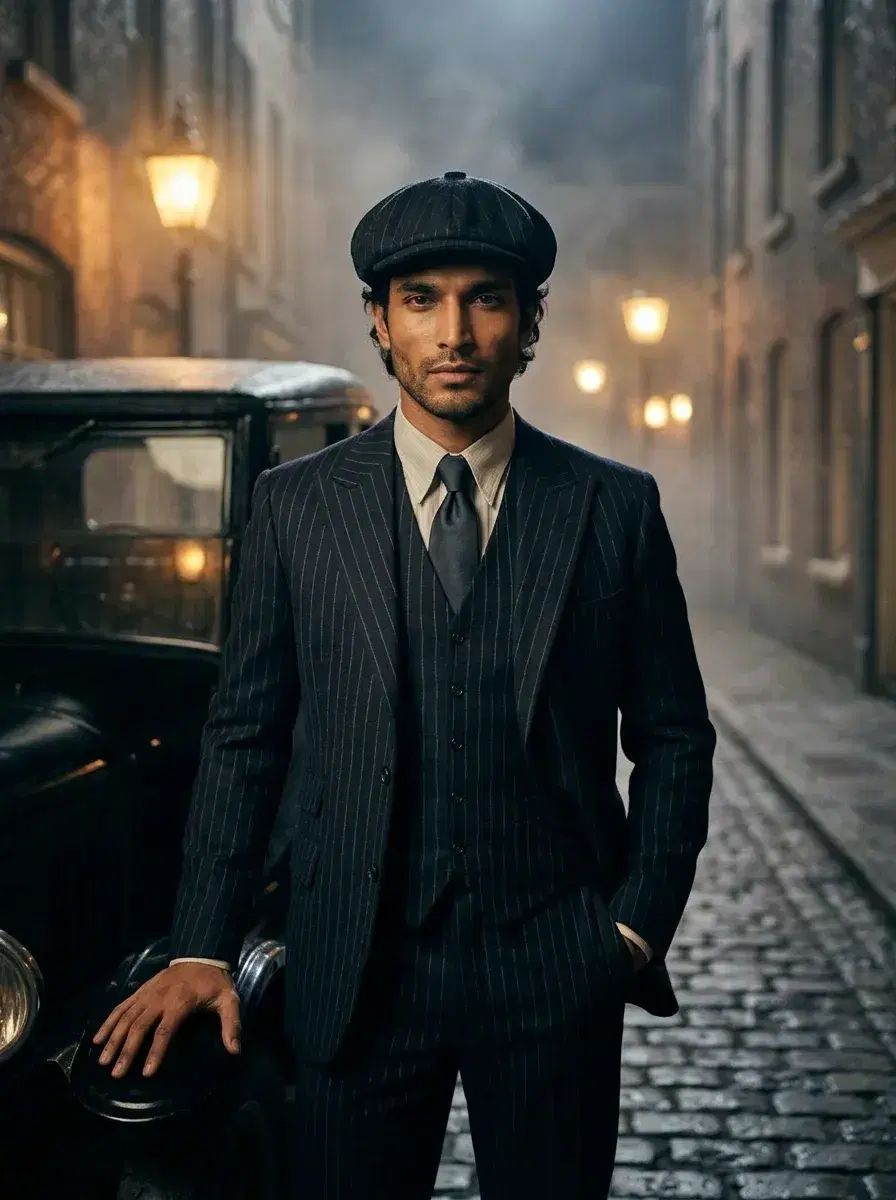
AI 1920s Photos Roaring Twenties Portraits.
AI 1920s photos with authentic Jazz Age glamour — from one selfie, ready in under 10 seconds.
Upload one selfie and Pose AI transports you to the Roaring Twenties. Speakeasies, jazz clubs, Art Deco ballrooms, and vintage cinema — every shot looks like it was pulled from a 1920s film reel.
What you can create
What's Inside the Roaring Twenties Pack
Cinematic scenes that capture every corner of the Jazz Age — from smoky speakeasies to glittering Art Deco ballrooms. Each AI 1920s photo is crafted with period-accurate styling and dramatic vintage lighting.
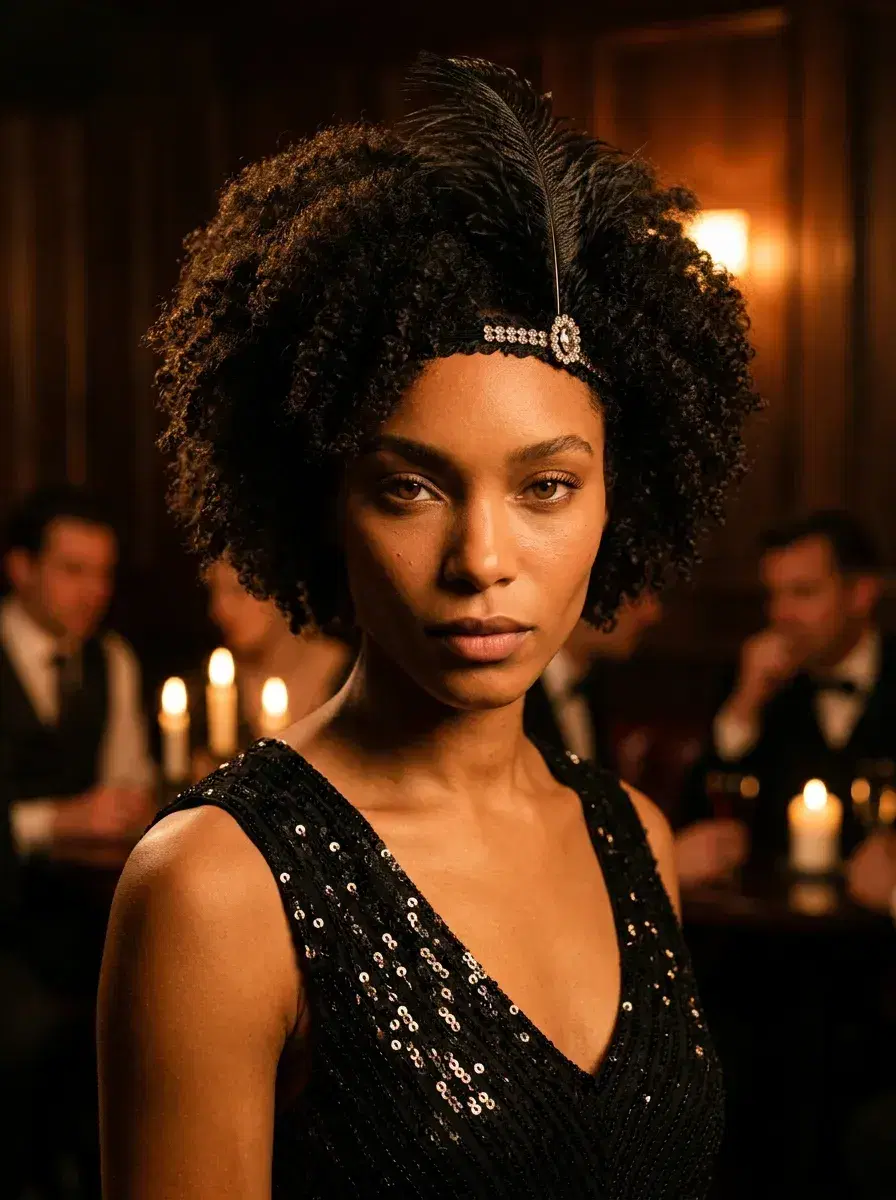
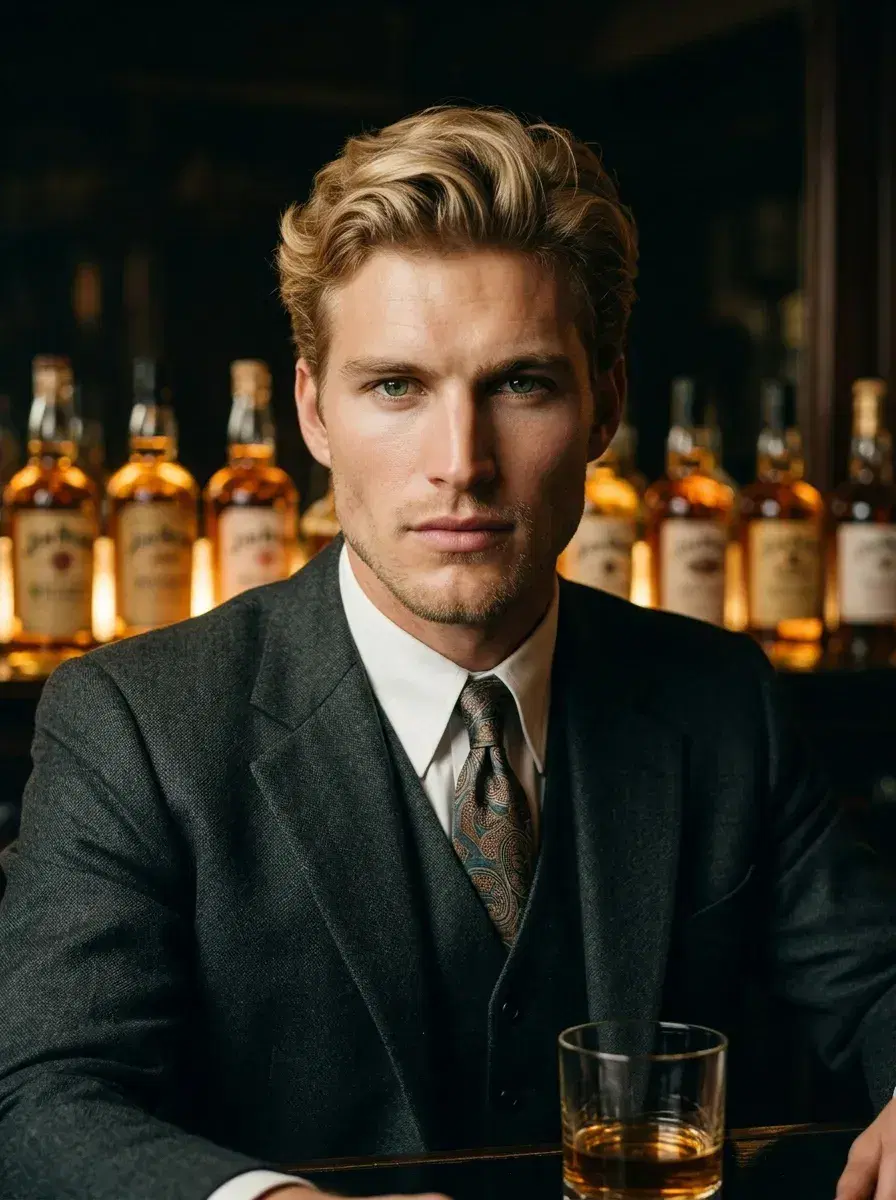
- AI 1920s photos in a dimly lit prohibition speakeasy — perfect for history lovers and costume enthusiasts
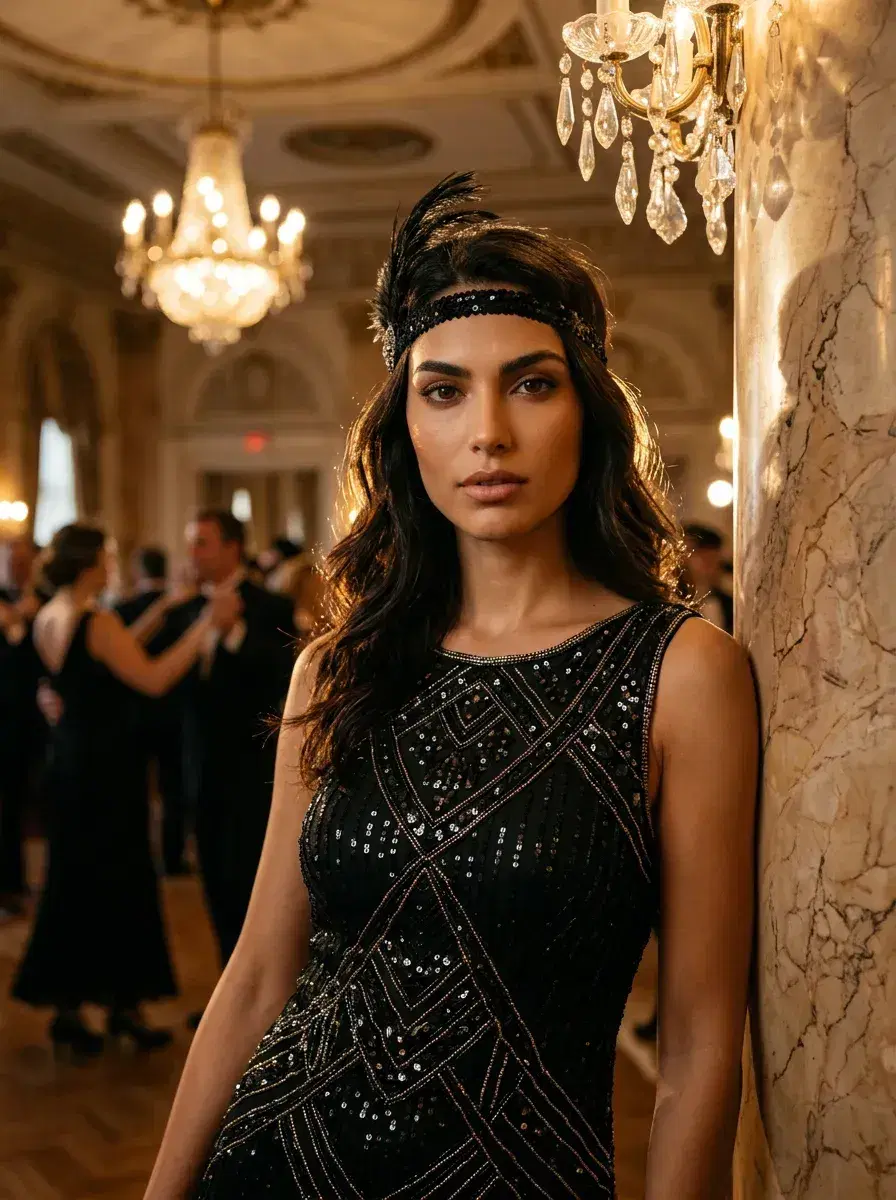
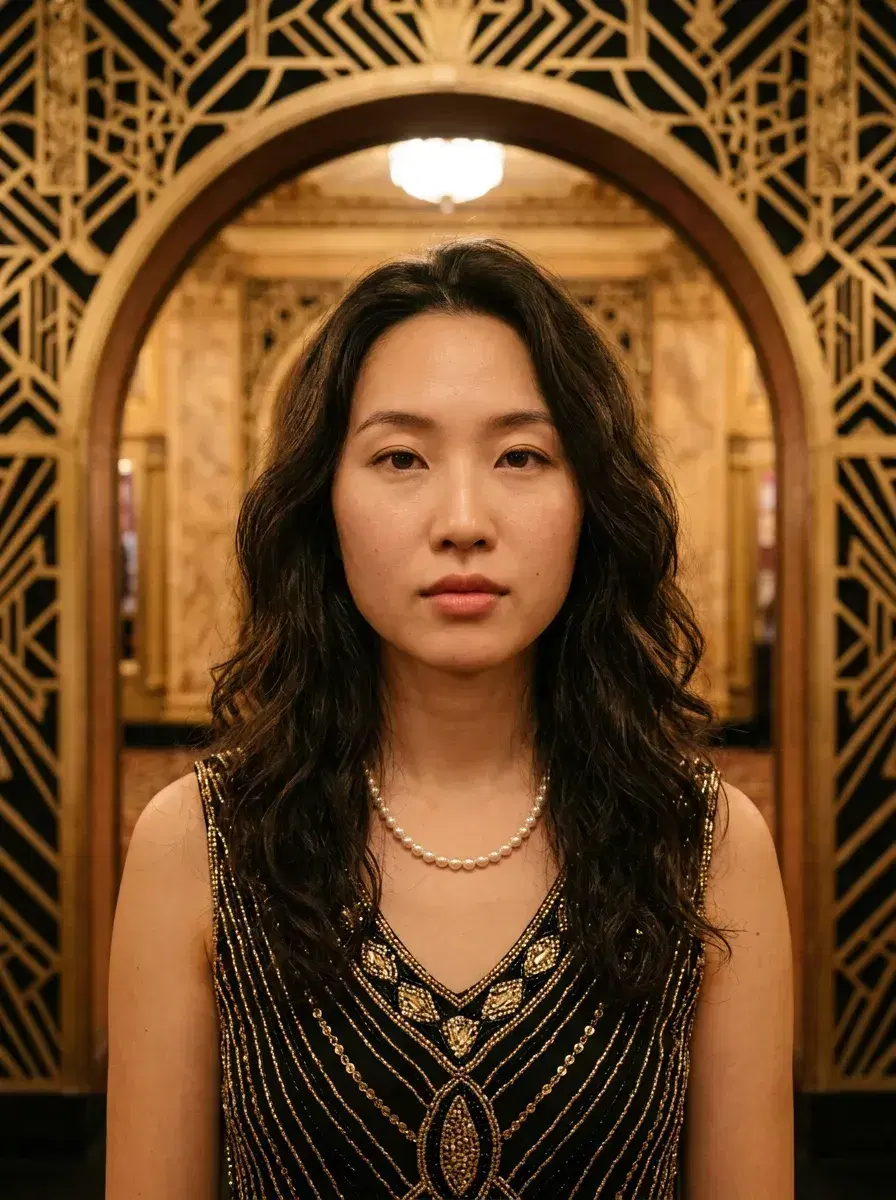
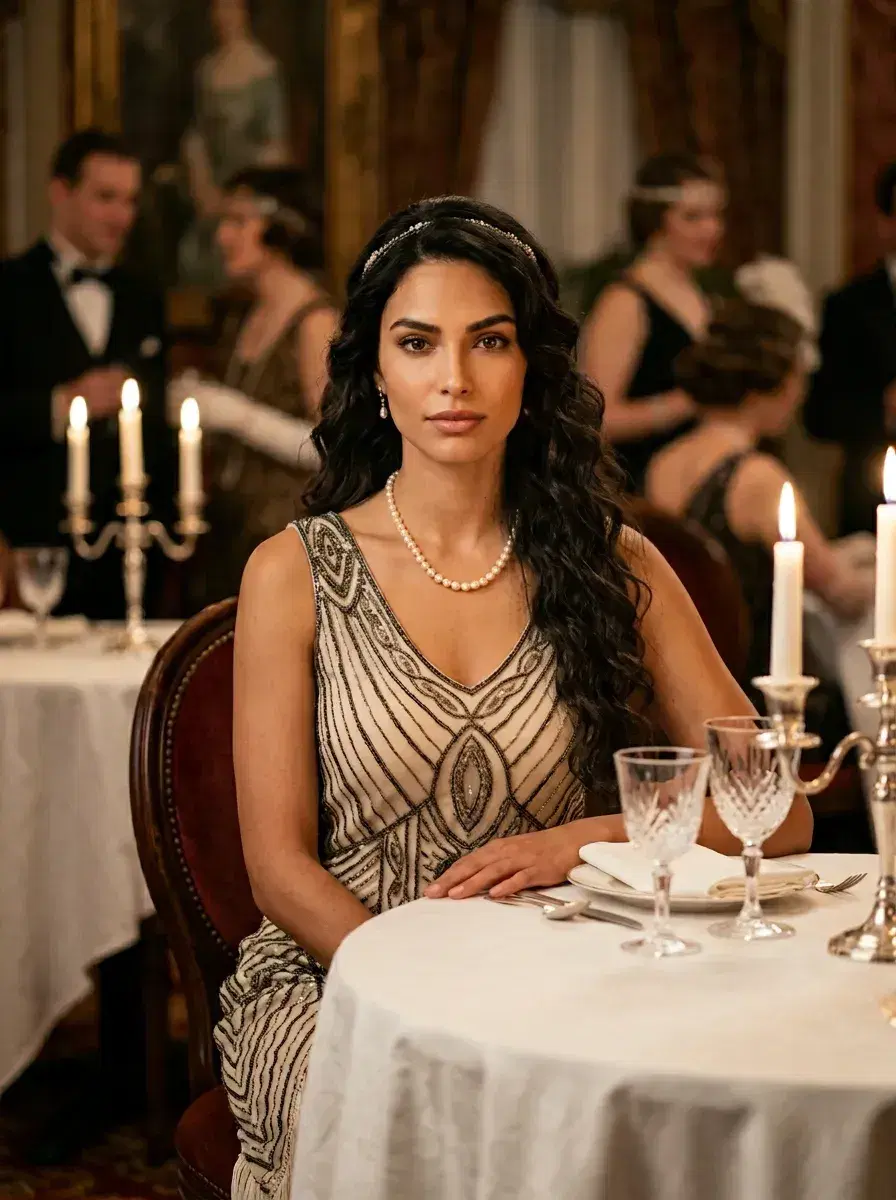
- Art Deco ballroom portraits with chandelier glamour — ideal for anyone wanting vintage editorial looks
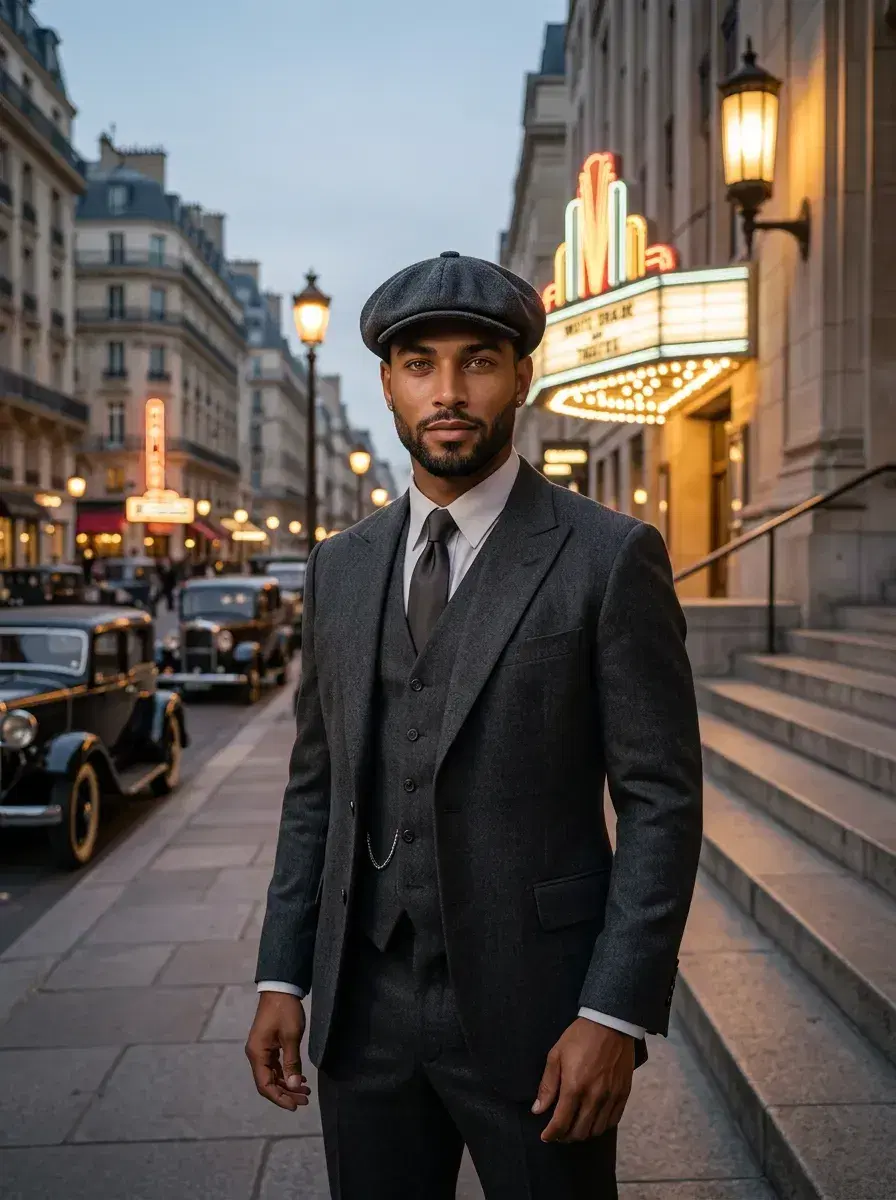
- AI 1920s photos on a gas-lit cobblestone street with vintage automobiles — cinematic and atmospheric
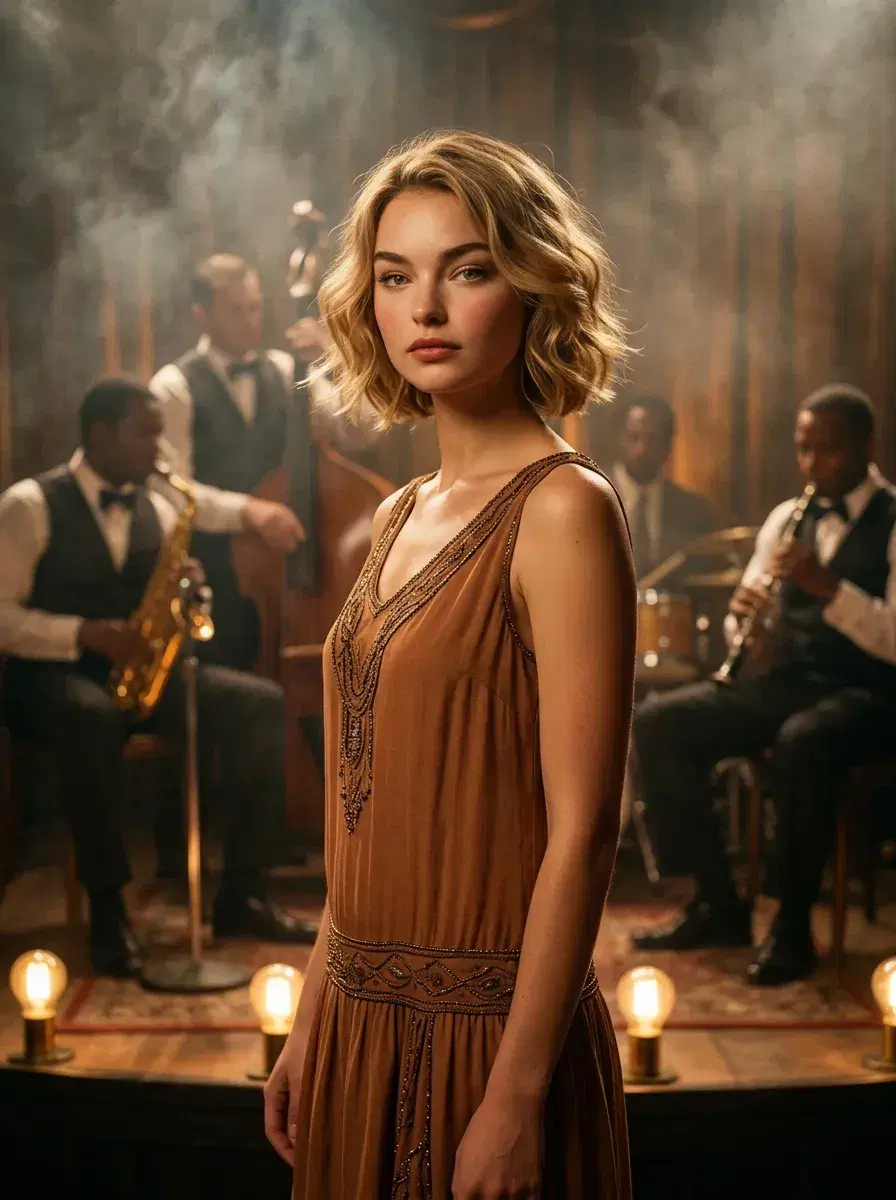
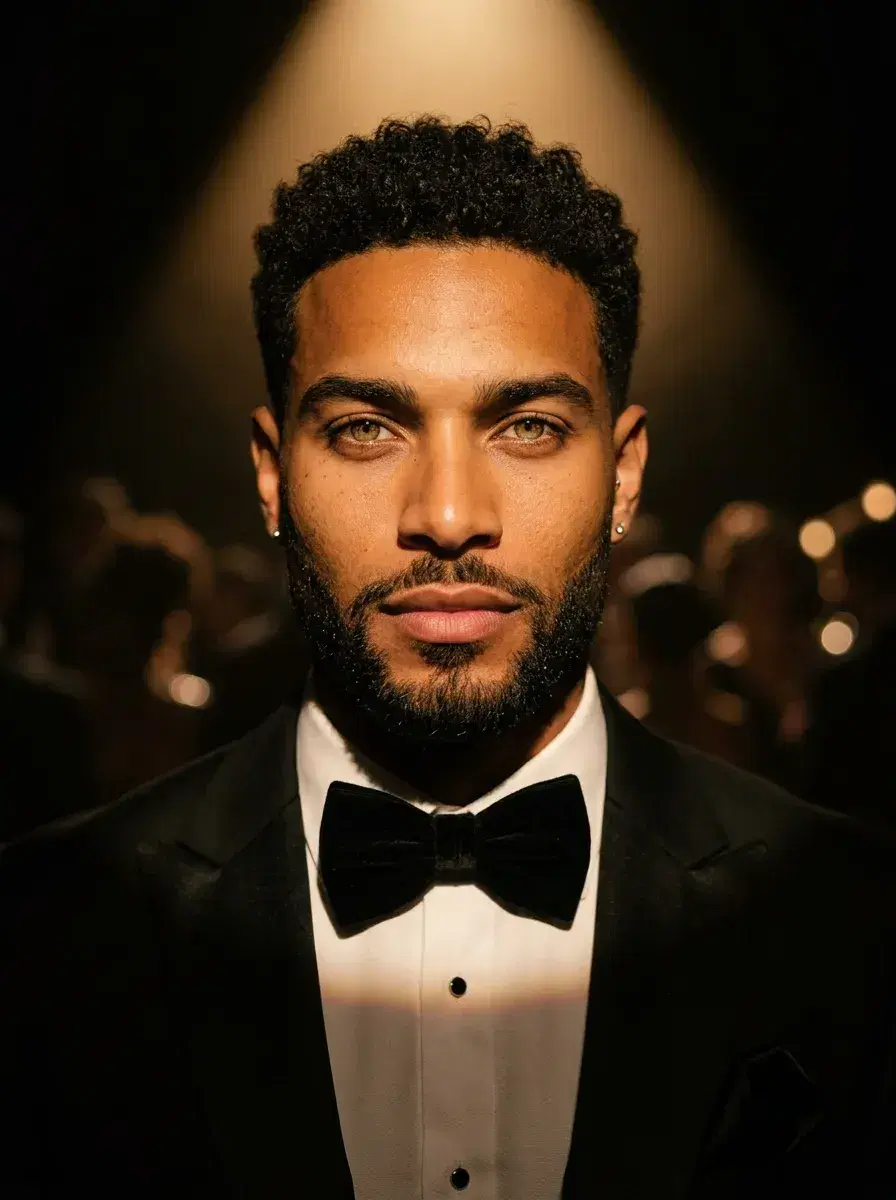
- Jazz club stage scene with moody spotlight lighting — great for musicians and performers
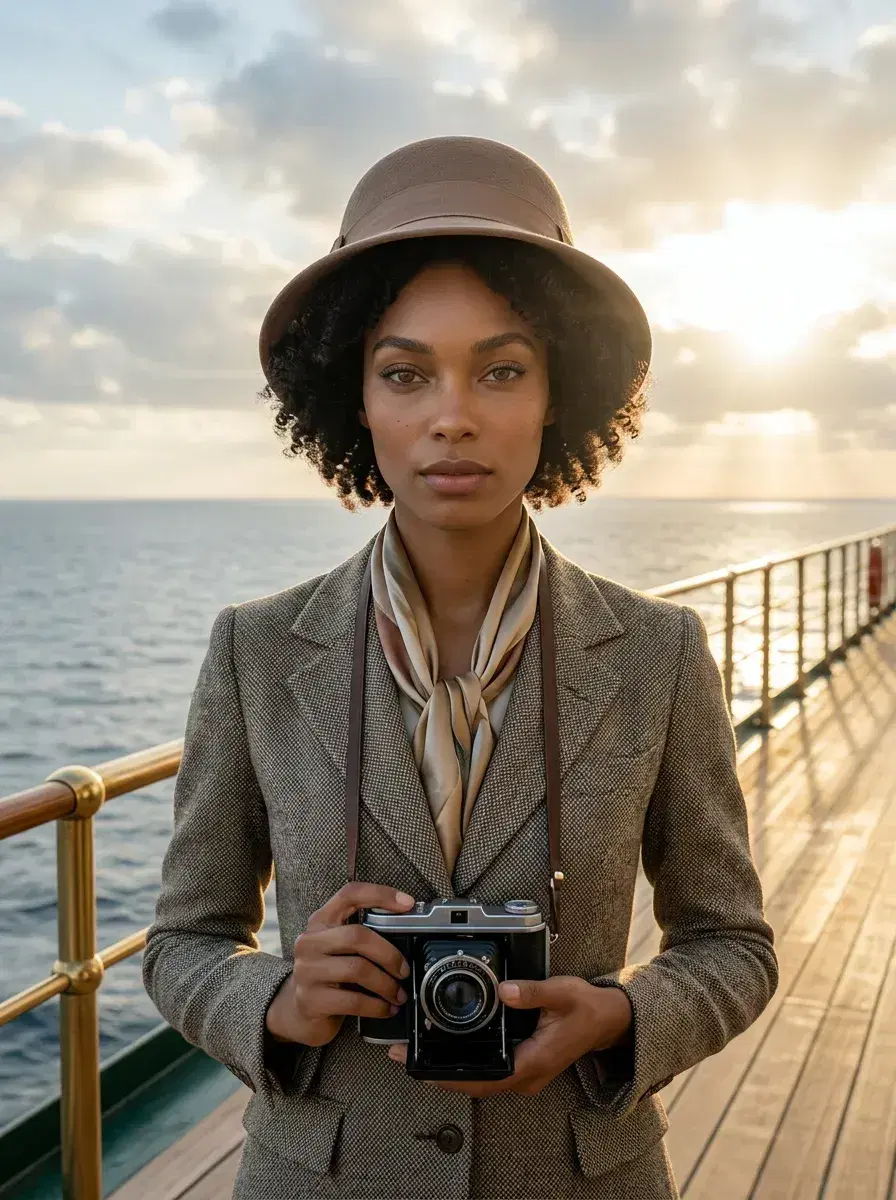
- Grand ocean liner deck portraits evoking the glamour of 1920s transatlantic travel — wanderlust vibes
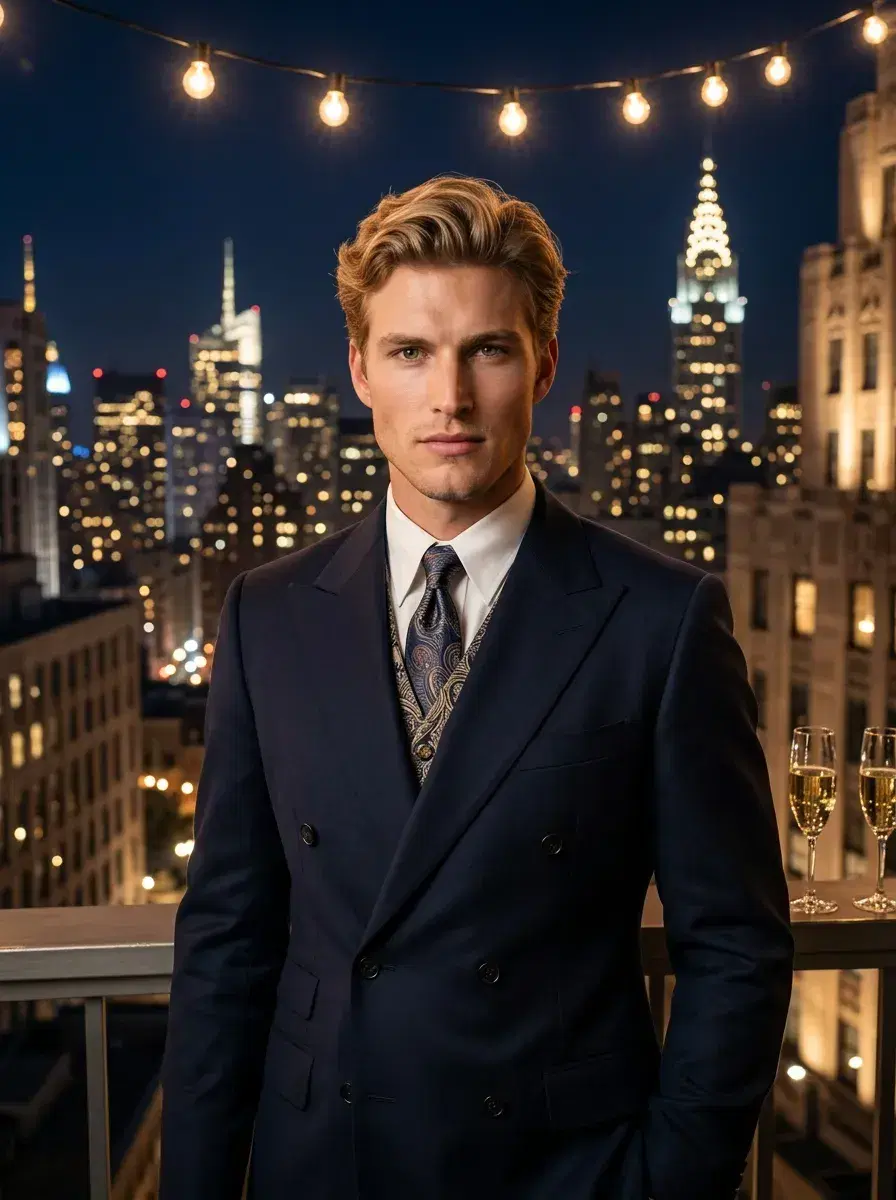
- Rooftop party scene overlooking a 1920s city skyline — vivid and festive Jazz Age energy
Advanced Mode
Go further with Advanced Mode — describe any scene, outfit, or setting in your own words. Your face stays locked in, every time.
Perfect for
Why it matters
How it works
How to Get Your AI 1920s Photos
From one selfie to a full Roaring Twenties portrait session in under a minute.
Upload One Selfie
Take or upload a clear front-facing selfie. No studio, no costume, no special lighting needed — just you.
Choose the Roaring Twenties Pack
Select the 1920s style from the Pose AI style library. Pick from speakeasies, ballrooms, jazz clubs, and more.
AI Places You in the Jazz Age
Pose AI's engine maps your face and likeness onto cinematic 1920s scenes in under 10 seconds — period-accurate styling included.
Download & Share Your Photos
Your AI 1920s photos are ready to download in full resolution. Share on social, use as profile shots, or print them.
1st week intro pricing discounted · Cancel anytime · Secure checkout
What creators say
What Creators Say About AI 1920s Photos
Looks like a real vintage film still
I literally gasped when I saw the speakeasy shot. The lighting, the atmosphere — it doesn't look AI at all. My Instagram post got 10x my normal engagement. 🎩
Perfect for my Gatsby party invite
Used my AI 1920s photo as the featured image on our Great Gatsby-themed event page. Everyone thought I'd done a full costume photoshoot. Saved me hundreds. 🥂
My theatre headshot portfolio is now incredible
As an actor, having period-specific shots is gold. The ballroom and jazz club scenes look completely authentic. Booked two period drama auditions off the back of these. 🎭
Create 1920s Gangster Photos
The 1920s pack goes well beyond flapper glamour — it's also the fastest way to create a 1920s gangster photo. Pose AI's native image models (Nano Banana 2, Flux Kontext, and GPT-image 2) render the mob-boss aesthetic — pinstripe suits, fedoras, speakeasy interiors, and film-noir lighting — while keeping your face consistent from one uploaded selfie.
Try prompts like: "Sharply dressed man in pinstripe suit, fedora hat, 1920s Chicago street, sepia tone"; "Gangster in a dark alley, film noir lighting, 1920s style"; "Man in vintage suit with pocket watch, speakeasy interior, black and white photography"; or "1920s mobster with fedora and cigar, dramatic shadows, prohibition era." Remix any of these in Pose's Image Studio, and Nano Banana 2 preserves your identity from the photo you upload.
You can also generate an original 1920s gangster scene from text alone — no upload required — using GPT-image 2 or Flux Kontext in Image Studio. Either way, the whole set stays on your 400 weekly credits, with no watermarks.
Want more prompt tips and style examples? Read our full gangster AI photo generator guide for noir, mob boss, and vintage crime-scene looks.
Frequently Asked Questions
How do I create a 1920s gangster photo?
Upload a photo to Pose AI, select the 1920s style, and use a gangster-themed prompt (fedora, pinstripe suit, speakeasy). Nano Banana 2 will generate the image while preserving your identity.
What is the difference between gangster and flapper 1920s styles?
Gangster styles emphasize sharp suits, fedoras, and film noir lighting, while flapper styles feature dropped-waist dresses, bobbed hair, and art deco patterns. Both are available in Pose's 1920s style presets.
Can I generate 1920s gangster photos without uploading a photo?
Yes, use Pose's Image Studio with GPT-image 2 or Flux Kontext to generate original 1920s gangster scenes from text prompts only.
How do AI 1920s photos work on Pose AI?
Pose AI uses your selfie to generate photorealistic 1920s portraits by mapping your face and likeness onto pre-designed Jazz Age scenes — speakeasies, ballrooms, ocean liners, and more — in under 10 seconds. No costume or studio required.
Do I need a costume or special photo to use the Roaring Twenties pack?
No costume needed at all. Just upload a clear, front-facing selfie and Pose AI handles everything — period-accurate styling, lighting, and scene placement are all generated automatically.
Can I use my AI 1920s photos for social media or events?
Absolutely. Your generated photos are delivered in full resolution and are ready to share on Instagram, use as event promotional imagery, print as wall art, or add to a creative portfolio.
How realistic are the AI-generated 1920s portraits?
Pose AI produces cinematic, photorealistic results that replicate the aesthetic of professional period costume photography — complete with authentic lighting, Art Deco environments, and era-accurate styling. Most people can't tell they're AI-generated.
Get Your AI 1920s Photos Today
One selfie. Cinematic Roaring Twenties portraits. Ready in under 10 seconds.
1st week intro pricing discounted · Cancel anytime · Secure checkout