AI CEO LinkedIn Photos That Mean Business.
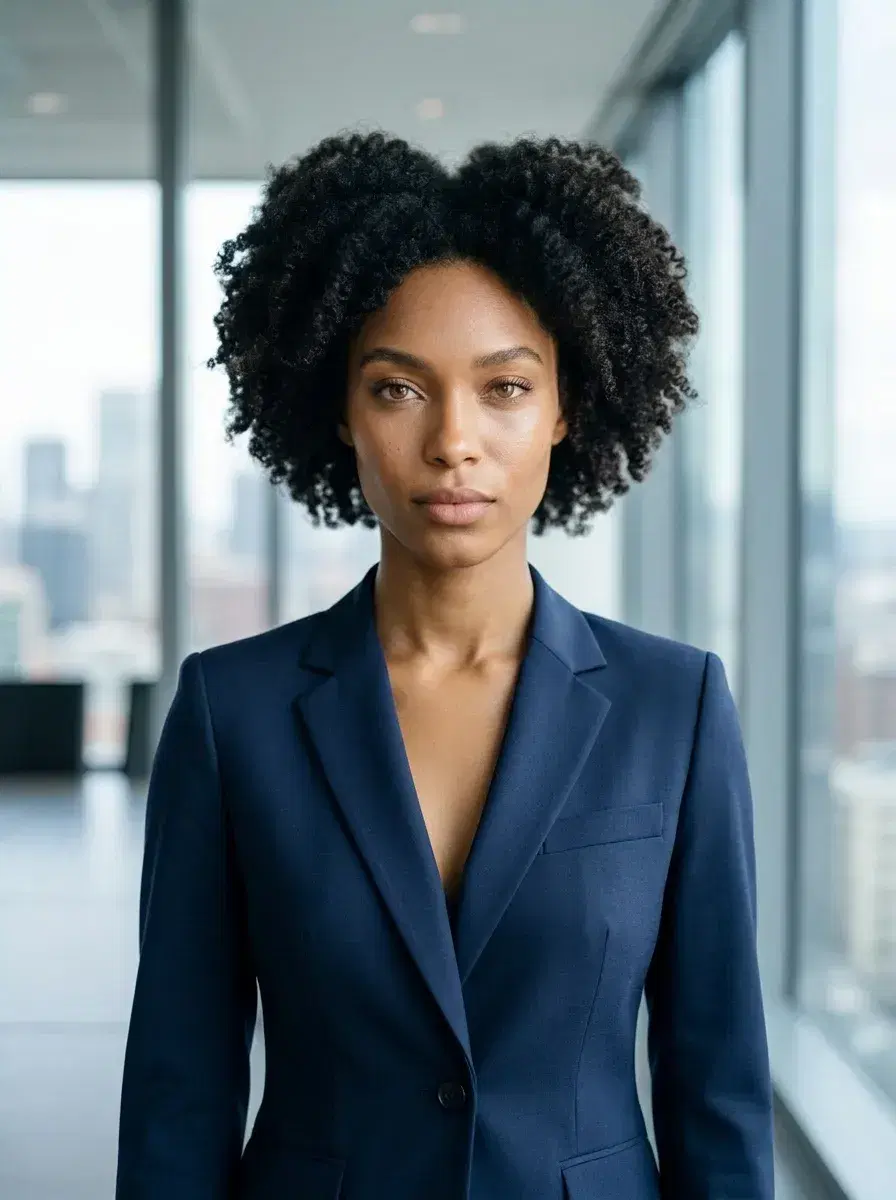
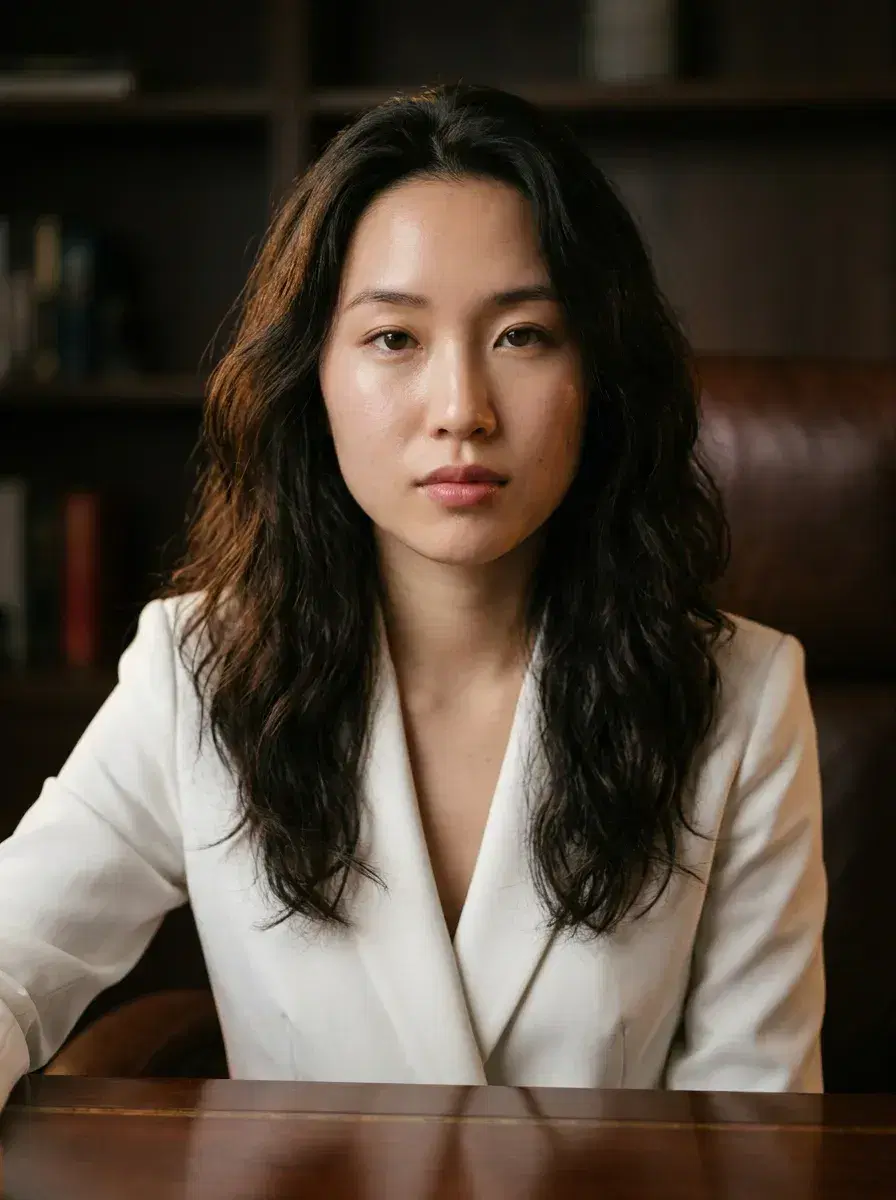
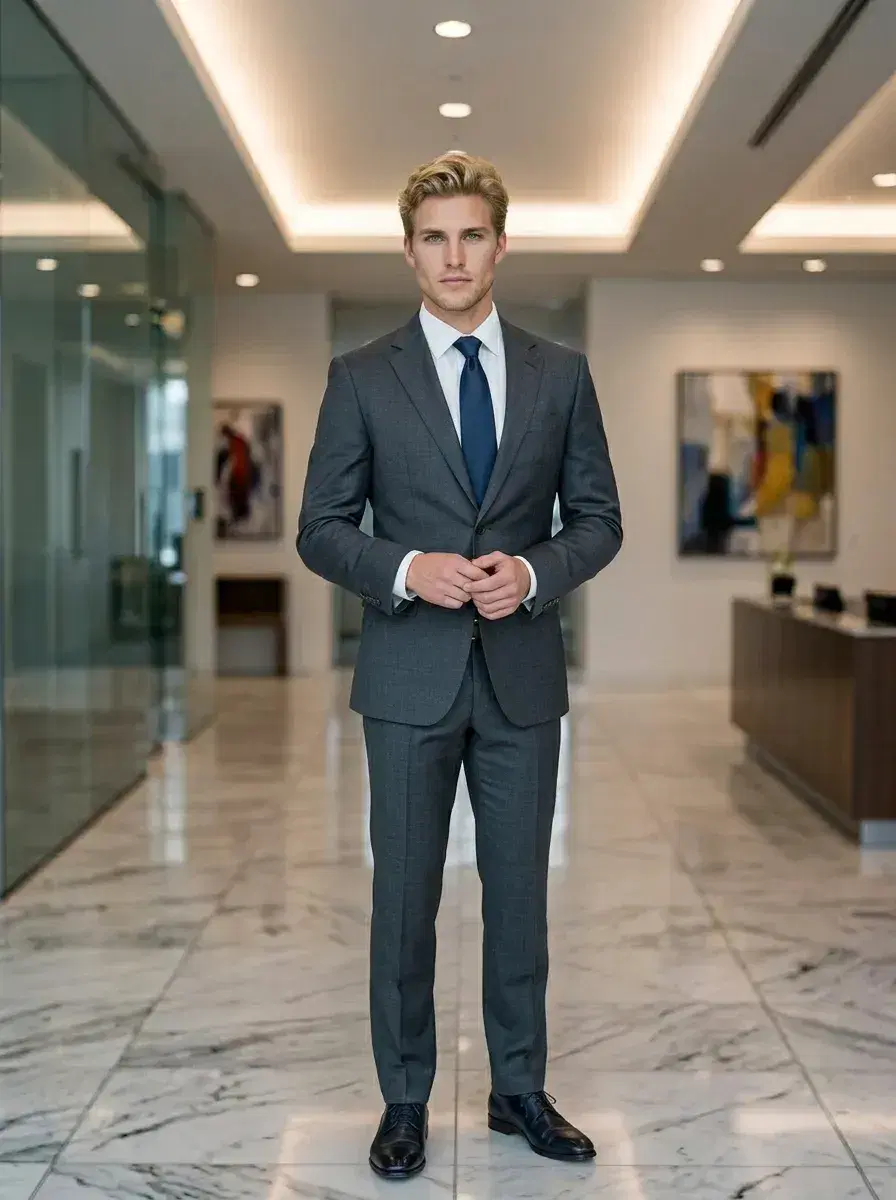
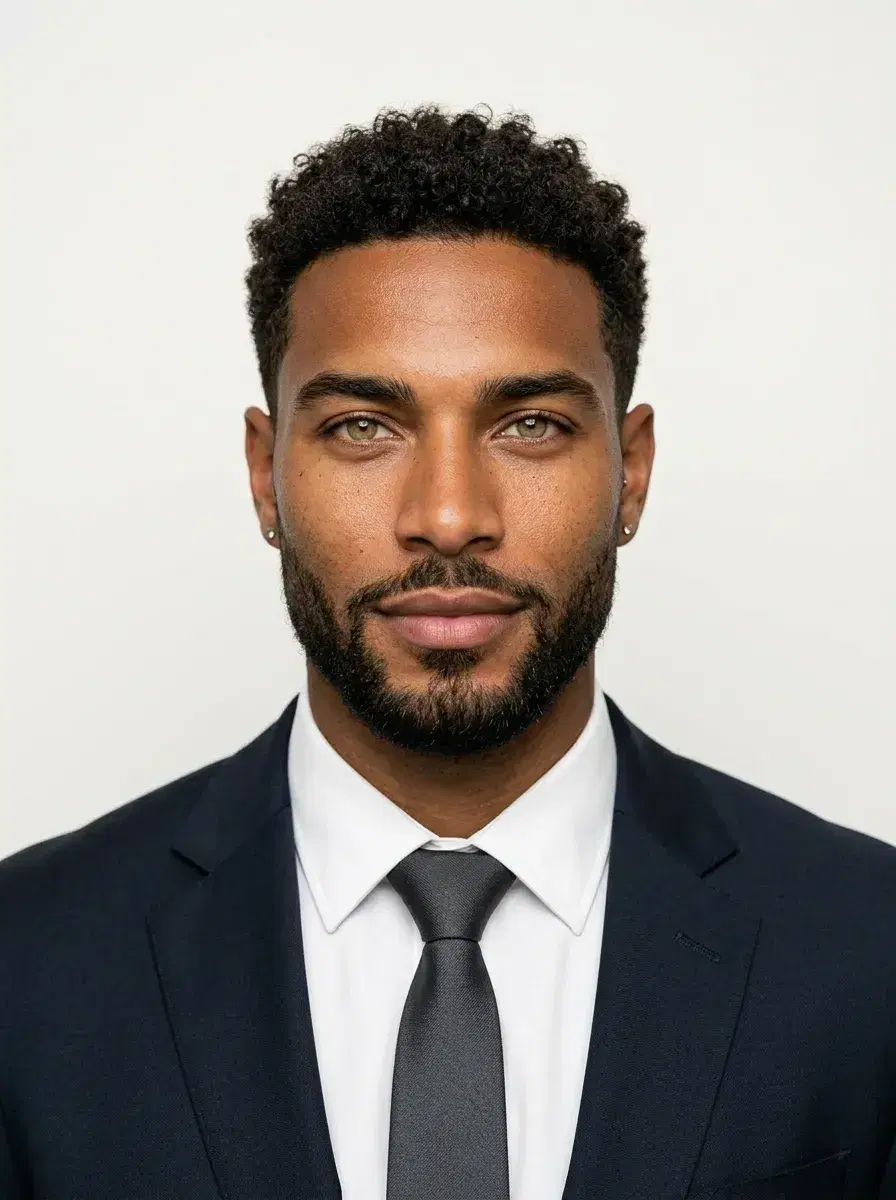
AI CEO LinkedIn photos that project authority — from one selfie, ready in under 10 seconds.
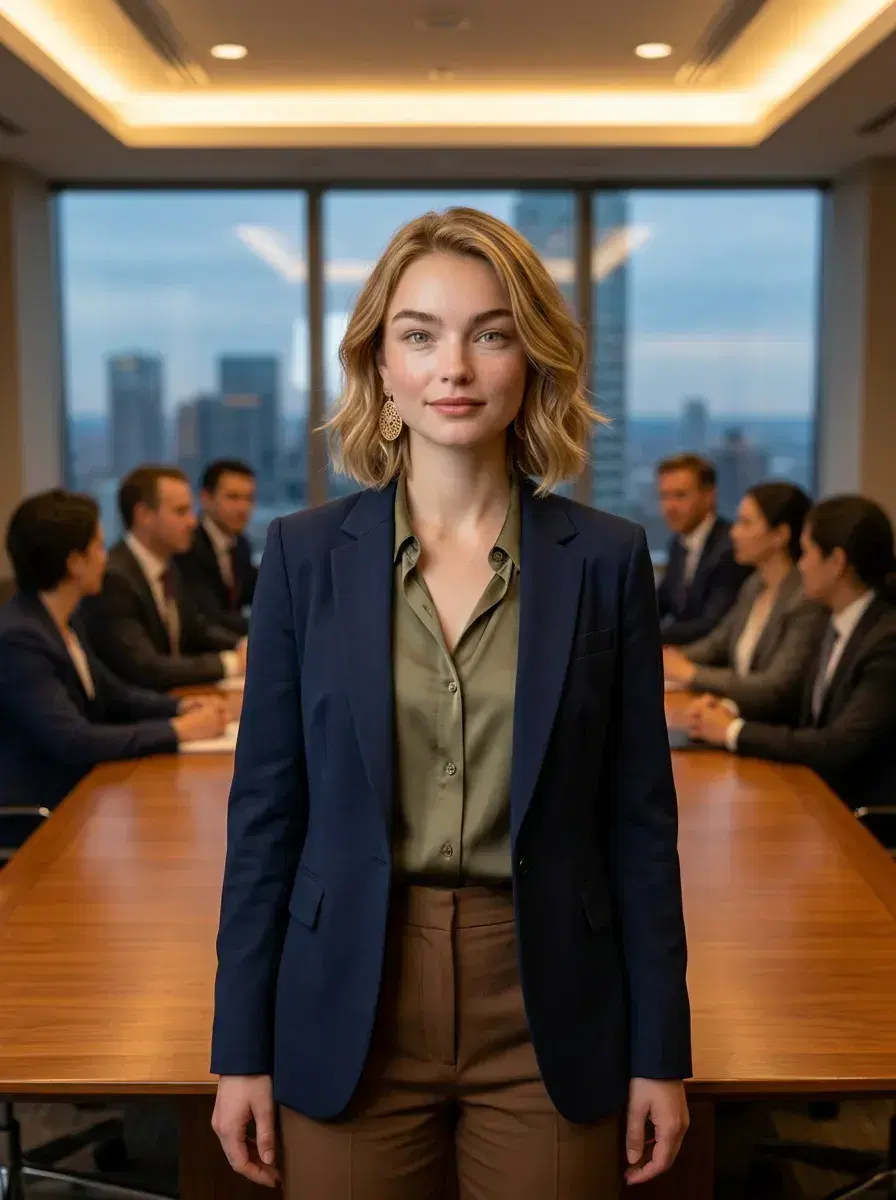
AI CEO LinkedIn photos from Pose use identity-locked Nano Banana 2 for executive presence — not generic filters. Native video is available too, so the same session can produce a profile clip alongside the photo. Upload one selfie and get boardroom-ready headshots without a studio, a photographer, or scheduling.
What you can create
What's Inside the CEO LinkedIn Pack
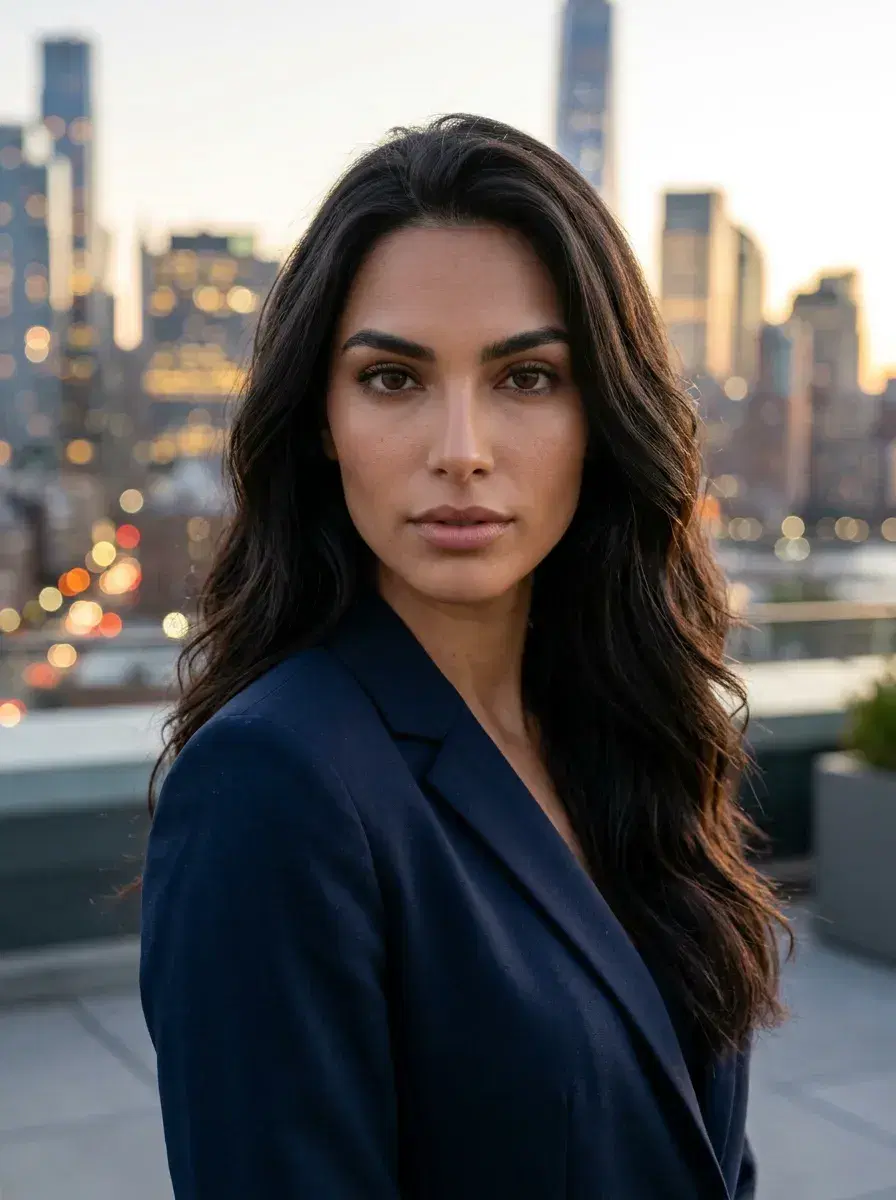
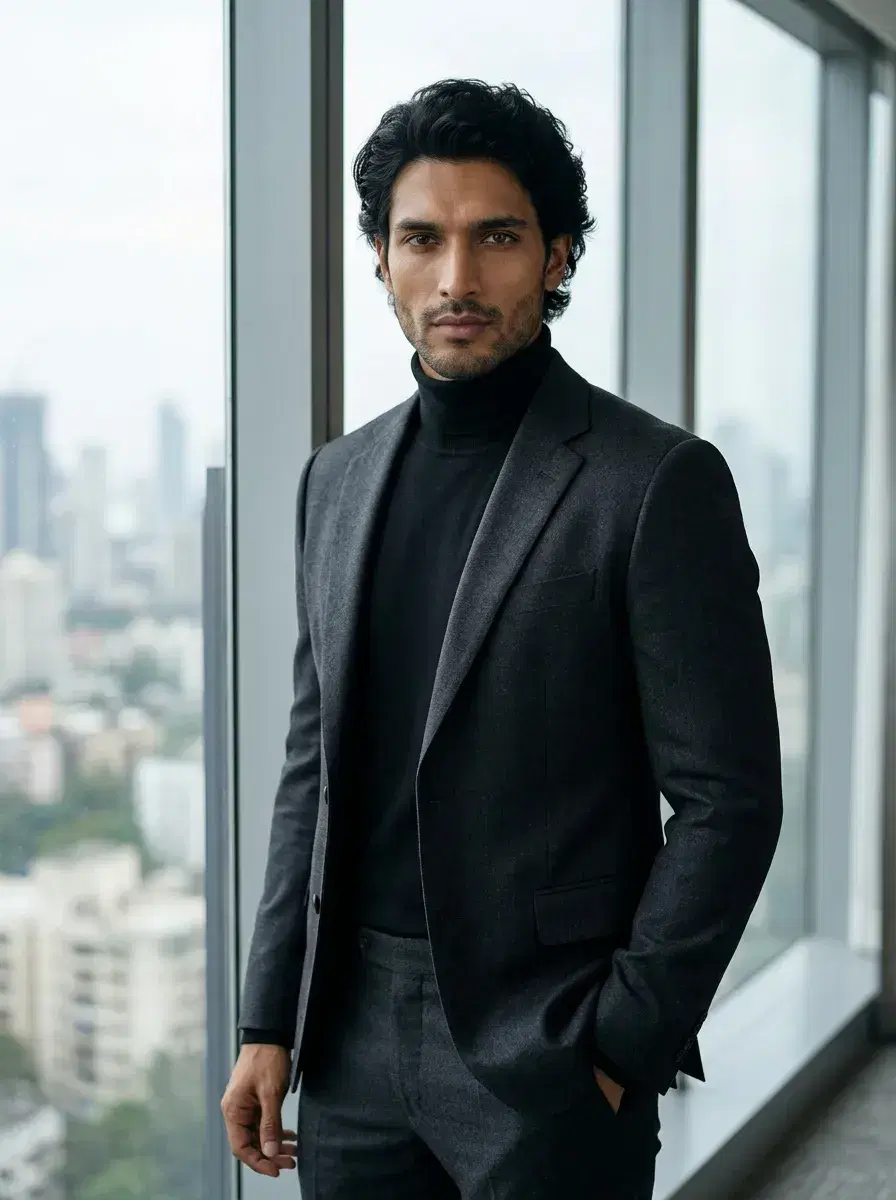
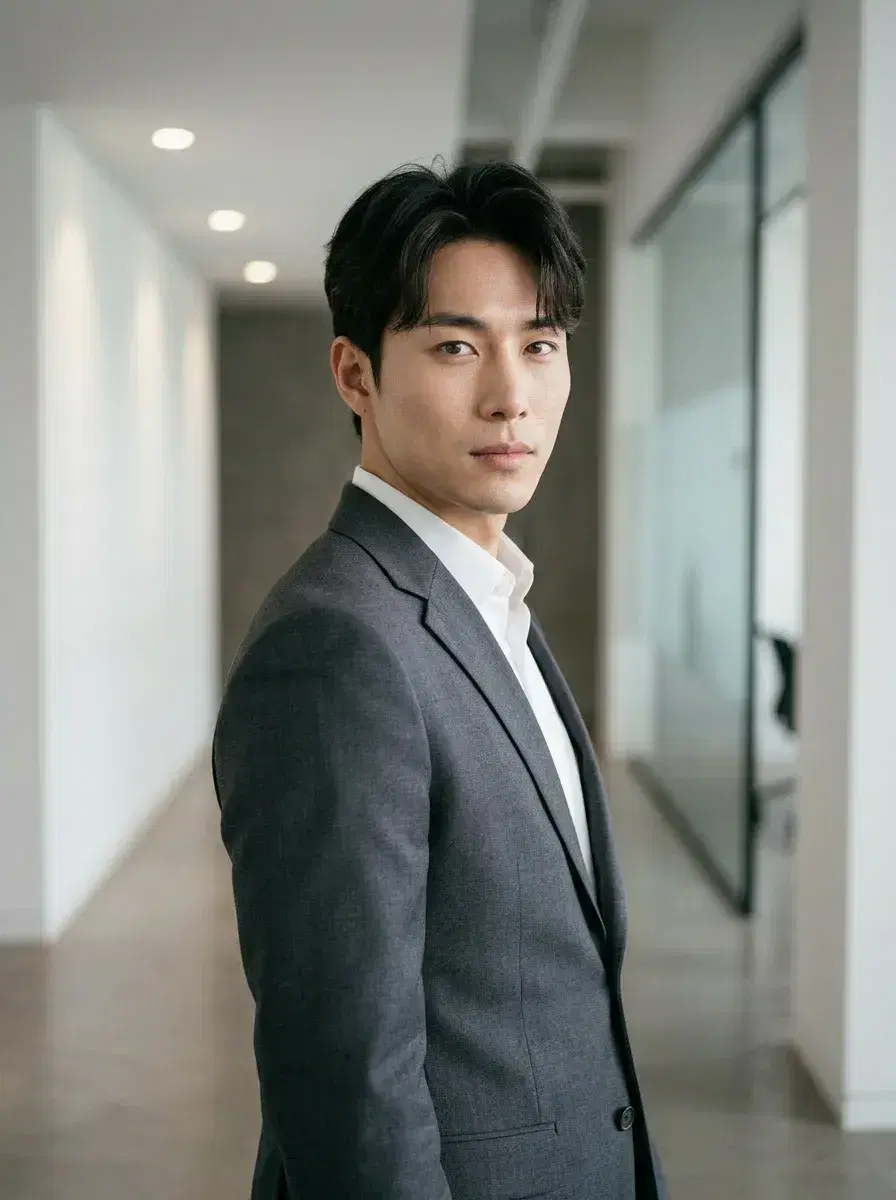
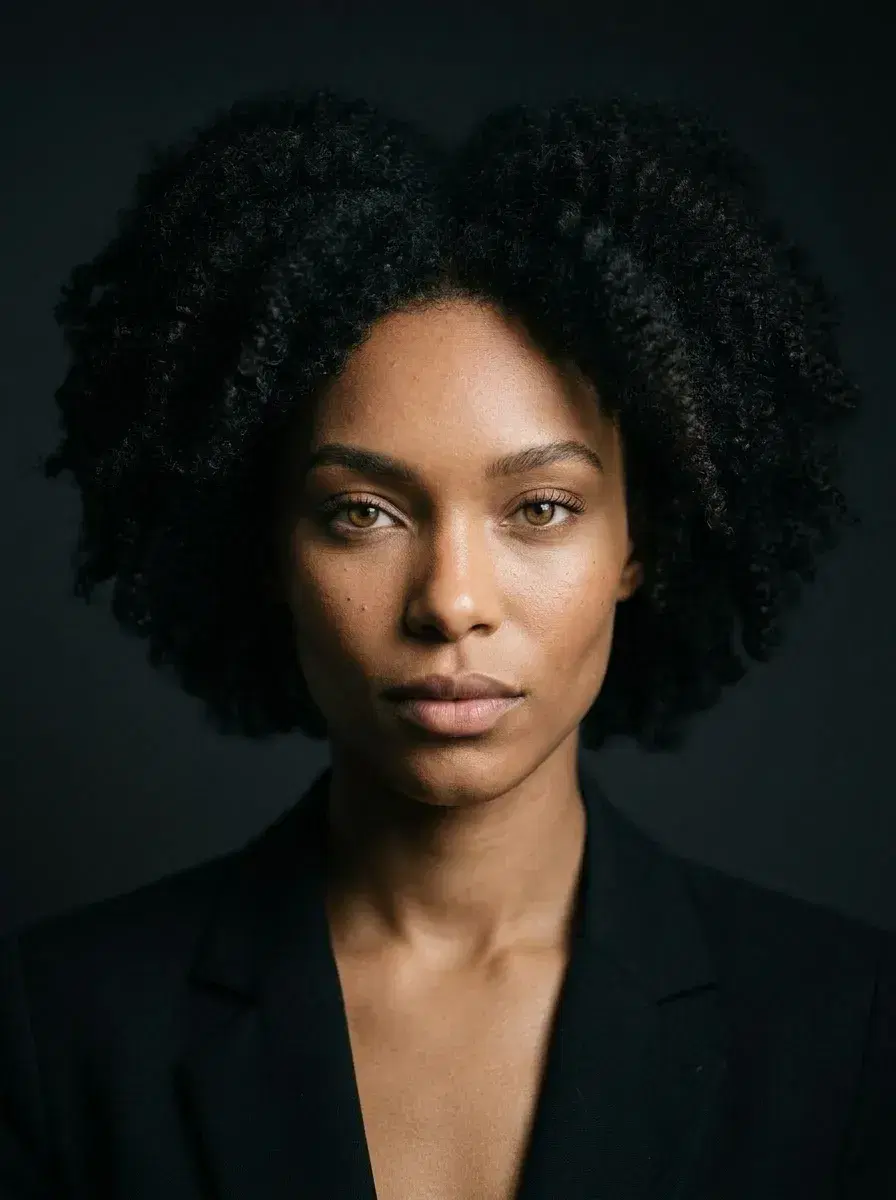
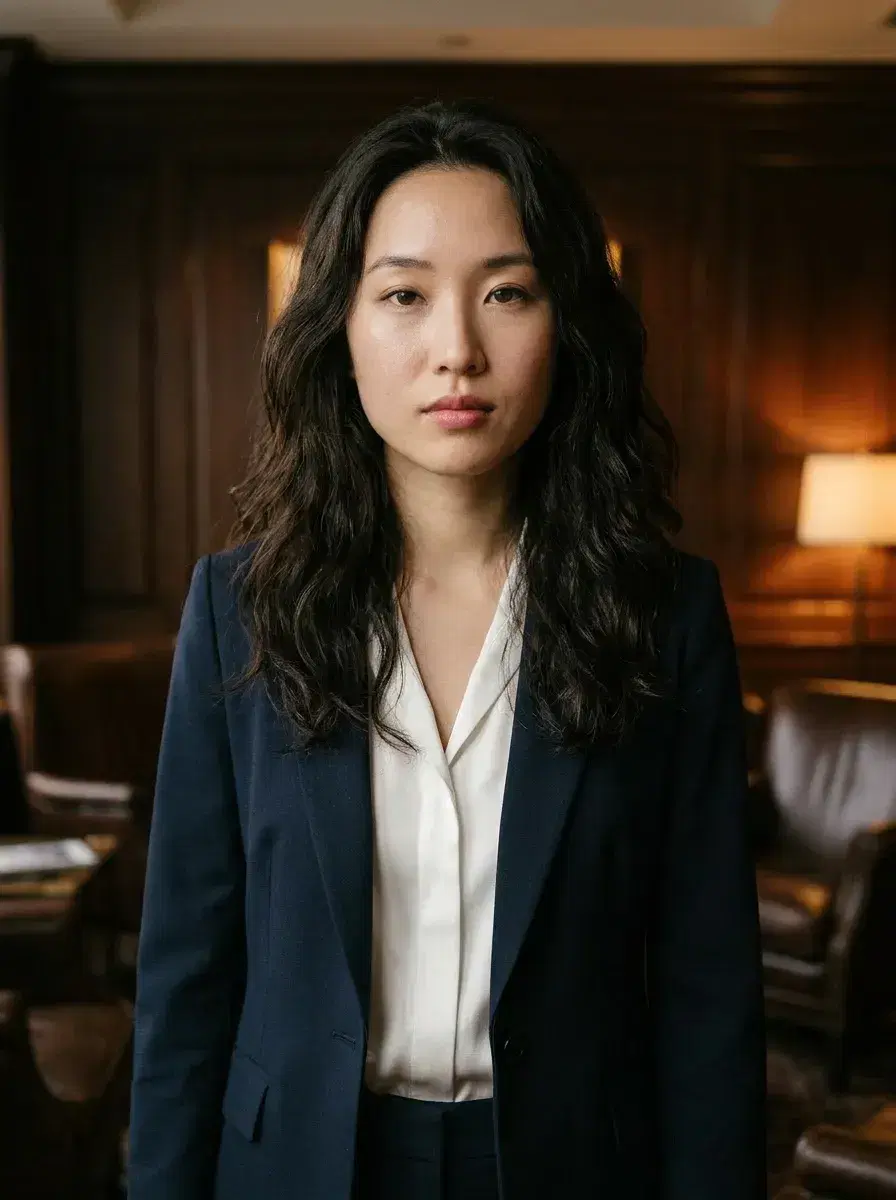
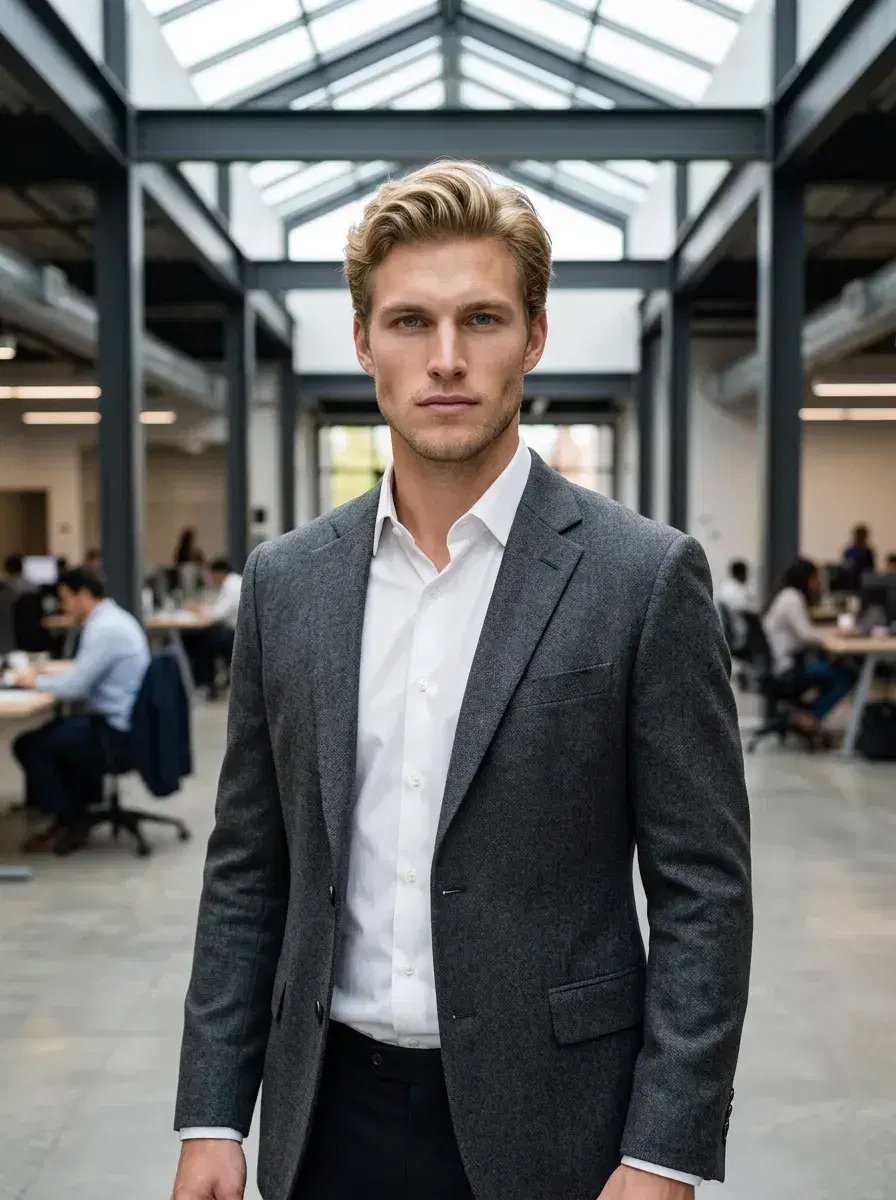
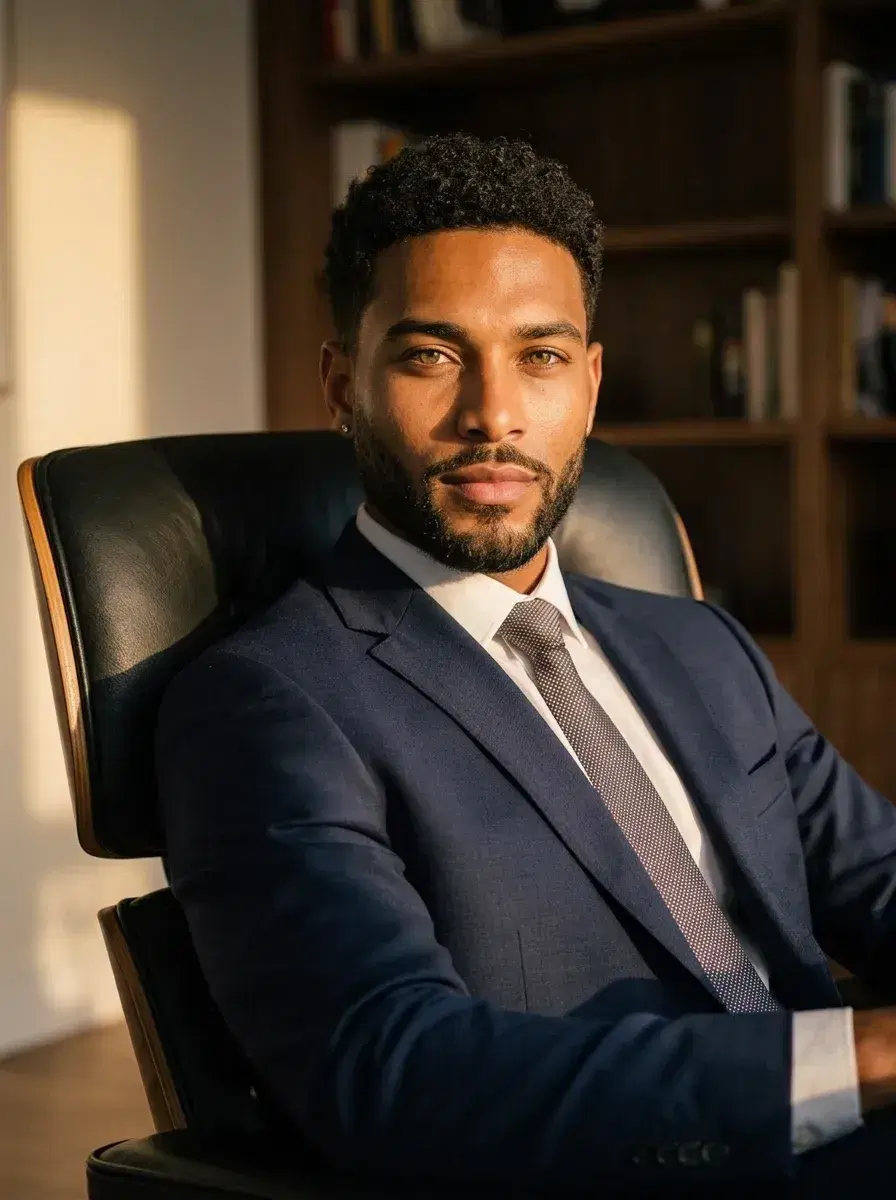
Polished executive looks across boardrooms, offices, and power environments — every shot built to make your LinkedIn profile the first thing people trust.
- AI CEO LinkedIn photos in glass-walled boardrooms — perfect for Fortune 500 founders and C-suite executives
- Executive rooftop portraits with city skylines — ideal for thought leaders building a personal brand
- AI CEO LinkedIn photos at premium conference tables — the go-to for CEOs launching a funding round
- Clean studio-style headshots on neutral backgrounds — for pitch decks, press kits, and media profiles
- Modern coworking and open-plan office looks — great for startup founders and tech executives
- Golden hour outdoor business portraits — for executives who want warmth without losing authority
Advanced Mode
Go further with Advanced Mode — describe any scene, outfit, or setting in your own words. Your face stays locked in, every time.
Perfect for
Why it matters
How it works
How AI CEO LinkedIn Photos Work
From one selfie to a full executive photo shoot — in under a minute.
Upload One Selfie
Take a simple front-facing selfie in decent light. No special camera, backdrop, or outfit required — just you.
Choose Your CEO Look
Select the CEO LinkedIn pack and browse boardroom-ready environments — offices, rooftops, conference rooms, and more.
AI Generates Your Headshots
Pose AI places your likeness into each executive scene in under 10 seconds — sharp, realistic, and profile-ready.
Download and Post
Pick your favourite shots, download in high resolution, and update your LinkedIn profile, press bio, or pitch deck today.
1st week intro pricing discounted · Cancel anytime · Secure checkout
What creators say
Why Executives Trust AI CEO LinkedIn Photos from Pose AI
My profile views doubled in a week
I updated my LinkedIn with my Pose AI CEO photo on a Monday. By Friday I had twice the profile views and three inbound partnership messages. It just looks like you mean business.
Saves me $800 every time I rebrand
I used to book a photographer every time we went through a brand refresh. Now I generate a full set of AI CEO LinkedIn photos for a fraction of the cost. The boardroom shots look completely real.
Investors actually commented on my headshot
I was preparing for a funding round and needed to look the part fast. Pose AI delivered boardroom-quality headshots from one selfie. Two investors mentioned how polished my profile looked.
Top AI Headshot Apps for LinkedIn Profile Pictures in 2026
For LinkedIn profile pictures, Pose AI is the strongest choice among AI headshot apps in 2026 — it produces professional-grade headshots from a single selfie with style packs tuned specifically for executive and corporate contexts. Your LinkedIn profile picture is the first thing a recruiter, investor, or potential client sees, often before they read a word of your bio. Research consistently shows that profiles with a professional headshot receive significantly more connection requests, profile views, and inbound messages. AI headshot tools have made professional-quality results accessible to anyone with a smartphone.
When choosing an AI headshot app for LinkedIn specifically, five factors determine whether the result will serve you well. Output quality is the most important: does it look like a real photograph, or is the AI signature visible in uncanny skin texture, unnatural lighting, or warped background detail? LinkedIn-appropriate styling matters equally — conservative backgrounds, business attire, and natural lighting perform very differently on a professional network than fantasy scenes or artistic filters. Speed, privacy handling of your uploaded photos, and pricing round out the evaluation.
Pose AI is designed from the ground up for professional photography outputs. Its dedicated LinkedIn Headshots, CEO Portraits, and Corporate Executive style packs are each tuned for the lighting, framing, and background choices that read as credible on a professional network. Working from a single selfie rather than a batch of source images, it reduces the setup friction that causes many people to abandon other headshot services before generating a single result.
Lensa is an enhancement and avatar app rather than a professional headshot generator. Its AI portraits lean toward stylized, artistic outputs that work well for personal social media but frequently appear too processed or creatively filtered for LinkedIn. The output range varies widely depending on the style selected, and consistently professional results require more curation than LinkedIn-focused alternatives.
HeadshotPro is a dedicated headshot service that produces professional-looking results, but requires uploading 15 source photos and waiting 1 to 4 hours for delivery. For executives who need results quickly or do not have a bank of varied source images ready, that barrier is meaningful. The output quality is solid for the price, and it remains a reasonable option for planned, non-urgent headshot needs.
Sarah Chen, a LinkedIn brand consultant who works with C-suite executives on their professional presence, notes that the quality gap between AI and studio photography has narrowed considerably. "Two years ago I would have advised against AI headshots for LinkedIn — the results were too easy to identify as synthetic. That has changed. The best AI headshot tools now produce images that are indistinguishable from studio photography at the size of a LinkedIn profile thumbnail. The key question I ask is whether the result looks like you on a good day, or like a stock photo with your face overlaid. When the answer is the former, the tool is ready for professional use."
Pose AI subscriptions start at $9 per month billed yearly, or $12 per week, with discounted first-week intro pricing. Last updated: April 22, 2026.
LinkedIn AI headshot app comparison
| Pose AI | Lensa | HeadshotPro | |
|---|---|---|---|
| Quality | Professional-grade, trained on corporate photography | Artistic AI portraits with creative filters | AI headshots with studio lighting presets |
| Turnaround | 30–60 minutes for a full set | 20–30 minutes | 1–2 hours |
| LinkedIn-ready | Yes — natural lighting, professional attire, conservative backgrounds | Varied — some styles too stylized for professional use | Yes — professional backgrounds available |
| Privacy | Privacy-first approach to uploaded photos | Standard cloud storage | 30-day storage |
| Pricing | $9/month (billed yearly) or $12/week | $7.99 one-time for 50 avatars | $29 one-time for 120 headshots |
| Intro offer | Discounted first week | No | No |
| Best for | Professionals needing authentic, credible headshots for LinkedIn | Social media variety and creative personal branding | Bulk headshot needs for teams or multiple profiles |
How to create a professional LinkedIn headshot with AI
- 1
Choose an AI headshot app built for professional photography
Select a service with LinkedIn-specific style packs rather than a general avatar or filter app. Pose AI (pose.ai) is built specifically for professional headshot outputs — corporate backgrounds, natural lighting, and attire that reads as credible on a professional profile.
- 2
Upload well-lit photos of yourself
Most AI headshot services ask for 8 to 20 source photos showing your face from several angles in good lighting. Pose AI works from a single front-facing selfie taken in natural light near a window — variety in your source image is less critical when the model needs only one clear reference.
- 3
Select a LinkedIn-appropriate professional style
Choose a style pack with conservative backgrounds, business attire, and even natural or studio lighting. Avoid fantasy, artistic, or heavily stylized packs — these produce images that can undermine professional credibility on LinkedIn.
- 4
Wait for AI processing
Most AI headshot services take 30 minutes to a few hours to generate a full set. Pose AI generates each image in under 10 seconds from upload to result — a significantly faster loop that lets you iterate and regenerate without waiting between attempts.
- 5
Review results and choose one that looks authentic
Select a headshot where your expression is natural and approachable, the lighting looks like it came from a real source, and the background is professional without being distracting. Avoid results where the AI signature is visible in skin texture or background detail.
- 6
Download and upload to your LinkedIn profile
Download the high-resolution version of your chosen headshot. On LinkedIn, go to your profile, click your current photo, and select Change Photo. LinkedIn recommends a 400 by 400 pixel minimum — most AI headshot services export well above this threshold.
Frequently Asked Questions
What's the best AI for CEO headshots?
Pose AI, for an executive portrait that stays recognisably you — it locks identity to a single selfie via native Nano Banana 2 rather than producing a generic polished stranger, and the boardroom register is a purpose-built style rather than a filter.
Pose vs Aragon for executives?
Both produce professional-standard executive headshots. Aragon is a cheaper one-time pack if a single set is all you need; Pose is the better fit for ongoing use, since it also generates a profile video from the same identity on the same weekly plan.
Do I get unlimited photos?
No. Pose runs on 400 credits every week, covering CEO-style headshots alongside other looks and video — a weekly allowance, not an unlimited one.
For the full comparison, see the best AI headshot generator for LinkedIn.
Generate professional AI headshots from a single selfie.
Get Your AI CEO LinkedIn Photos Today
One selfie. Boardroom-ready headshots. Ready in under 10 seconds.
1st week intro pricing discounted · Cancel anytime · Secure checkout