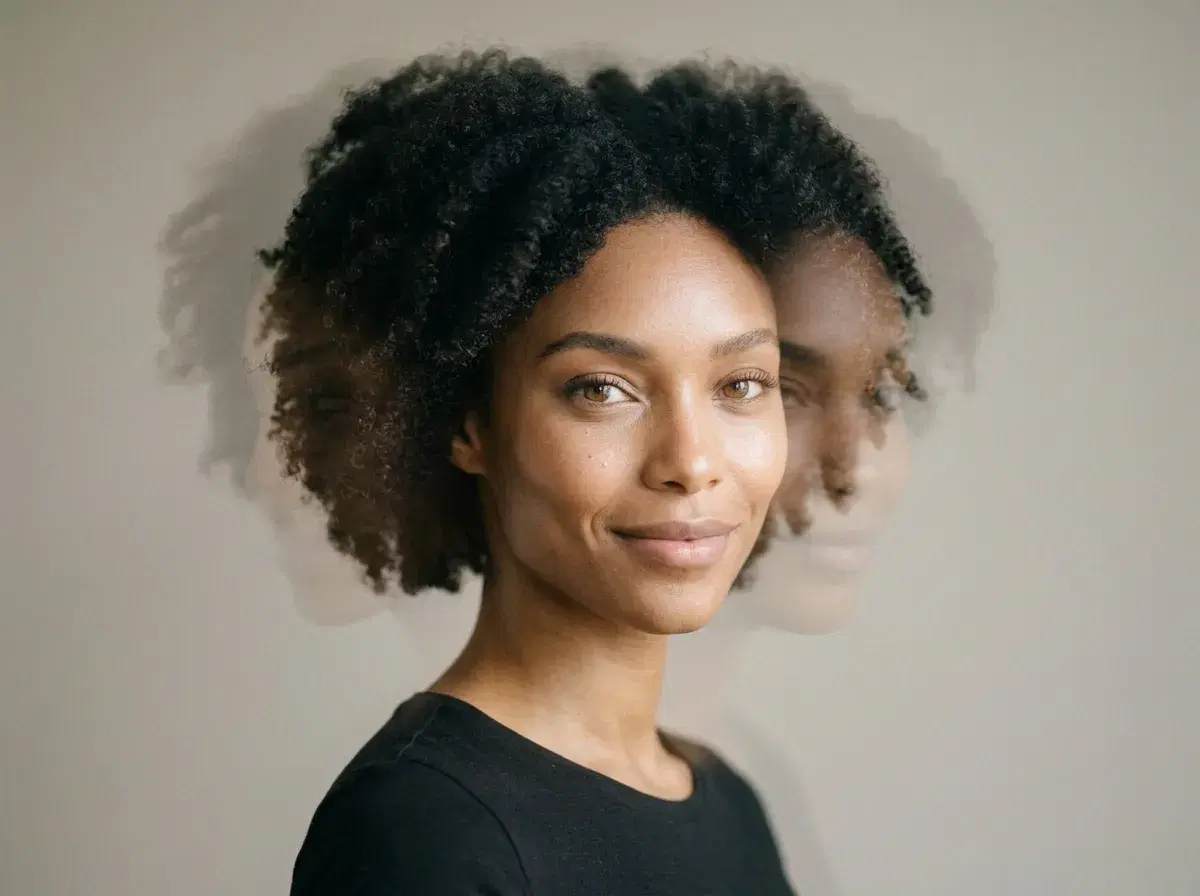
An AI face animator takes a photo of a face and generates a video in which that face moves, speaks or reacts. Some tools only move the mouth; others generate full motion.
Pose AI animates a photo with SeedDance and Kling and keeps the face recognisable from one selfie. Below is how that compares with Pika and D-ID.
Animate a face in the Video Studio.
- Pose AI animates a face from one photo using SeedDance 2.5 and 2.0, Kling 3.0 and Gemini Omni Flash, keeping the identity locked.
- Photo animation from a photo runs up to about 10 seconds with SeedDance.
- D-ID is built for speaking avatars; Pika is built for stylised effects.
- Only animate your own face or one you have consent for.
What an AI face animator does
A face animator treats your photo as the first frame and generates the movement: a head turn, an expression, a gesture, or a camera drift around the face. The hard part is keeping the face the same person for the whole clip.
Pose handles that with an identity lock from a single selfie and no training step, then lets you pick the engine that suits the motion.
Photo-to-video face animation compared
| Tool | Approach | Best for | Keeps the face |
|---|---|---|---|
| Pose AI | SeedDance, Kling and Gemini Omni Flash from one photo | Clips of you or your creator persona | Identity locked from one selfie |
| Pika | Short generative clips with effects | Stylised or playful clips | No saved identity |
| D-ID | Photo-to-talking-avatar, with an API | Speaking portraits at scale | Animates the supplied photo |
Photo-to-video workflow
Upload a clear, front-facing photo, choose an engine in the Video Studio, describe the motion in a sentence, and generate. Regenerate with a changed instruction if the movement is not right; the face stays the same person.
Pose generates the video itself. You do not need an external animator, though you may still cut clips together in an editor you already use.
Consent and honesty
Animate your own face, or someone who has agreed. Moving a real person's photo without permission can breach platform rules and likeness rights, and presenting a generated clip as unedited footage is misleading.
If you share it publicly, say it is AI-generated where a platform asks you to.
Try headshots first, then animate the one you like.