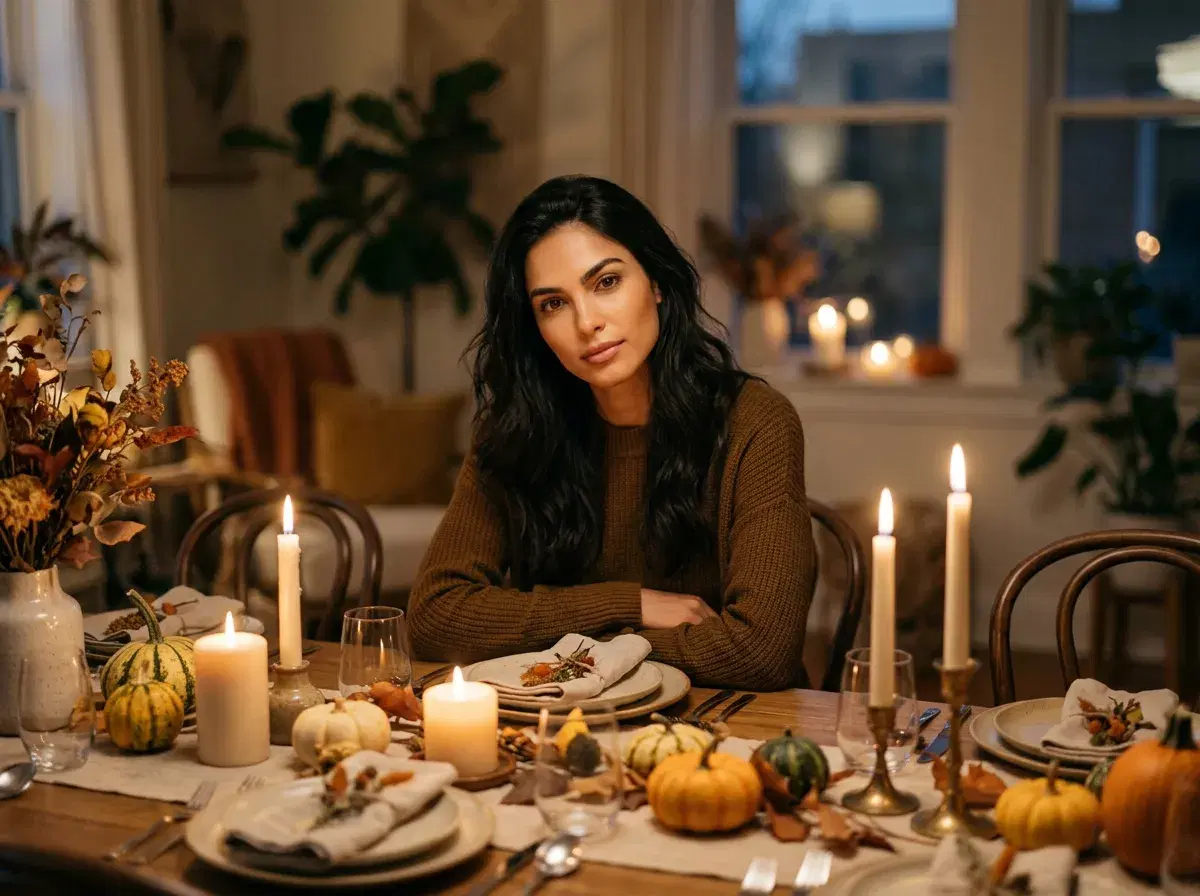
Thanksgiving is the one dinner when everyone is finally at the table, and the one photo most families never get. AI can help with the portraits around it, though it has real limits with large groups.
This guide is candid about what Pose AI does well, what it does not, and how to approach a family portrait when relatives are far apart.
Start with a couple portrait.
- Works well: one or two people per generated portrait, set in a dining table or fireplace scene.
- Group limits: Pose is built for one or two identity-locked people at a time, so a whole table in one frame is not dependable.
- Remote families: each person uploads their own selfie and generates their own portrait.
- Video and sharing: turn a portrait into a short clip in the Video Studio, then print or send it.
What works, and what does not
Pose AI keeps one or two people recognisable in a generated scene. A family of four or more, all faithfully matched in one image, is not something it does reliably, and an AI family portrait should not be presented as a record of the dinner.
For the dinner itself, take a real photo. Use AI for what a camera cannot do: a portrait of two relatives who live apart, a card image, or a stylised scene of one or two people.
A step-by-step workflow for remote families
Each person uploads one clear selfie. Pick a Thanksgiving scene such as a set dining table or a fireplace. Generate a portrait of one or two people, then compare it with the selfie and regenerate if a feature has drifted.
Share the images in a family chat, or gather them into a printed card. If you start from one real group photo, the Image Studio can change the background or add a person, though results on large groups vary.
Scenes that work
A set dining table with warm candlelight, a fireplace in an autumn living room, an autumn porch with soft evening light. Keep clothing simple and plain; it reads better than patterned fabrics, and the focus stays on faces.
Turn a portrait into a short video
Open the Video Studio, upload the portrait and animate it with a gentle motion: a smile, a slow camera push. Photo animation runs up to about 10 seconds with SeedDance. It is a nice addition to a holiday message, not a substitute for filming the day.
Open the Image Studio.
Animate in the Video Studio.