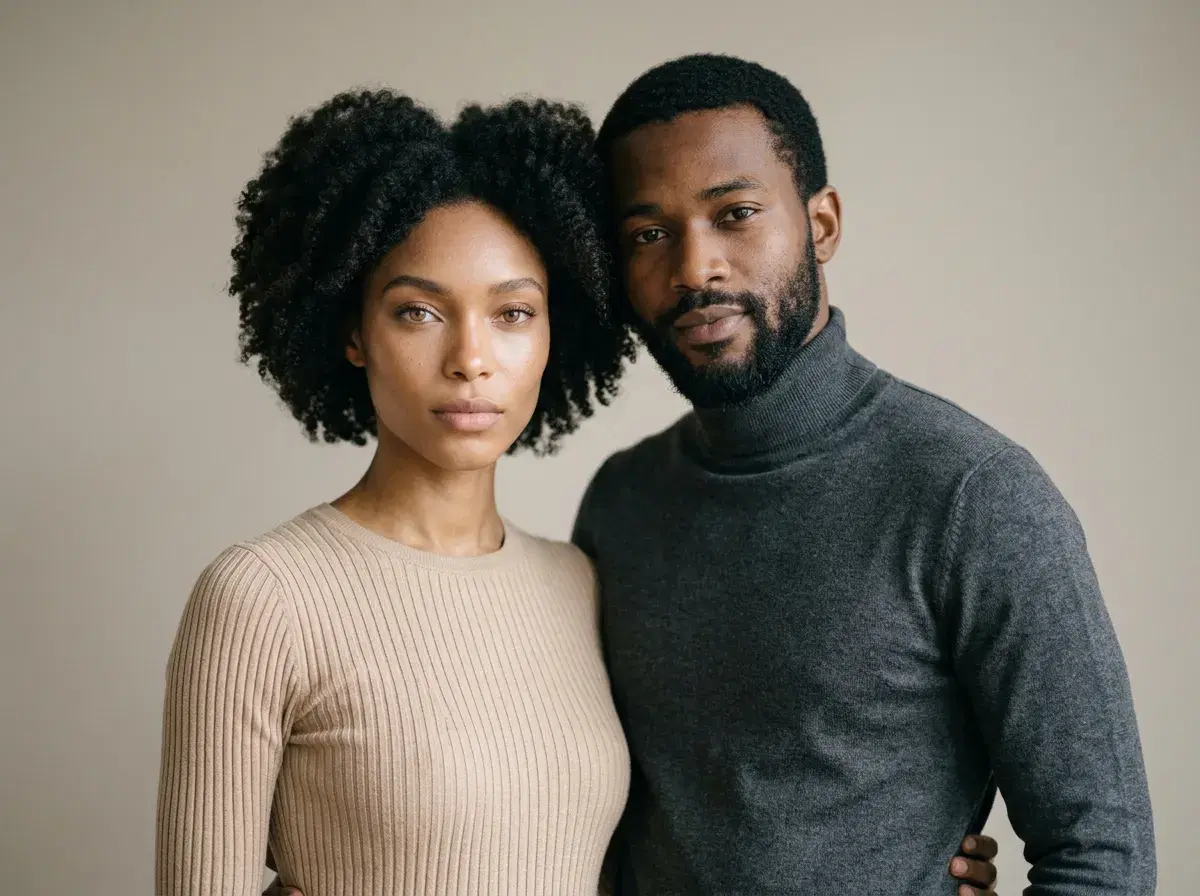
To generate a couple portrait with AI, you upload one clear selfie of each person, choose a style, and let the model build a new photograph of the two of you together in one scene.
Pose AI does this with Nano Banana 2, which locks both identities at generation time, so the portrait reads as the two of you rather than two plausible strangers. There's no photoshoot, no training step, and nothing to cut out or blend by hand.
- Step 1: Upload one clear, well-lit selfie of each person.
- Step 2: Pick a couple style — golden hour, studio, wedding-style, vintage, and more.
- Step 3: Generate. Pose builds a new photo of both of you in about two minutes.
- Step 4: Download, or regenerate until the pose and setting feel right.
- Pricing: $4.99 for the first week, then $14.99/week with 400 credits every week, no watermarks.
How to generate a couple portrait with AI: step by step
- 1Upload one selfie of each personUse a recent, sharp, front-facing photo for each partner — good light, no sunglasses, nothing covering the face. Solo photos are fine; you don't need a picture of the two of you together. Quality of these two inputs matters more than anything else in the process.
- 2Choose a couple stylePick the look you want: a golden-hour coastline, a warm studio portrait, a black-and-white close, a wedding-style formal, a vintage film frame. The style sets the setting, wardrobe, and light; you can describe a specific pose on top of it.
- 3Let Pose generate the portraitNano Banana 2 reads each face from its selfie and generates one new image with both people in the same scene, under the same light. Because it's generated rather than composited, there's no visible seam and no mismatch in lighting direction between the two of you.
- 4Download or refineDownload the version you like at full resolution, without a watermark. If the pose or setting isn't quite right, regenerate or adjust the description — each attempt draws from your weekly credits.
What makes an AI couple portrait look real
Three things give a generated couple portrait away: a visible join where two people were pasted together, light falling on each person from a different direction, and one face drifting away from what that person actually looks like. Resolution is rarely the problem.
Generating both people in a single pass solves the first two, and identity lock solves the third. What's left is mostly in your hands: sharp source selfies, and choosing the natural-looking output over the most polished one. Over-styling is the most common tell.
Browse every look in the AI couple photo styles library.
Ready to try it? Open the Pose AI couple photo generator.