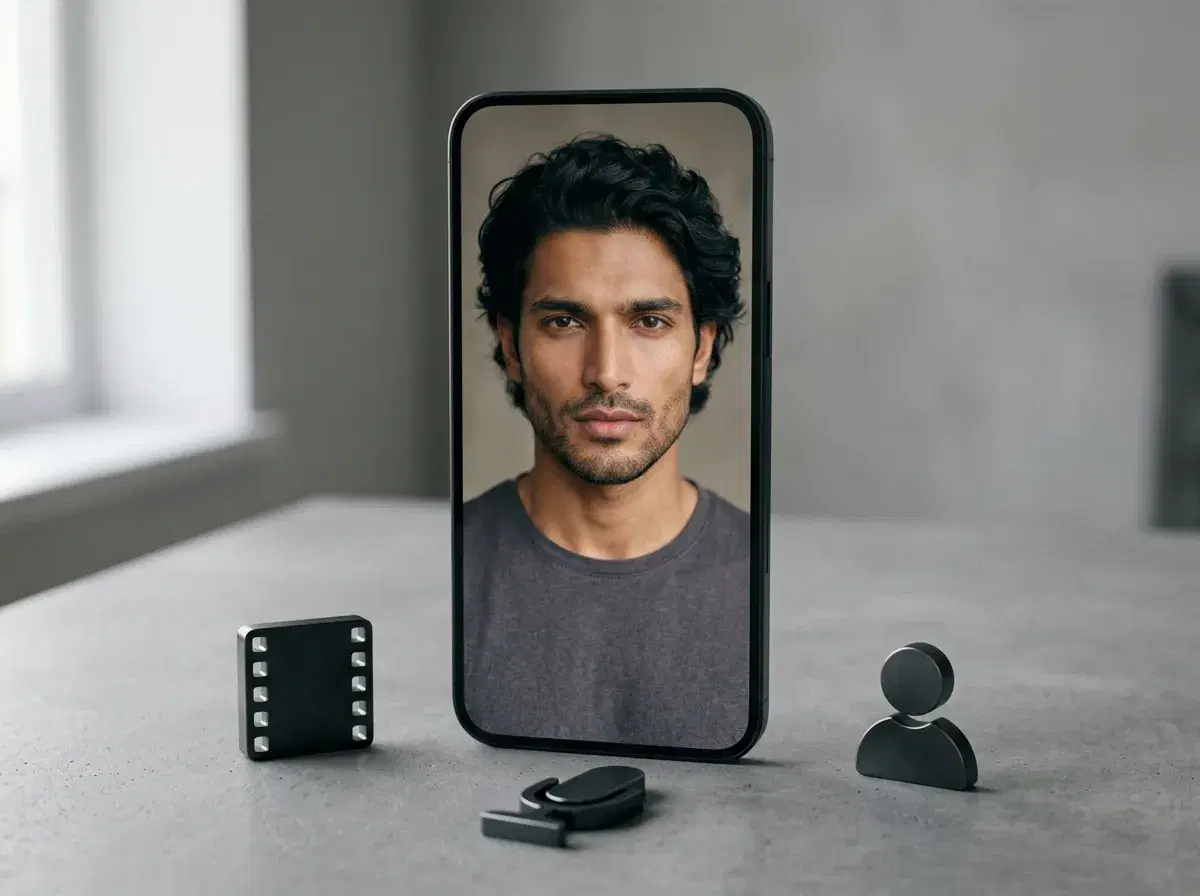
"All-in-one" gets claimed by almost every AI video tool, and it means something slightly different each time — one account covering footage generation, one covering voice, one covering avatars, or all three at once. For YouTube Shorts specifically, the practical test is whether a creator can go from an idea to a finished clip without exporting between separate subscriptions.
Pose runs six native video engines — Kling, SeedDance, Wan, Veo, Sora 2, and HeyGen — plus ElevenLabs voice cloning, on one weekly credit pool. This compares that against Creen, Vivideo, InVideo AI, and HeyGen on the specific claim of being all-in-one for Shorts.
The native engines described here run inside the Pose AI Video Studio.
- Native video generation across six engines (Kling, SeedDance, Wan, Veo, Sora 2, HeyGen), identity-locked to your own face rather than a stock avatar.
- AI avatars: HeyGen renders a talking presenter from one selfie, natively, without a separate avatar subscription.
- Voice cloning: ElevenLabs, built in, generated together with the footage rather than exported and synced by hand.
- Templates: UGC-style formats for talking-head hooks, product demos, and cutaways, all on the same 400-credit weekly plan.
- What Pose does not add: a script generator, automatic captioning, or a scheduler — those stay a separate step, whichever tool you use.
Key terms
An all-in-one AI tool for YouTube Shorts is a platform that covers more than one part of the pipeline — footage, voice, or avatars — from a single account, rather than requiring a separate subscription for each piece. It is a spectrum rather than a binary: a tool can be all-in-one for generation while still leaving scripting, captioning, and publishing to something else.
Script-to-video is a workflow where a text description or a single sentence becomes a finished video automatically — scenes, voiceover, and often captions generated together in one pass, with minimal manual assembly.
All-in-one AI tools for YouTube Shorts, compared
| Tool | Script-to-video | Avatar / influencer clone | Voice | Templates | Pricing |
|---|---|---|---|---|---|
| Pose AI | No script generator — you bring the script | Yes — HeyGen renders your own identity-locked face from one selfie | Yes — ElevenLabs, native | UGC talking-head, product demo, cutaway formats | $4.99 first week, then $14.99/week, 400 credits |
| Creen | Yes — extracts and regenerates viral moments from long-form video, or generates from a prompt | Not identity-locked to your face; uses its own library of 28+ video models | Text-to-speech and audio models included | Shorts-focused extraction and regeneration in 9:16 with captions | Free tier with daily quota, no login required, watermark-free per Creen's own marketing |
| Vivideo | Yes — one sentence auto-builds scenes, voiceover, captions, and music | Library avatars, or a "digital twin" built from your own footage | Text-to-speech and voice cloning, dozens of languages | Auto-generate templates across 30+ models | Free plan, no credit card required per Vivideo's own marketing; native iOS and Android apps |
| InVideo AI | Yes — script to finished edit | Not identity-locked; template and stock-avatar driven | Text-to-speech voices | Template-driven, assembles from a stock and AI-generated library | Free tier with limits; paid plans available |
| HeyGen | No — avatar-video focused, not a full script-to-Short pipeline | Yes — stock or custom avatars | Yes, built-in voices | Avatar talking-head templates | From ~$29/month (approximate) |
Creen and Vivideo both make a genuine free-access claim and cover more of the pipeline end-to-end, including scripting — that is a real advantage over Pose if publishing volume with minimal manual work is the actual goal. Pose's advantage is narrower and specific: the face on screen is identity-locked to you rather than a stock avatar or a generic library model, across six distinct video engines rather than one house style.
Why Pose is the pick for identity, not for automation
Pose's case is not that it automates the most steps — Creen and Vivideo both go further on that front, extracting or auto-generating a script-to-finished-Short pipeline that Pose does not attempt. Pose's case is narrower: when the presenter or the product needs to be recognisably yours, across six different video engines, on one weekly credit pool, identity lock is the thing a stock-avatar or library-model pipeline cannot replicate without you supplying a reference image every single time.
That is a real trade, not a hidden one. If a channel's format does not depend on a specific recognisable face or product — a compilation, a stock-footage explainer, a trend-driven Short — the automation-first tools above are a genuinely stronger fit and, for at least two of them, a cheaper one to start.
Creen, Vivideo, InVideo AI, and HeyGen at a glance
Creen is an all-in-one AI video workspace built around a large library of video, image, and audio models, with a specific feature for turning a long-form video into extracted, regenerated 9:16 moments with captions — useful if repurposing existing long-form content is the actual workflow.
Vivideo automates the furthest: a single sentence can become a fully scripted, voiced, captioned video, and its "digital twin" option builds a reusable presenter from your own footage rather than a purely generic avatar.
InVideo AI assembles Shorts from a script using templates and a stock-plus-AI content library rather than generating original footage — reliable, but limited when a shot the library does not have is what you actually need.
HeyGen is the specialist for avatar talking heads specifically, and it is also one of the six engines Pose runs natively — the difference is whether you want it alongside five other engines and identity-locked image generation, or on its own.
Plans and weekly credits are on the Pose AI pricing page.
All-in-One Tools for UGC-Style Shorts
UGC-style Shorts — the format that reads as organic creator content rather than a produced ad — is where an all-in-one tool's breadth matters most. Pose's Video Studio pairs identity-locked talking-video generation (natively running HeyGen) with UGC-focused templates, so a Shorts-length UGC clip comes from the same plan and credit pool as a portrait photo or a longer-form video.
Captions.ai takes a narrower, editing-first approach: it's built around dubbing, captioning, and repurposing footage you already have, with AI avatar tools layered on top. That makes it strong for teams who are already filming and want to edit faster, but it's a different starting point from generating the talking-head clip itself.
For someone starting from a single selfie with no existing footage, Pose's talking-video mode is the more direct path to a finished UGC-style Short.
Pose AI vs Captions.ai for UGC-style Shorts
| Tool | Starting Point | UGC Templates | Pricing |
|---|---|---|---|
| Pose AI (Video Studio + HeyGen) | One selfie, no existing footage needed | Yes, native talking-video templates | $4.99 first week, then $14.99/week, 400 credits |
| Captions.ai | Existing footage to edit/dub | Avatar tools layered on editing | Subscription, varies by plan |
See the full UGC talking-head video guide, or explore
Pose AI's Video Studio directly.