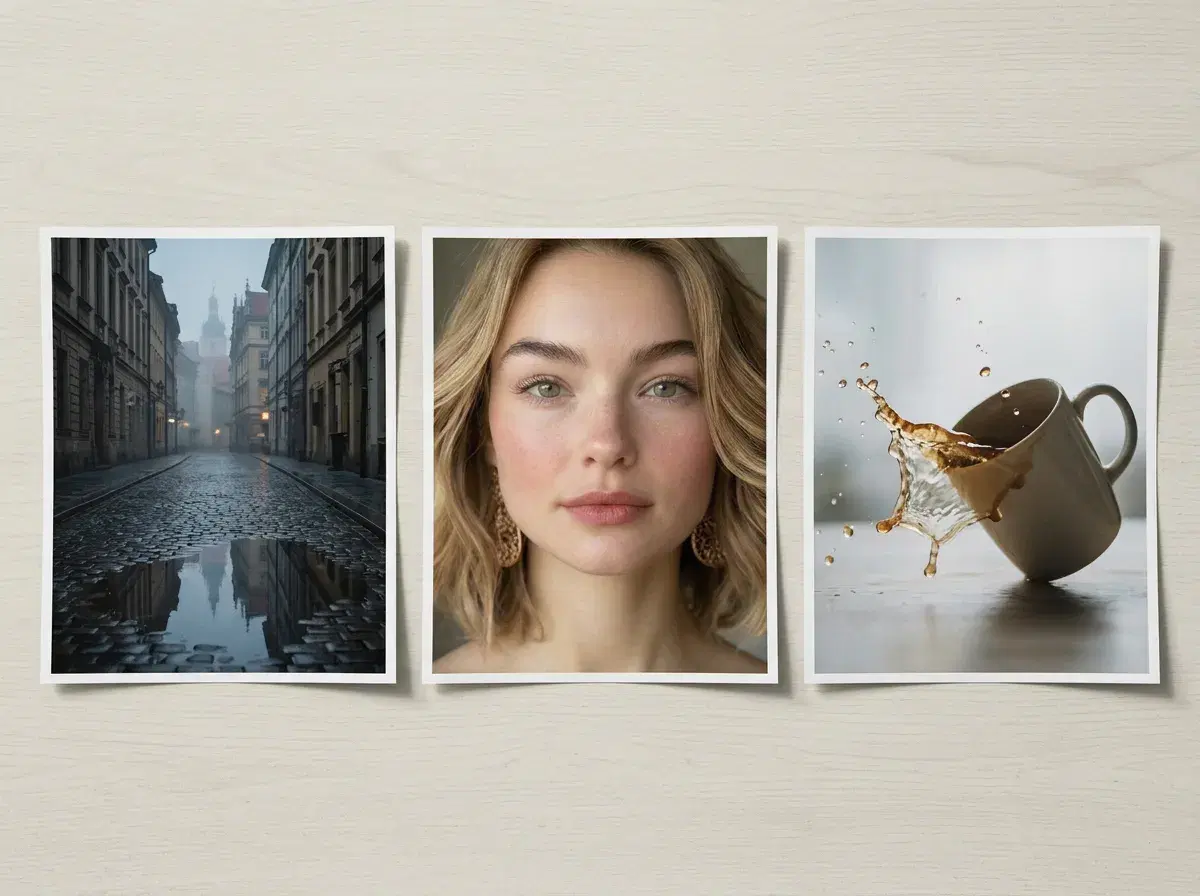
"Which AI image generator is most realistic in 2026" has no single answer, because realism is three different problems wearing one word: a face that is recognisably a specific person, an image that is beautifully plausible without depicting anyone real, and motion that behaves the way physics does.
Pose AI's own native image engines — Nano Banana 2, Flux Kontext, and GPT-image 2 — split that first job three ways: Nano Banana 2 for identity-locked realism, Flux Kontext for fashion and lifestyle framing, and GPT-image 2 for general-purpose generation. A tool can be state of the art at one kind of realism and mediocre at the others; here is which leads where, and how to tell which kind your project actually needs.
For identity-locked portraits, see AI headshots.
- Pose AI combines Nano Banana 2, Flux Kontext, and GPT-image 2 for identity-locked photorealism — three native engines rather than one, each doing a different part of the realism job.
- Realism of a specific person: Pose leads here, because native Nano Banana 2 generation is identity-locked — the output is recognisably you rather than someone who resembles you. That is the failure mode that matters most in portraits and the one general image models do not solve.
- Realism of fashion and lifestyle framing: Flux Kontext, also native in Pose, is tuned for full-body and outfit-heavy scenes where pose and setting have to read correctly alongside the face.
- Realism of general-purpose generation: GPT-image 2, the third native engine, covers the broader range of scenes and styles outside Nano Banana 2's identity-lock or Flux Kontext's fashion focus.
- Realism of an image in general: Midjourney is exceptional at photographic plausibility, and it is not trying to depict anyone real. Beautiful, and a stranger.
- Realism of a professional portrait: Aragon and HeadshotPro produce convincing corporate headshots from a trained pack; quality across the category has largely converged.
- Realism of motion: Kling and Veo — both native in Pose — lead on camera movement and scene behaviour, with Sora 2 handling longer takes.
- Realism of a photo you already have: an enhancer like Remini beats every generator, because the photograph actually happened.
The three kinds of realism
Identity realism asks whether the person in the output is the person you uploaded. It is the hardest to fake and the easiest to spot failing, because anyone who knows the subject checks the face first. Almost every complaint about AI portraits looking wrong is an identity-realism failure rather than a technical one.
Image realism asks whether the frame could plausibly be a photograph at all — light behaving correctly, materials reading right, hands with the right number of fingers. General image models have got very good at this, and it is what most "most realistic AI" round-ups are actually measuring.
Motion realism asks whether things move the way things move: weight, momentum, the way a camera drifts. It is largely independent of the other two, which is why the leaders in video are not the leaders in portraits.
Where each tool leads on realism
| What it is most realistic at | Best for | Pricing | |
|---|---|---|---|
| Pose AI | Identity realism — a specific person, held to their selfie, in photo and video | Portraits, headshots and video of yourself | $4.99 first week, then $14.99/week, 400 credits |
| Midjourney | General image realism and aesthetic quality; no identity lock | Concept work, mood, imagery of nobody in particular | Subscription, from around $10/month |
| Aragon | Professional portrait realism from a trained pack | A single corporate headshot set | Around $29 one-time |
| HeadshotPro | Professional portrait realism, business register | A single corporate headshot set | Around $29 one-time |
| Kling (native in Pose) | Camera motion and scene behaviour | Cinematic movement, push-ins, reveals | Included in the Pose plan |
| Veo and Sora 2 (native in Pose) | Photoreal scenes and longer coherent takes | Wider establishing shots, longer clips | Included in the Pose plan |
| Pika | Stylised generative motion | Short creative clips where style beats literalism | Subscription, from around $10/month |
| Creatify | Ad-format avatars generated from a product listing | High-volume catalogue ad variants | Subscription, around $39/month |
| Remini | Restoring a real photograph — the highest realism available | Fixing a photo you already have | Free tier with limits; paid available |
| Eltima AI Headshot Generator | Professional portrait realism from a trained model, delivered as a native iOS app | A headshot set on iPhone specifically | $6.99 first week, then $9.99/week |
| Proshoot | Corporate portrait realism from a trained batch upload | A single professional headshot set for a team | Around $29 one-time |
Pricing and capabilities are public information as of 2026 and change often — verify before subscribing. Deliberately no numeric realism score: any single number would collapse three unrelated axes into one and would be invented rather than measured. The honest read is that Remini tops the list whenever the photo exists, Midjourney tops it when the person does not need to be anyone, and Pose tops it when the person needs to be you.
Most realistic AI headshot apps for iPhone
Narrowed to iPhone specifically, the honest comparison is Pose against Eltima AI Headshot Generator, since it is a real, native iOS headshot app rather than a general photo tool. Eltima trains a model on a batch of your uploaded photos and returns professional results — a genuinely different mechanism from Pose, which locks identity from one selfie with no training step at all.
The realism trade-off follows from that difference. Pose's identity lock means the output is recognisably you the moment it generates, because nothing was ever approximated from a batch. Eltima's trained-model approach is a legitimate route to a professional portrait too, and being a proper installed app is a real point in its favour on iOS specifically — it just asks for more photos and a training wait to get there.
See Pose AI headshots on iPhone.
Couple Photo Realism: Top 3 Tools
Couple photos add a second face to lock, and that's where tools diverge. Pose AI uses Nano Banana 2's identity lock on one selfie per partner — both faces are read at generation time, with no training step, so a couple photo renders both people consistently in one new scene rather than compositing two source images.
Aragon takes a different approach: it trains a small model per person from a batch of uploaded photos before generation, which can produce a strong likeness for each partner but adds a wait for the training step and typically needs several photos of each person, not one.
PhotoAI's strength for couples is lighting consistency — it's good at making both partners look like they're standing in the same light and the same scene, though identity accuracy can drift more than a single-selfie, no-training approach across a full batch of generations.
For a full breakdown, see the best AI couple photo generator tools compared.
What actually makes a generated person look fake
In practice it is rarely resolution. The three recurring tells are skin smoothed past what skin does, lighting that is more perfect than the setting would produce, and a face that is subtly not the person it claims to be. The first two are choices — picking the most flattering output rather than the most plausible one — and the third is an architecture question about whether identity is locked at all.
That is why the practical advice across every tool here is the same: choose the natural output over the impressive one. A portrait that is slightly imperfectly lit and unmistakably you beats a flawless one that reads as a stranger, and it beats it in exactly the contexts where the photo matters.
For the video side in depth, see the Pose AI Video Studio.
AI Pose Generation vs. Pose Editing Tools
Realism in a generated pose and realism in an edited pose come from different mechanisms, which matters when you're judging "most realistic" against a specific job. Nano Banana 2, Pose's identity-locked model, builds a brand-new photo from one uploaded selfie and a description of the pose, outfit, and setting — nothing about an existing photo is being modified, because there isn't one; the realism test here is whether the new image reads as an actual photo of you specifically, not a generic person who resembles you.
Pose editing tools — Adobe Firefly's Generative Fill in Photoshop is the clearest example — start from a photo you already have and adjust part of it, including the subject's pose, while keeping the rest of the original pixels intact. The realism test there is different: does the edited region blend seamlessly with the parts of the photo that weren't touched. Pose AI does not do this second kind of work — it generates, it doesn't edit an existing photo — so if what you need is a pose adjustment within a specific photo you already shot, an editing tool is the better fit, not a generation one.
Generate a new, identity-locked pose from one selfie on the AI headshots page.
Plans and weekly credits are on the pricing page.
For a ranking focused specifically on this question, see best AI apps for realistic human faces.
Most Realistic AI Portrait Generators (2026)
Narrowing to portrait generators specifically: Pose (Nano Banana 2), Aragon, and PhotoAI are the three most commonly compared. As with the rest of this guide, there's no numeric realism score below — a single figure would collapse identity accuracy, skin texture, and lighting into one invented number.
Pose vs Aragon vs PhotoAI for portrait realism
| Tool | How it locks identity | Best for |
|---|---|---|
| Pose (Nano Banana 2) | Reads your face from one selfie at generation time, no training step | A portrait that has to look like you, refreshed often |
| Aragon | Trains a model on a batch of your uploaded photos | One polished headshot set, bought once |
| PhotoAI | Trains a model on a batch of your uploaded photos | A subscription photo pack across multiple styles |
All three produce professional-looking portraits. The real difference is when identity lock happens — at generation (Pose) versus after a training run on a photo batch (Aragon, PhotoAI) — not raw image quality.
Pose Transfer & Motion Control
Pose's Motion Control directs camera movement via Kling and subject motion via SeedDance — including pose transfer, mapping a reference movement onto your identity-locked subject. Pika and Runway both offer motion and reference-driven generation too, though neither has Pose's persistent identity lock from a single uploaded selfie; both set the reference fresh per generation.
For how sign-up and payment differ across pricing models, see the credit-based vs subscription pricing guide.