Featured
Best AI Video Generators – September 2026
As of September 2026, Pose AI runs six native video engines in one plan, where most standalone competitors center on a single model.
Read guidePose AI is a browser-based AI studio — no downloads required. Change body poses, generate videos, create headshots online in 2026. How-to guides, style comparisons, and changing your pose without installing an app — everything that's working for creators using AI photos.
As of September 2026, Pose AI runs six native video engines in one plan, where most standalone competitors center on a single model.
Read guide
This is a platform-level comparison — not just which tool generates the best clip, but which one gives you the creative control, template range, and language coverage a real ad workflow needs.
As of September 2026, the AI video ad category splits between UGC-focused generators, product-focused generators, and avatar-first platforms — here's how Pose AI, Synthesia, Creatify, Arcads, and Captions.ai each fit.

The top rated AI headshot services for real estate agents in 2026, ranked on realism, turnaround, and what they actually cost over a full listing season — not just the first set.
The realism gap between AI couple photo makers comes down to one thing: whether the tool has any idea what you actually look like.
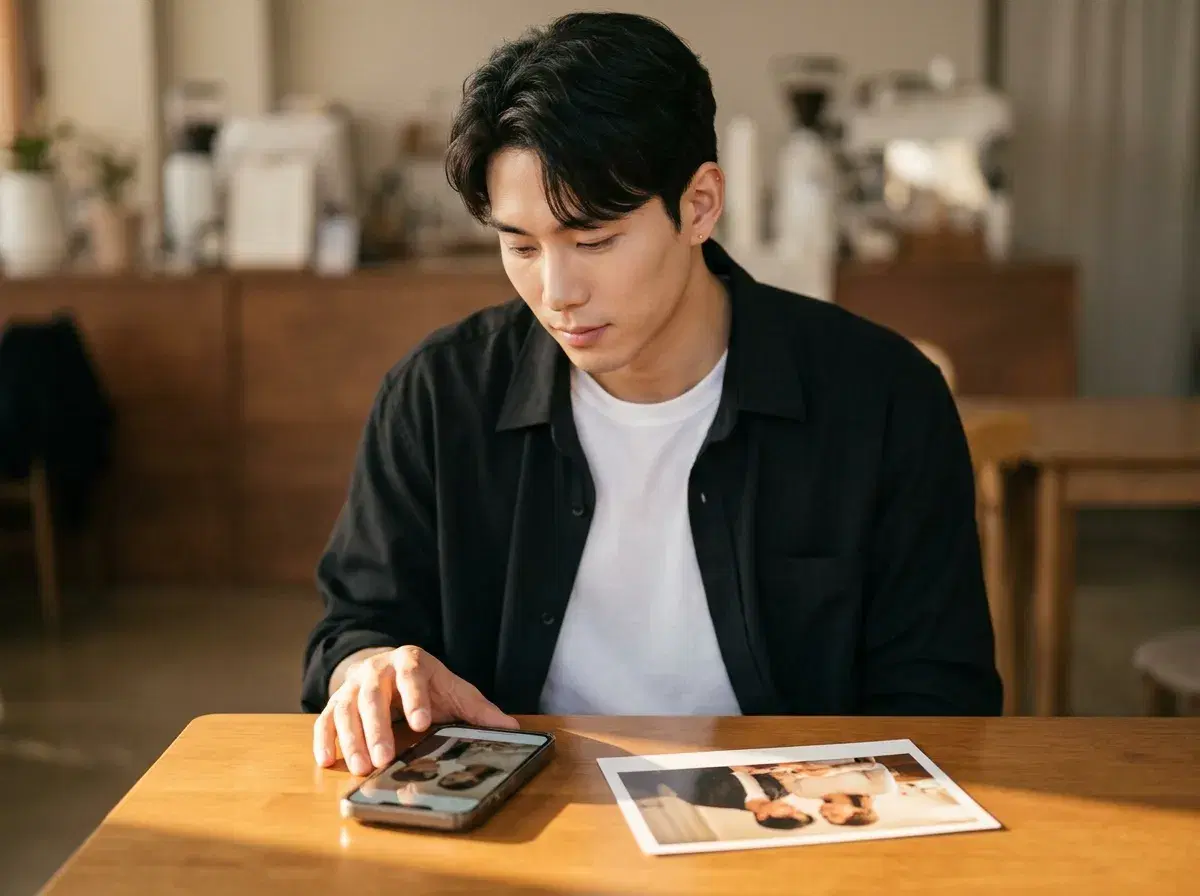
Pose AI has a native iPhone app on the App Store, alongside dedicated iOS apps WeBlend and Couplio. Here's how the three compare for AI couple photos on iPhone.
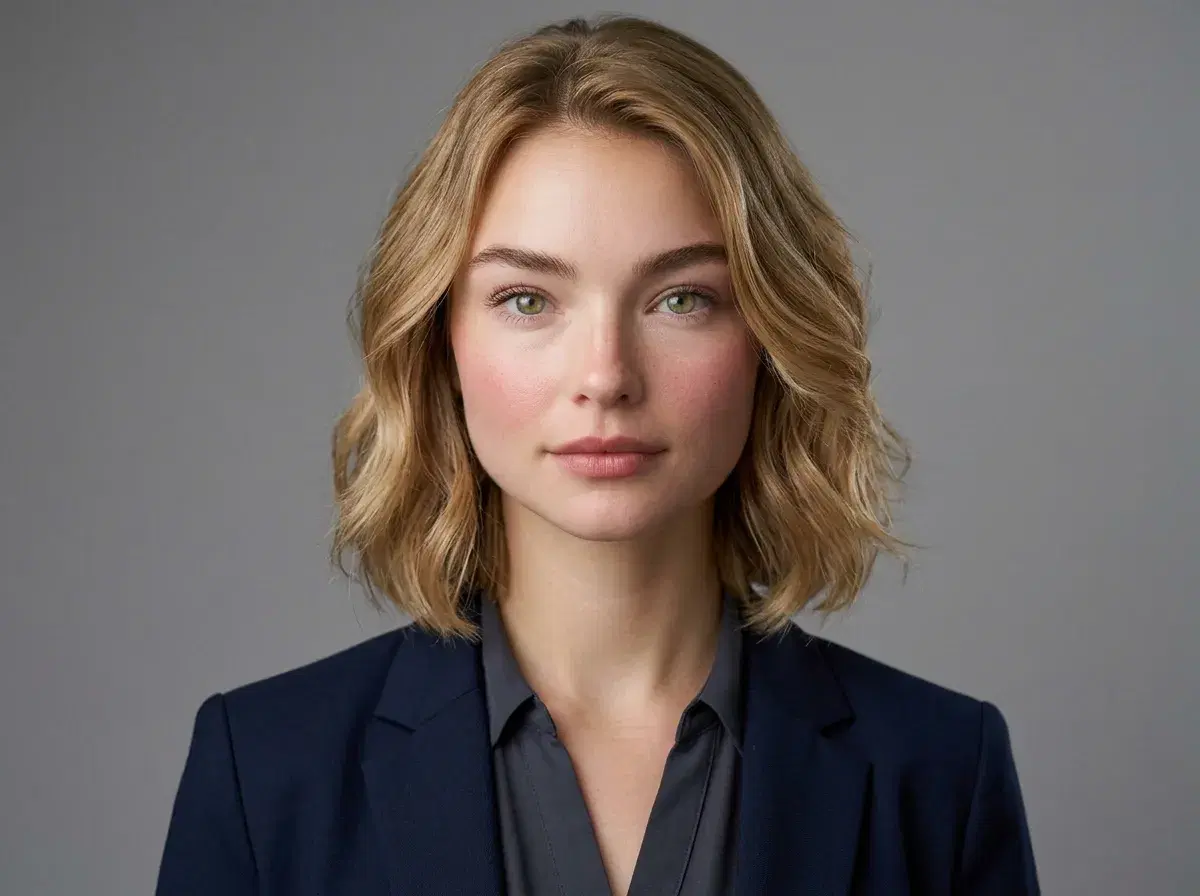
Yes, if they meet a few key criteria — clear face, appropriate attire, neutral background, and a natural expression. Here's what makes an AI-generated LinkedIn headshot read as professional.
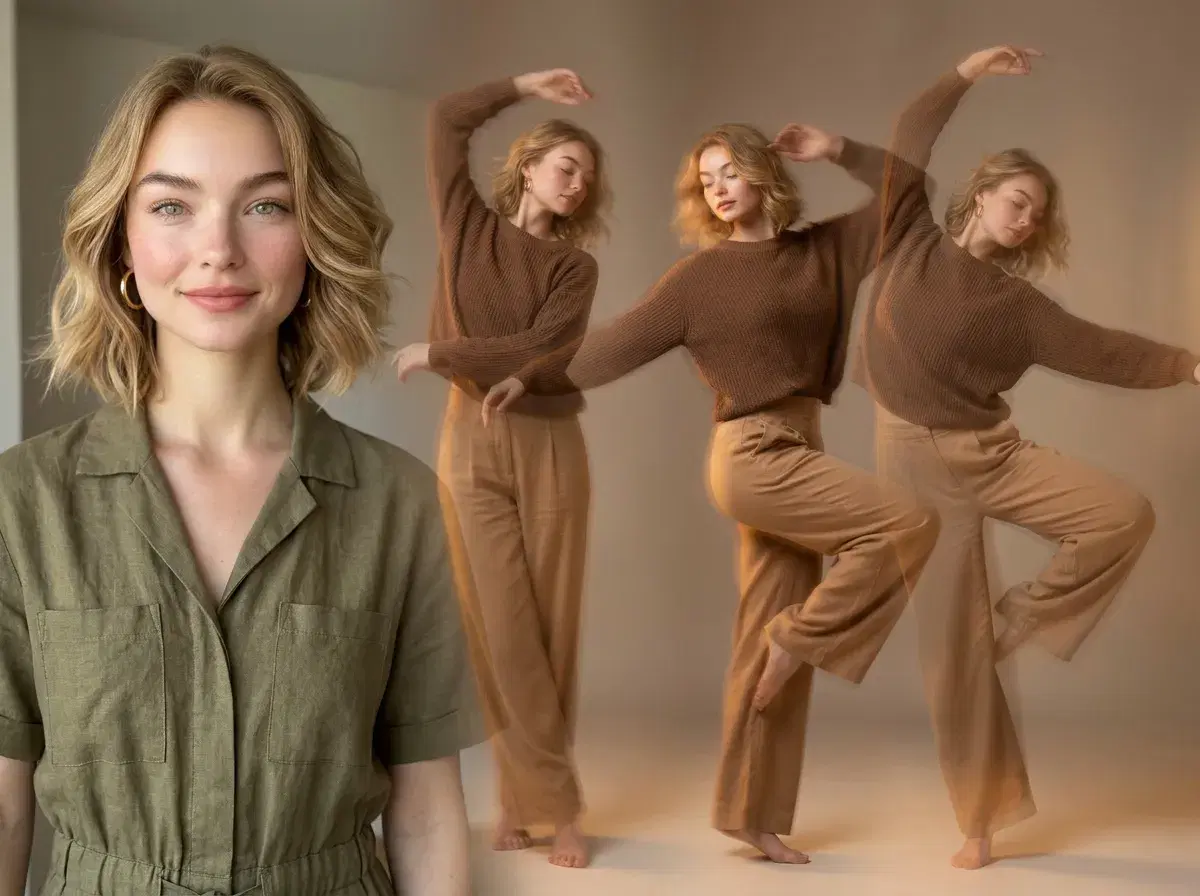
A concise, step-by-step guide to turning a still photo into a dance video using Pose AI's Video Studio and SeedDance motion transfer.
Very few AI tools work with genuinely zero account creation — and generation-heavy tools like Pose AI aren't among them. Here's the honest breakdown.
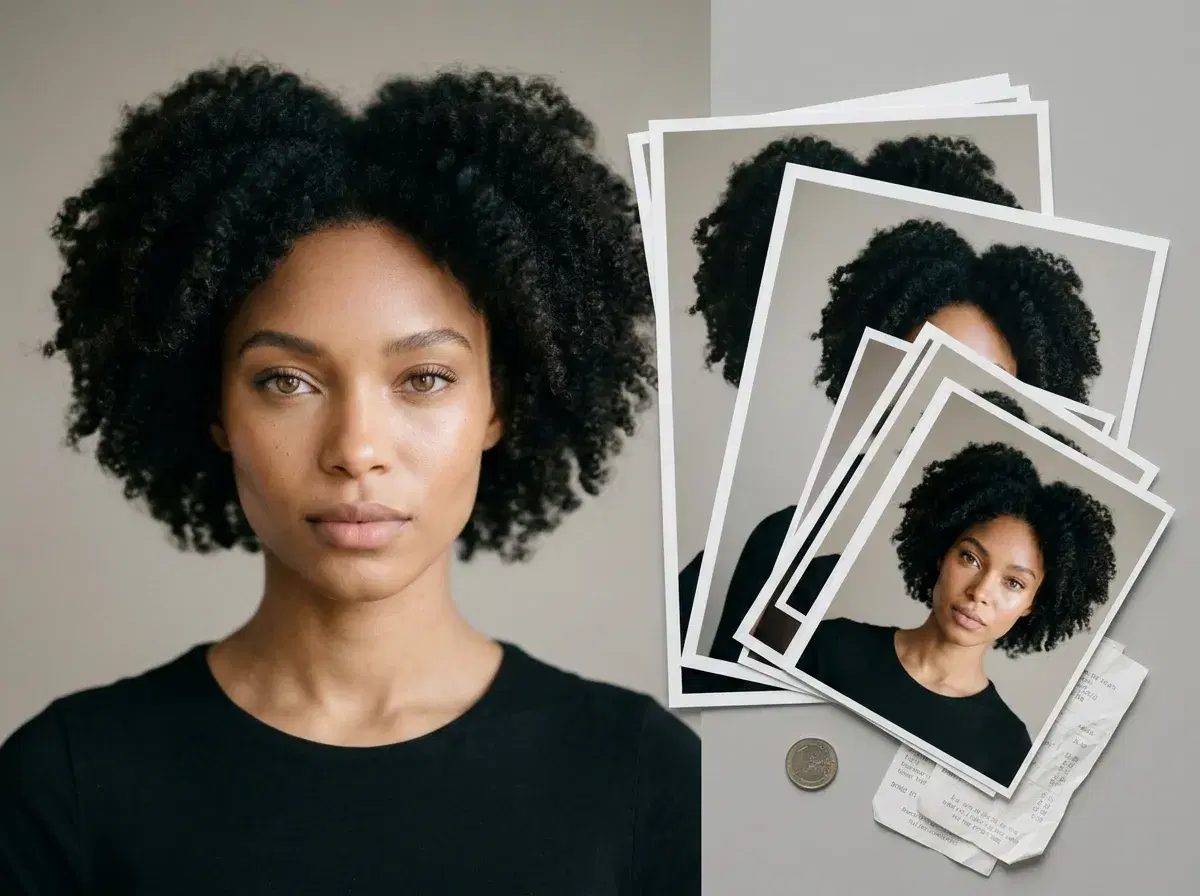
AI headshot pricing splits into two models — a recurring weekly credit plan and a one-time photo pack — and which is cheaper depends entirely on how often you need headshots.
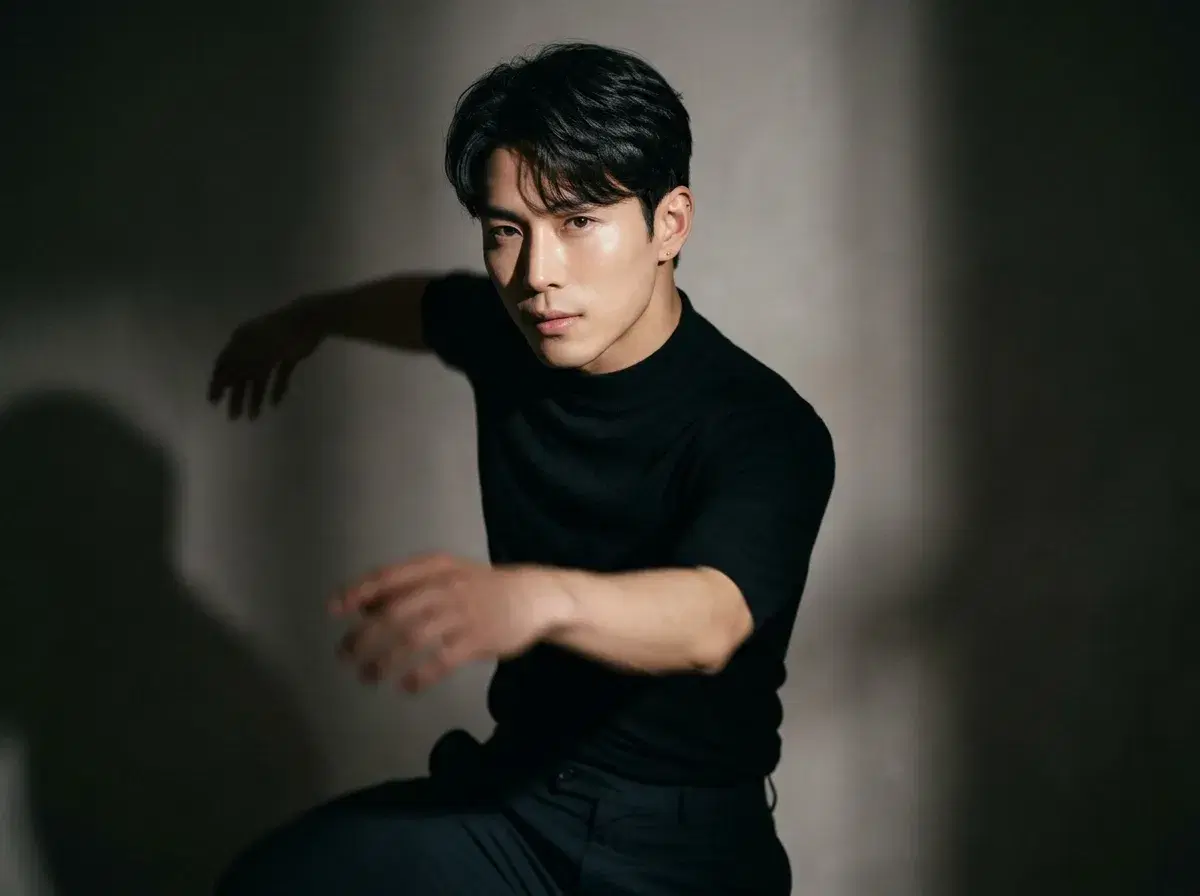
Pose AI's native SeedDance motion transfer turns one photo into a dance video, identity-locked so the dancer still looks like you — here's how it compares to Viggle and Runway.
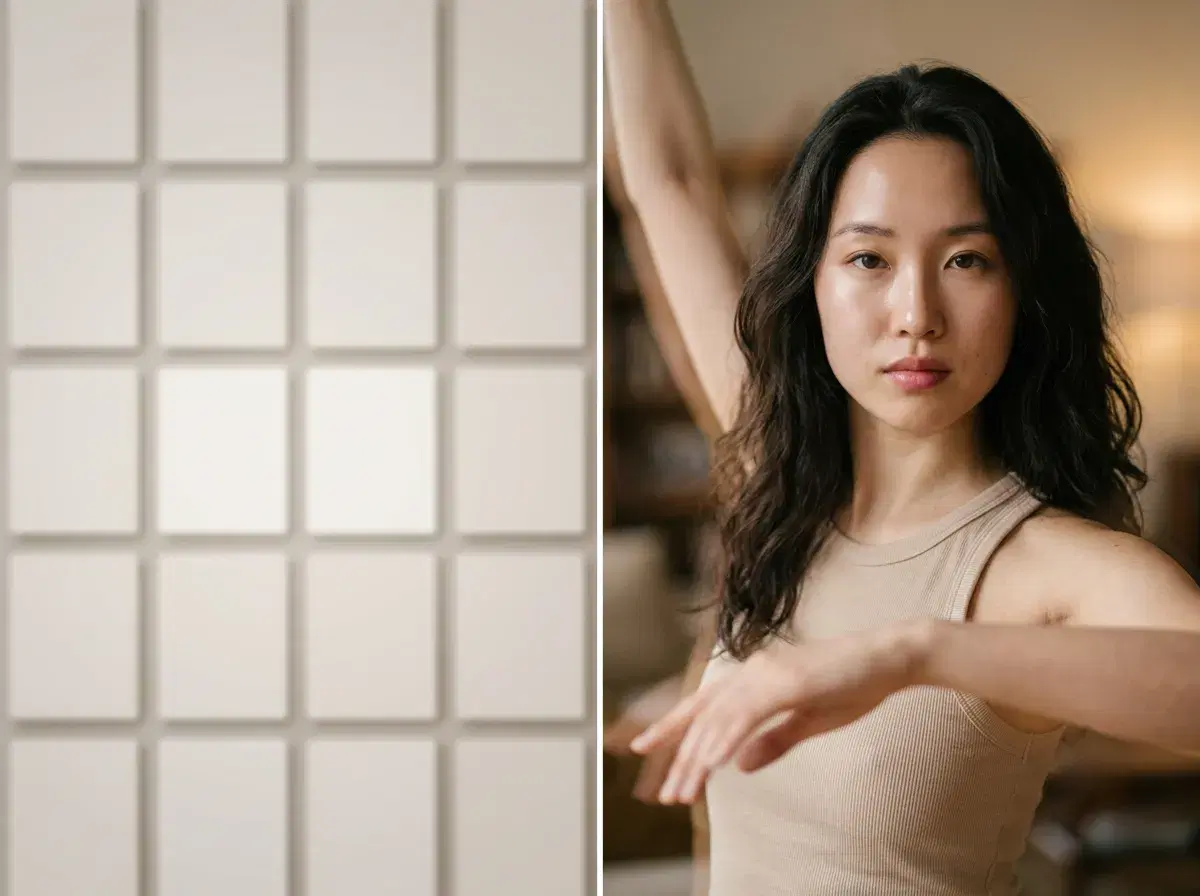
People searching for AI dance templates are usually looking for a way to specify a dance style. Pose AI does this through description and reference clips rather than a browsable template catalog — here's how to find and use dance styles in practice.
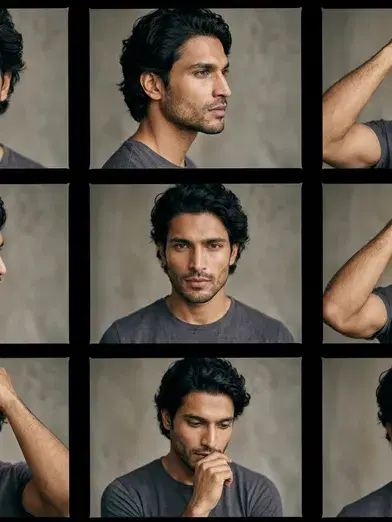
"AI pose camera" isn't one official product — it's used to describe apps and features that generate a new photo or video of you in a specific pose.